6amMart

6amMart An All-in-One eCommerce Marketplace Solutions

Unlock seamless and centralized management of your multiple businesses with 6amMart. Check the best features to buy the multi vendor marketplace script.

6amMart-all-in-One-ecommerce-solution
Solutions

Solution-wise Features of 6amMart

Meet the dynamic features of 6amMart that comes with multi vendor ecommerce marketplace apps, admin panel, vendor panel, websites, and other solutions.

Module-wise Dashboard

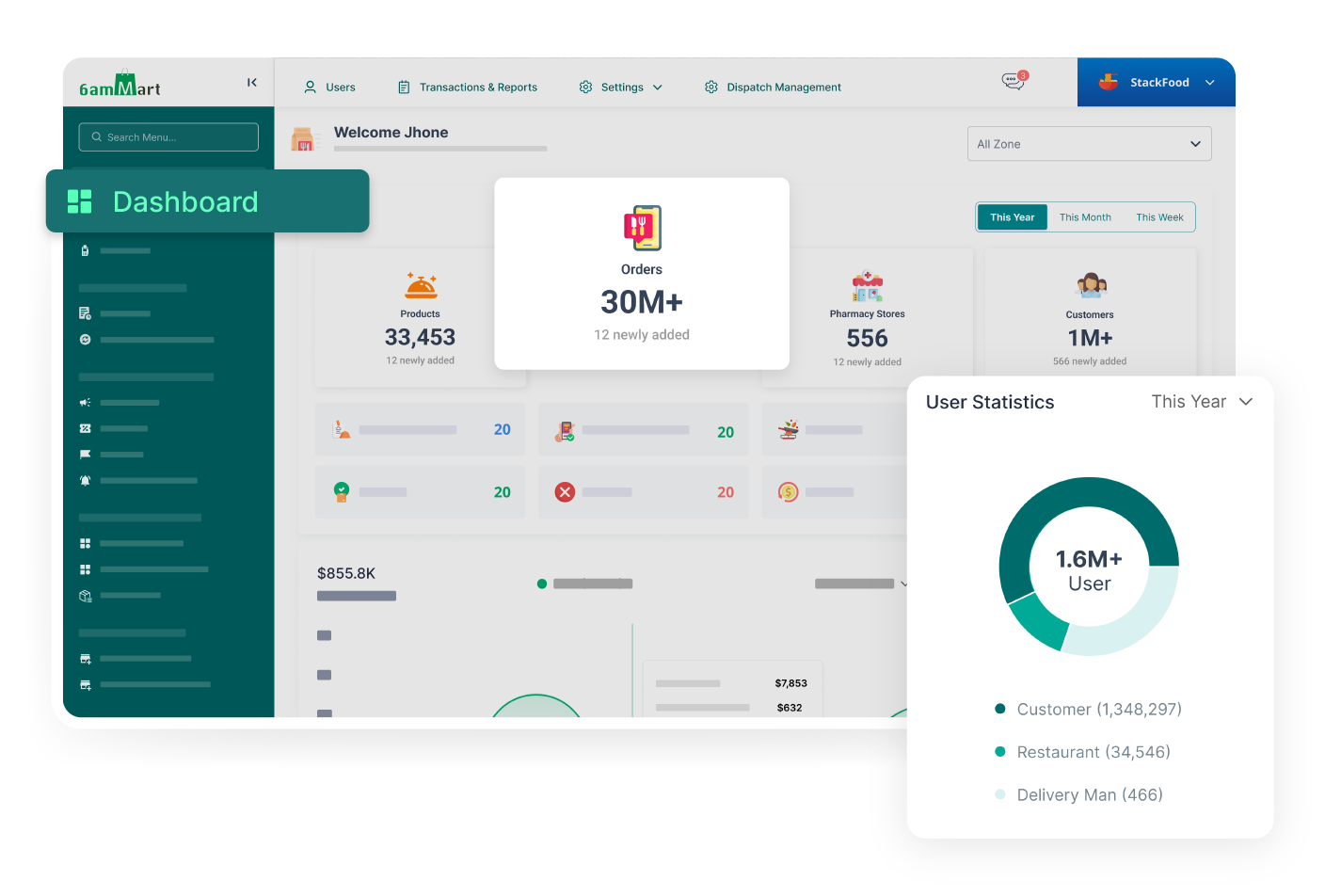
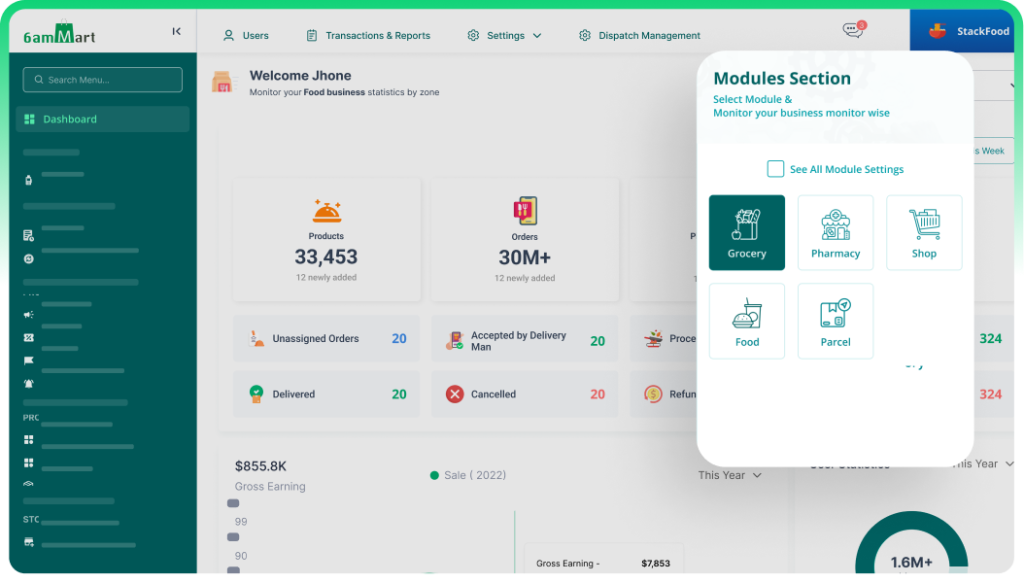
In 6amMart, each module is equipped with its own dedicated dashboard. They provide real-time business insights, enabling effective monitoring and informed decision-making across the system.

Business Settings

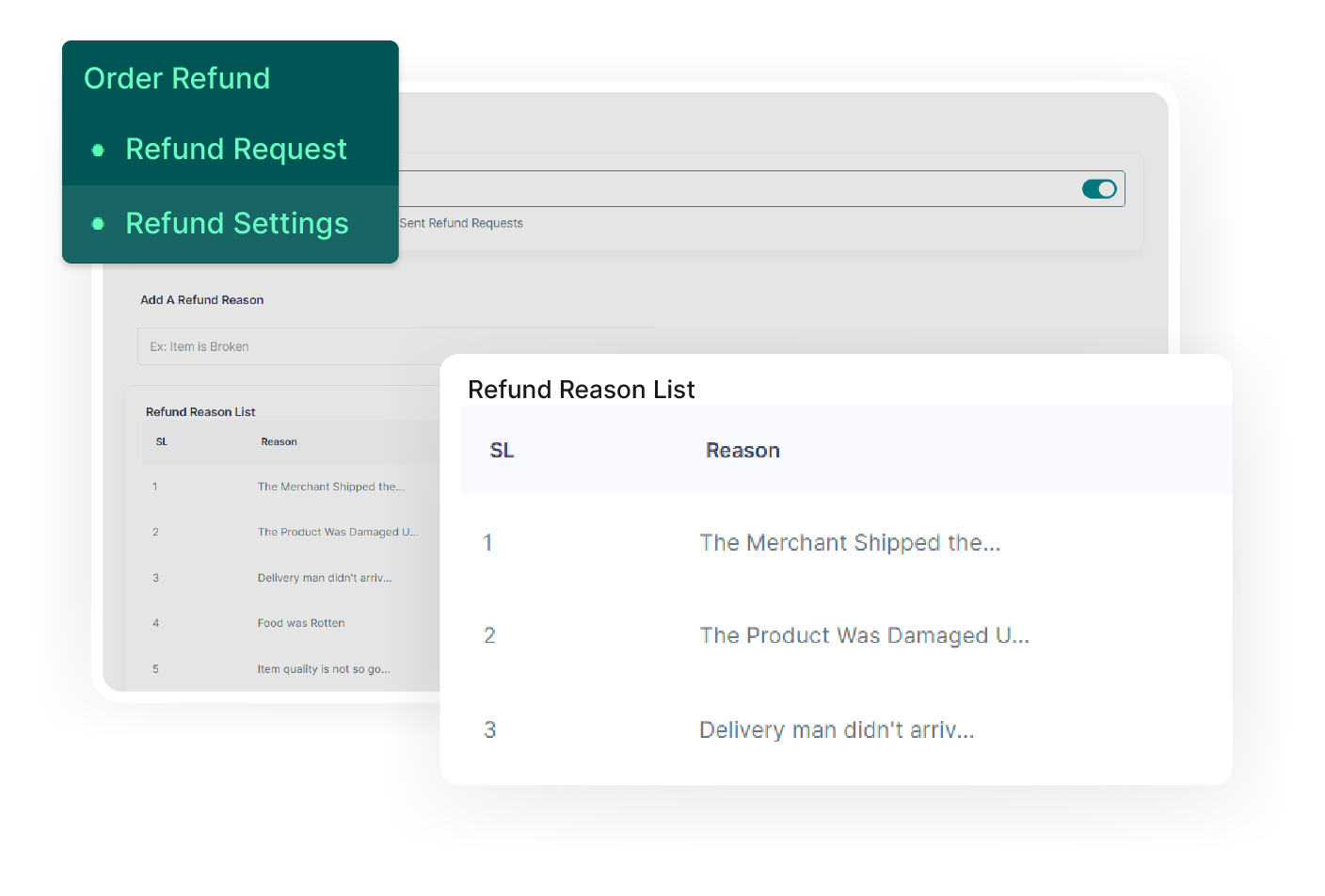
In the business settings section, the admin can configure the entire business, including company details, order settings, refund settings, user settings, and language settings.

Business Module

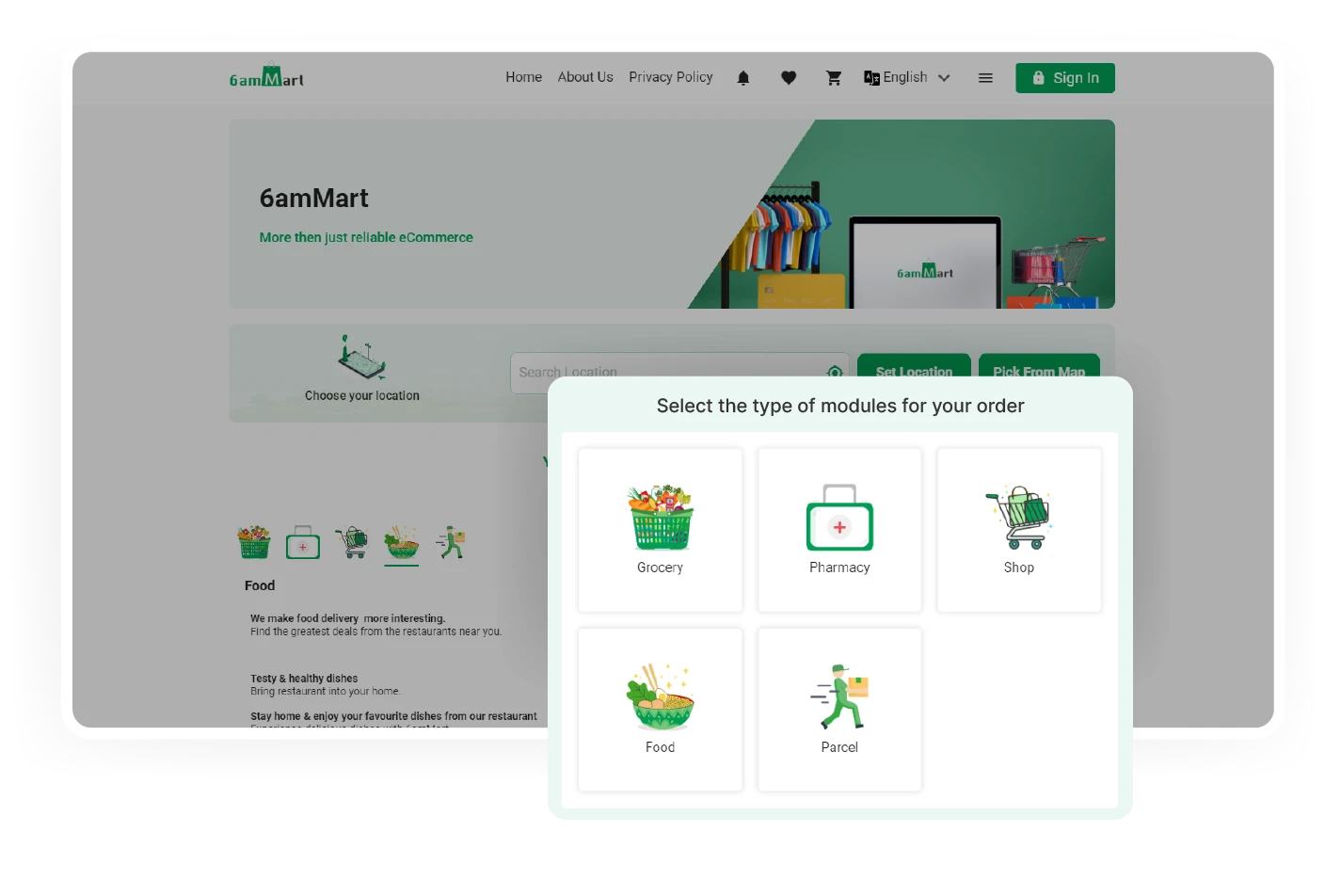
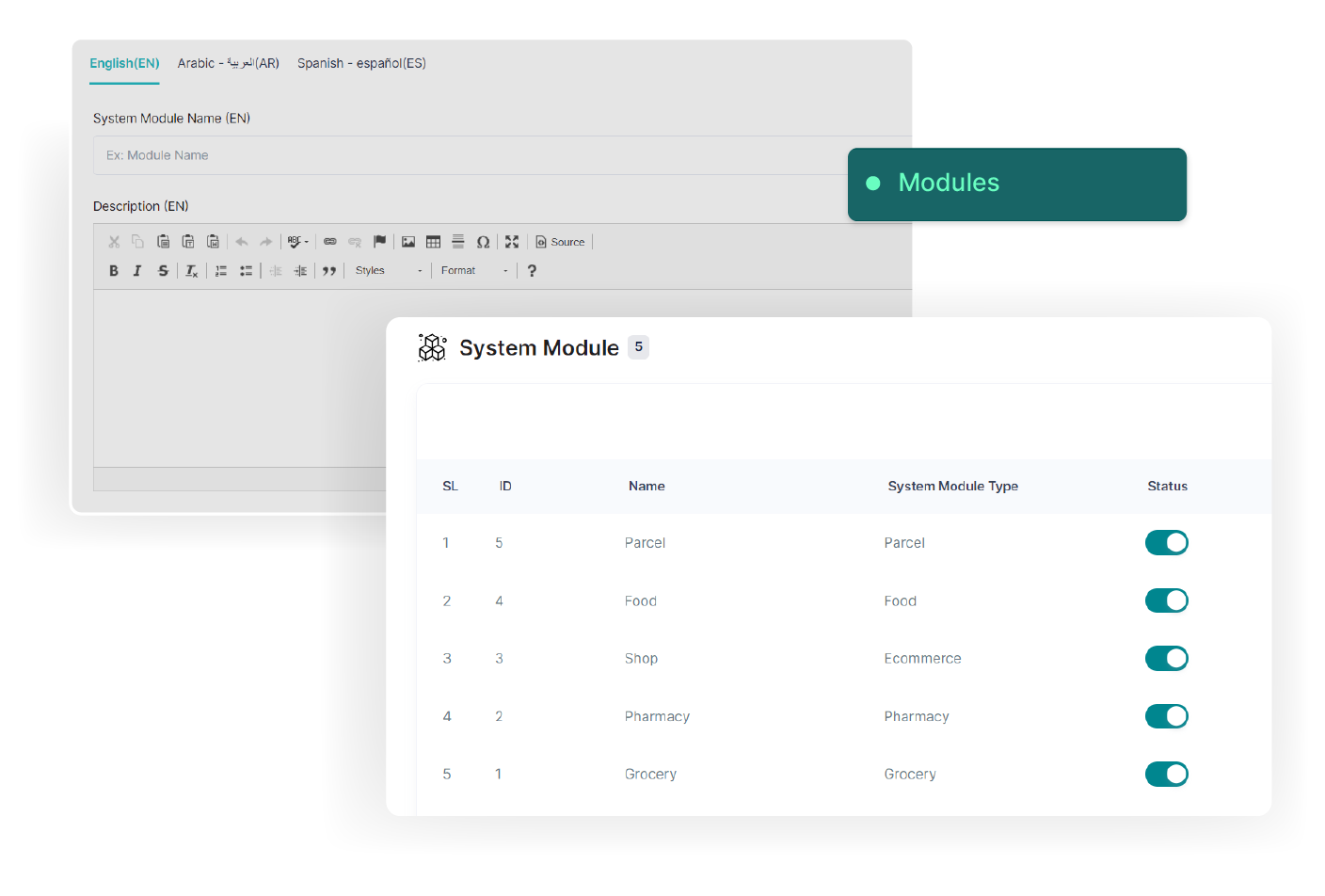
The admin has the capability to change business modules, such as Grocery, Pharmacy, Food, Shop, parcel, etc., from the admin panel. He can also add new business modules here.
Zone Setup

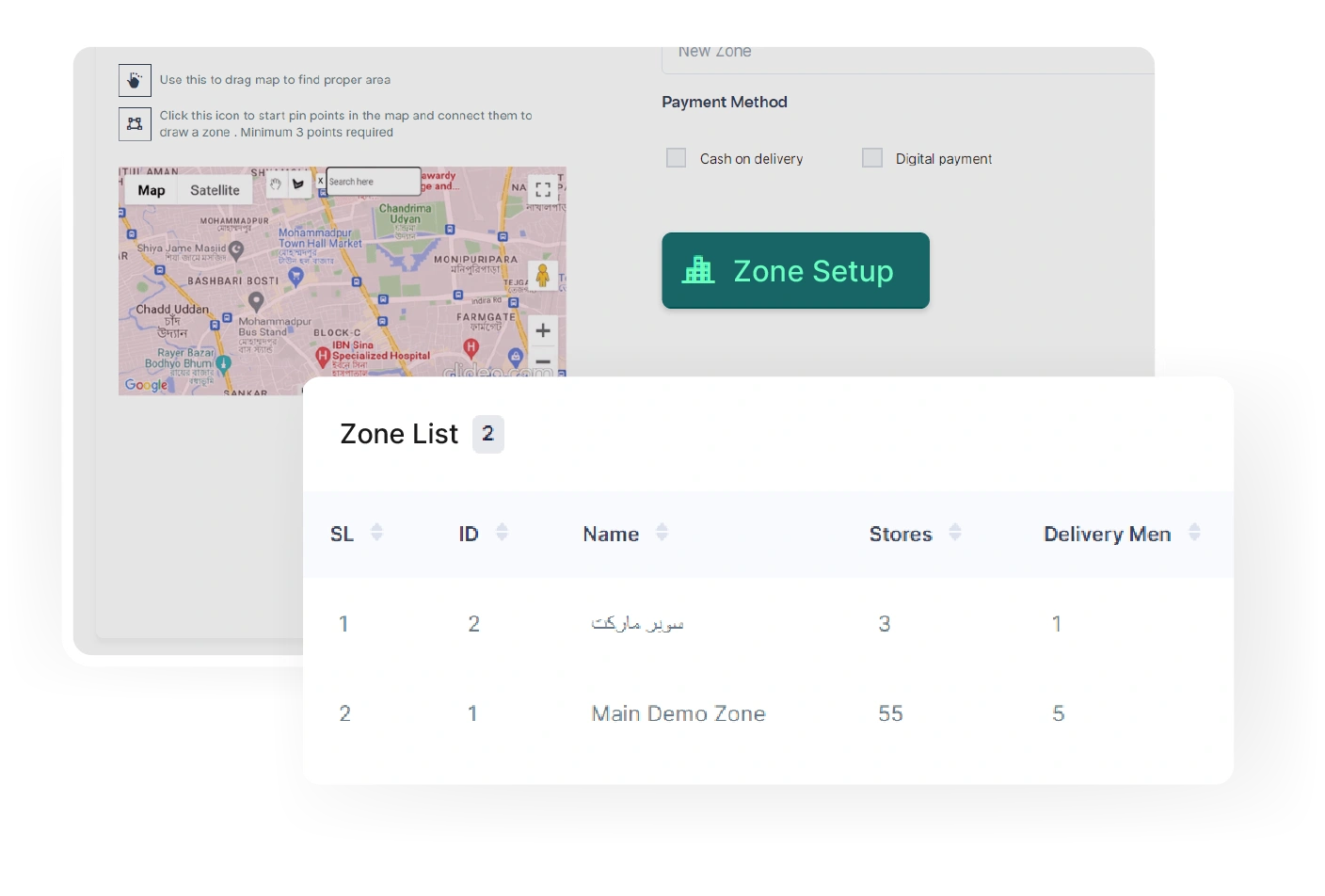
The admin can establish new business zones, integrate multiple modules, and configure various payment methods, inside the Zone Setup section. 

POS Section

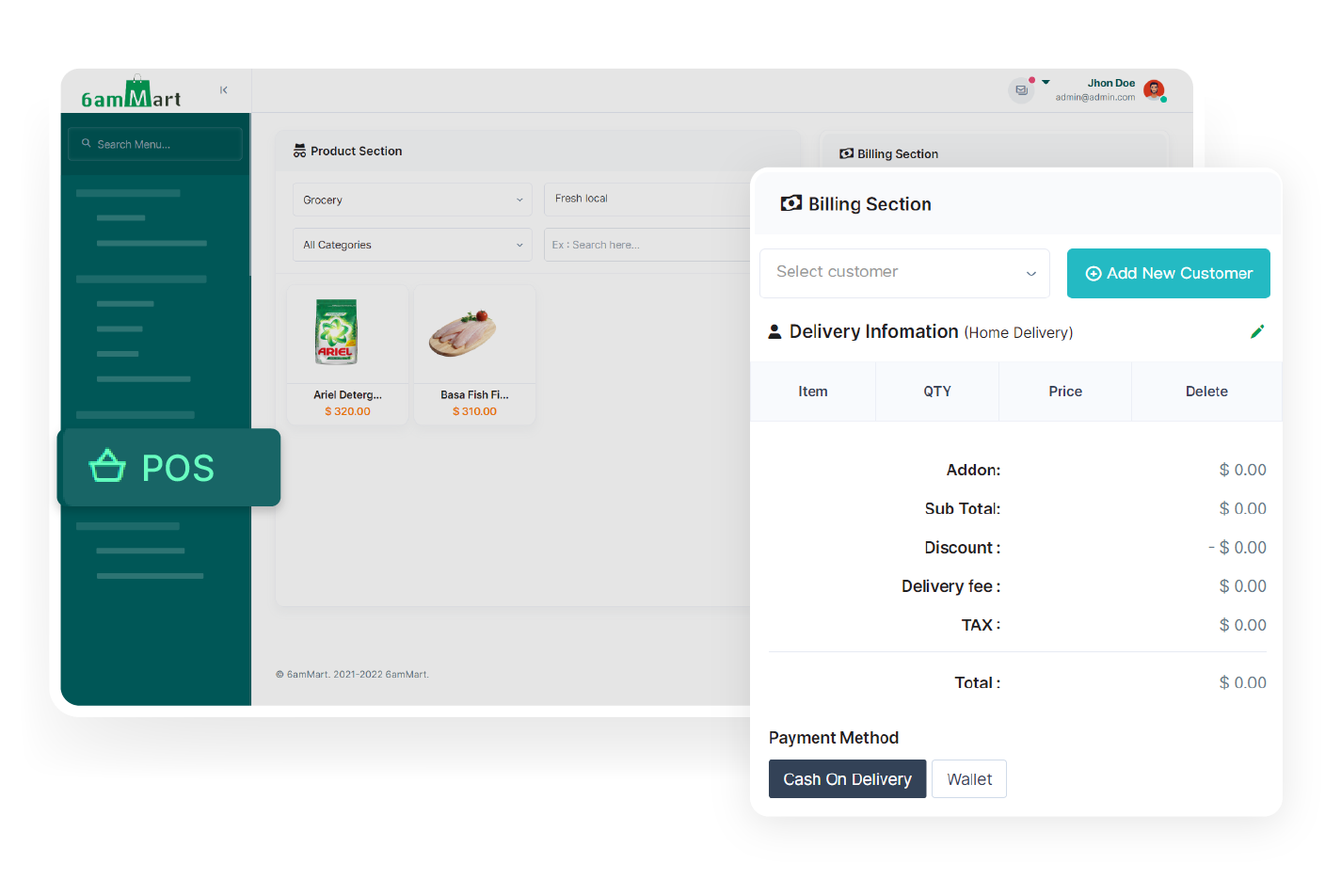
With a versatile Point of Sale (POS) feature of 6amMart, the admin can efficiently manage transactions and handle billing operations, such as generating invoices and processing payments.

3rd Party APIs

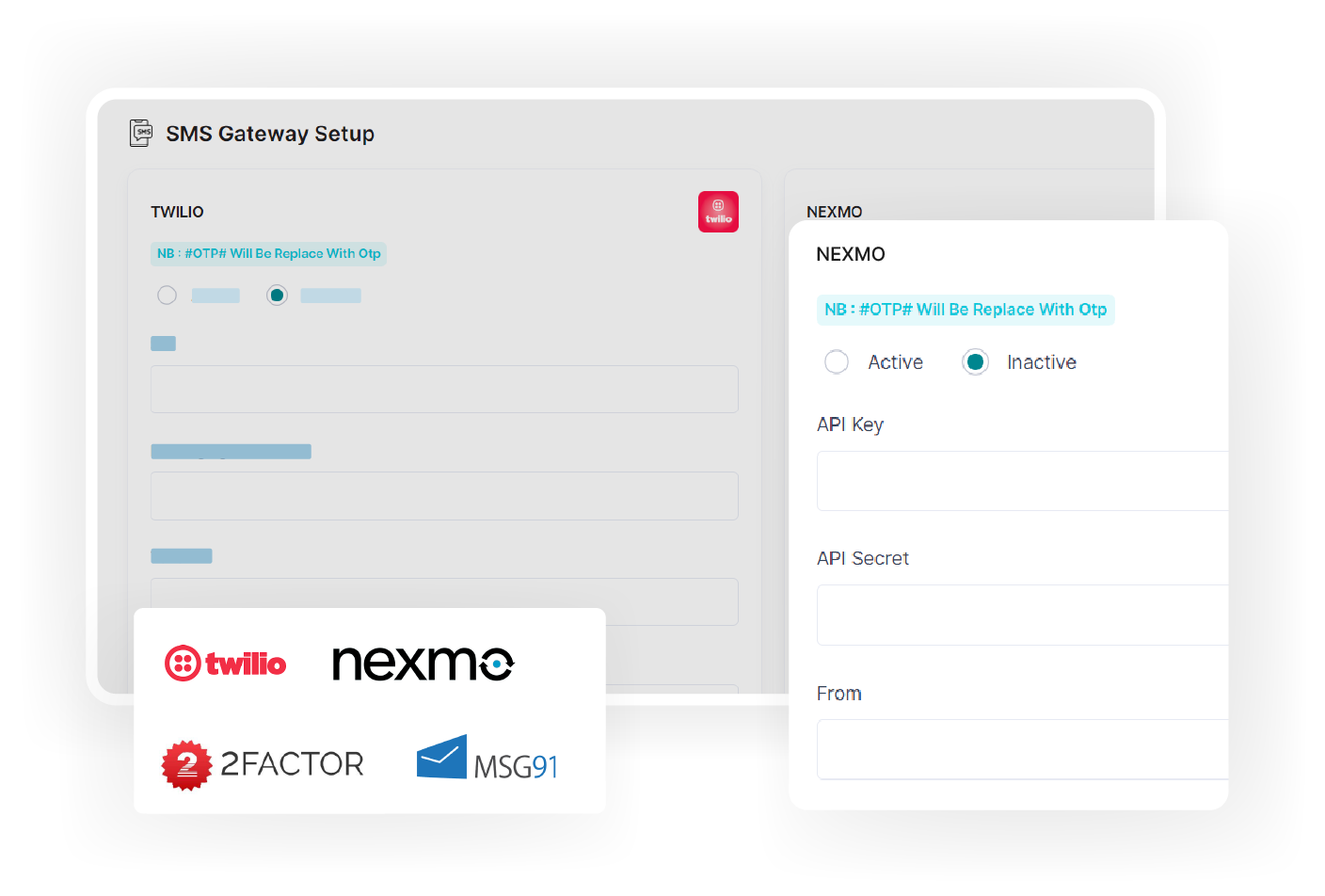
The admin has the ability to easily add third-party API keys, such as payment methods, SMS module, mail config, map, social logins, and Recaptcha.

Multiple Payment Methods

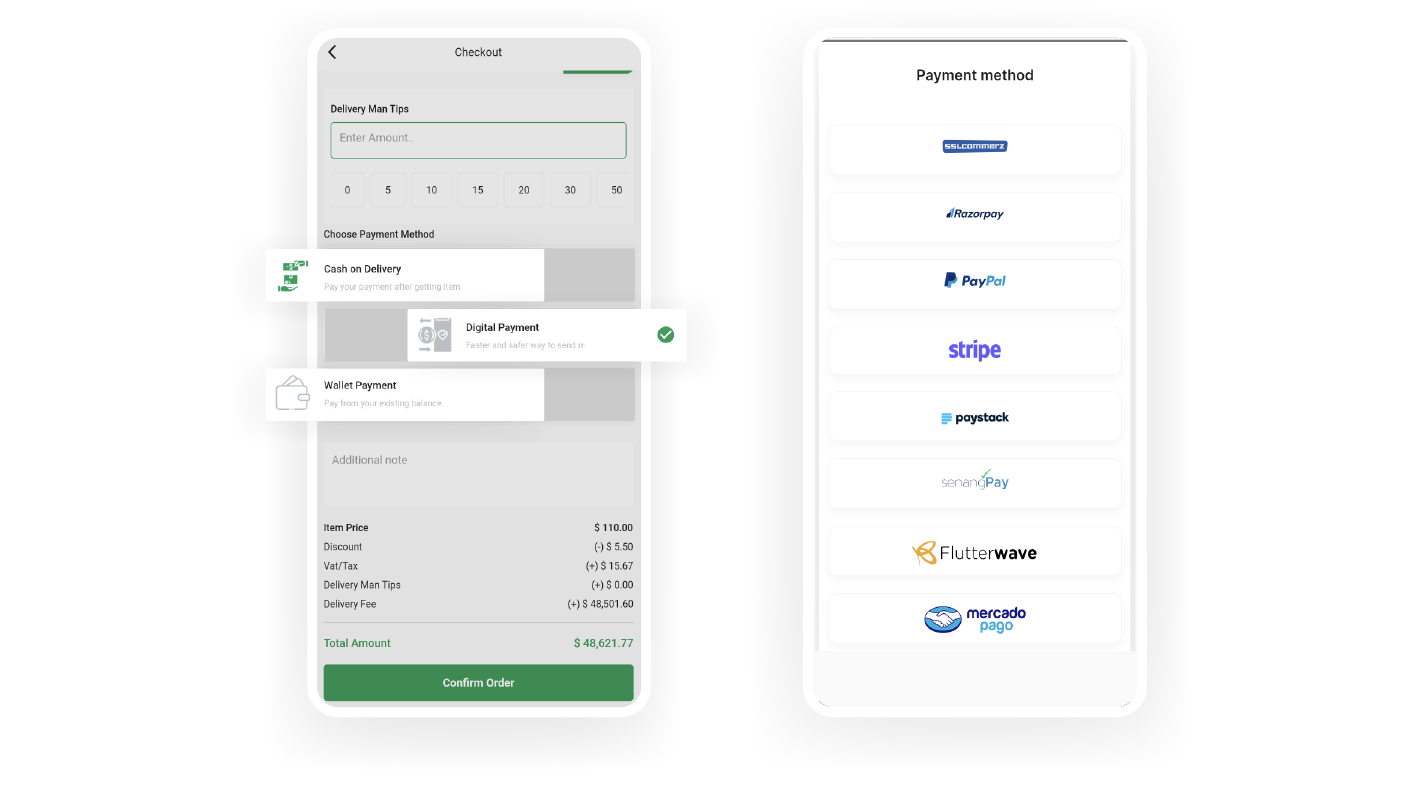
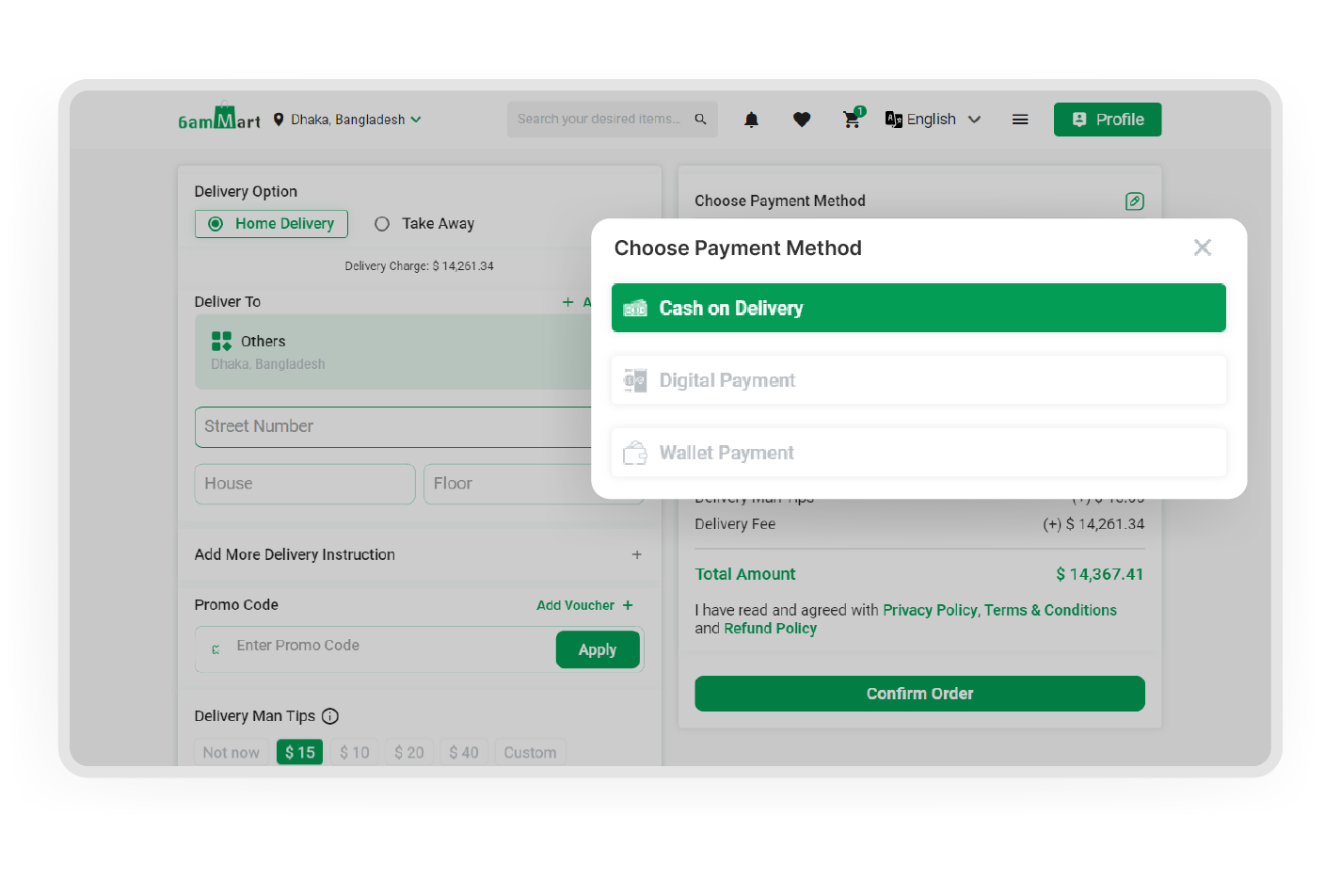
The admin can set up various payment methods, such as cash on delivery or digital payments, offering customers a flexible and easy checkout experience.

Multi-Currency

The admin can configure multiple currencies, enabling him to take his business worldwide.

Category Setup

In the product management section, the admin can define the category and sub-category of each product. It allows organized product categorization and efficient inventory management.

Product Attributes

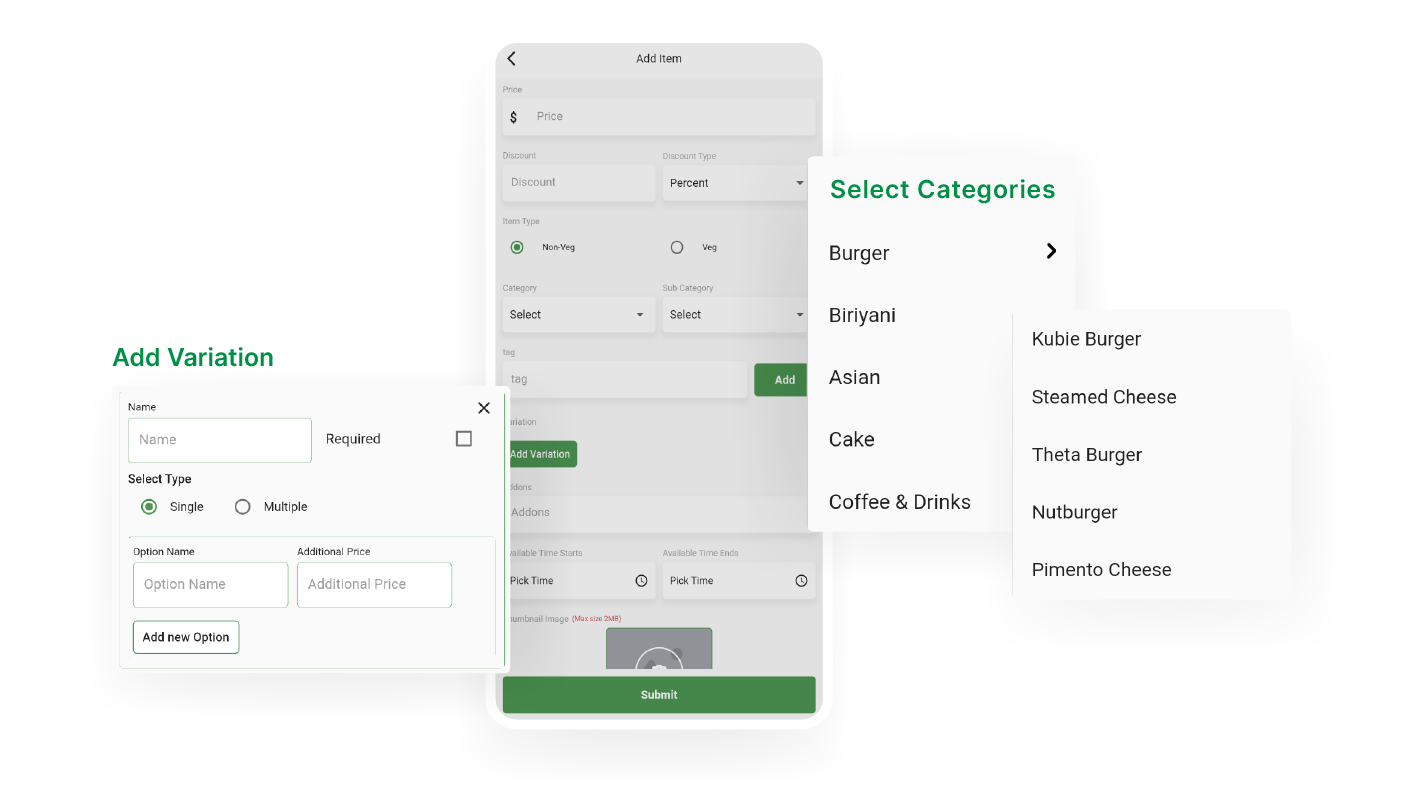
The admin can easily create new products and define their attributes in the product management section. It simplifies new product adding, product customization and product data management.

Vendor Management

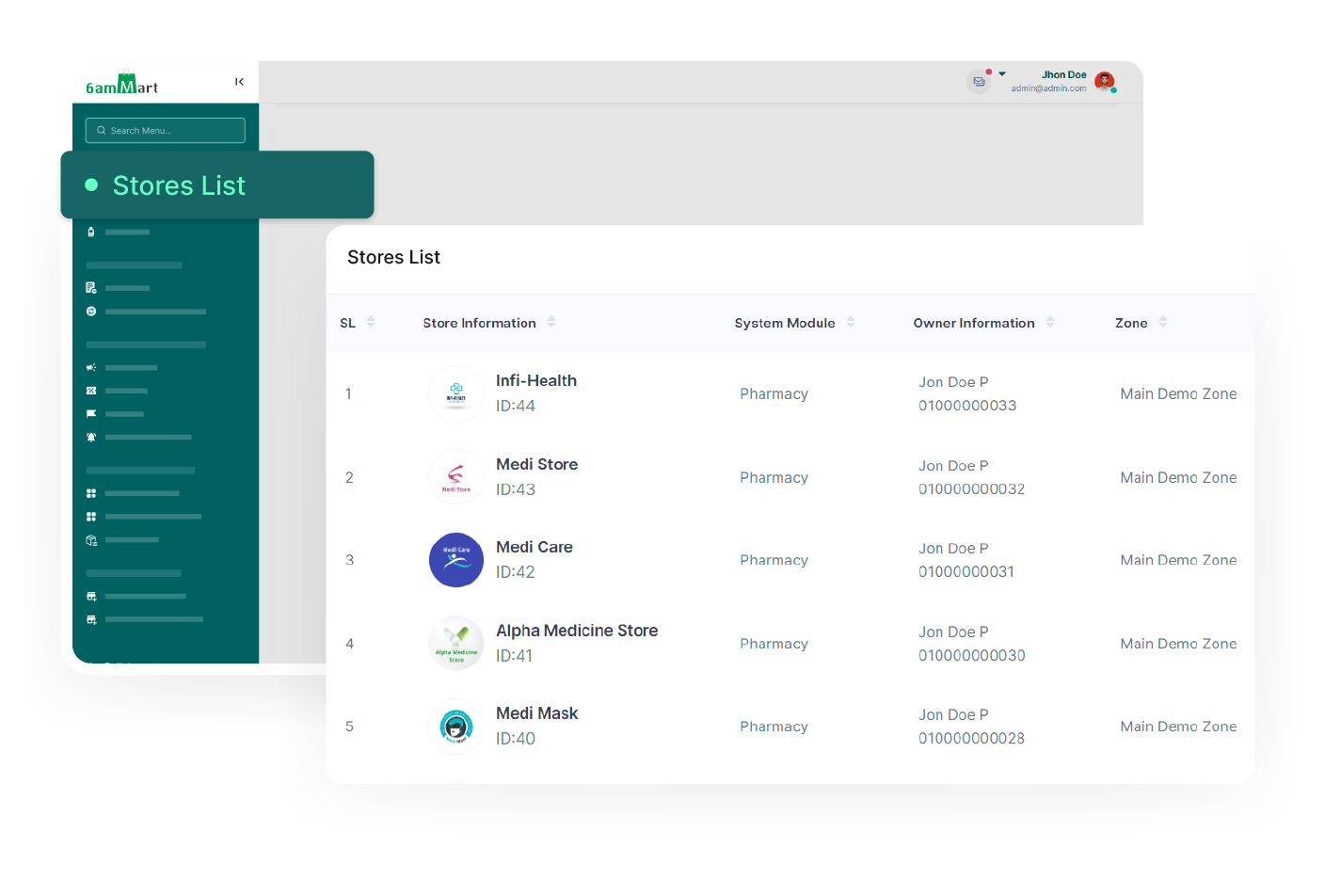
This feature empowers the admin to create new Vendors and manage other vendors in the system. It includes approving or denying requests from self-registered vendors and managing new and existing vendors.

Order confirmation

Admin has the authority to decide whether the vendor or deliveryman will confirm after the customers place orders. It can be configured based on business requirements and operational workflows.

Refund Settings

With a versatile Point of Sale (POS) feature of 6amMart, the admin can efficiently manage transactions and handle billing operations, such as generating invoices and processing payments.

Email Templates

The admin can set multiple email notifications through email templates for different scenarios, such as forgot password, new store registration, new deliveryman registration, and so on.

Commission Management

From the admin panel, the admin can manage the commission he receives from vendors and deliverymen without any hassle.

Legal Pages

In the page setup section, admin can easily add content to various legal pages on the website. It allows all the necessary legal documentation for ensuring a transparent business place.

Landing Pages

Without the need for coding, the admin can easily add personalized content to different sections of the landing page.

Language Setup

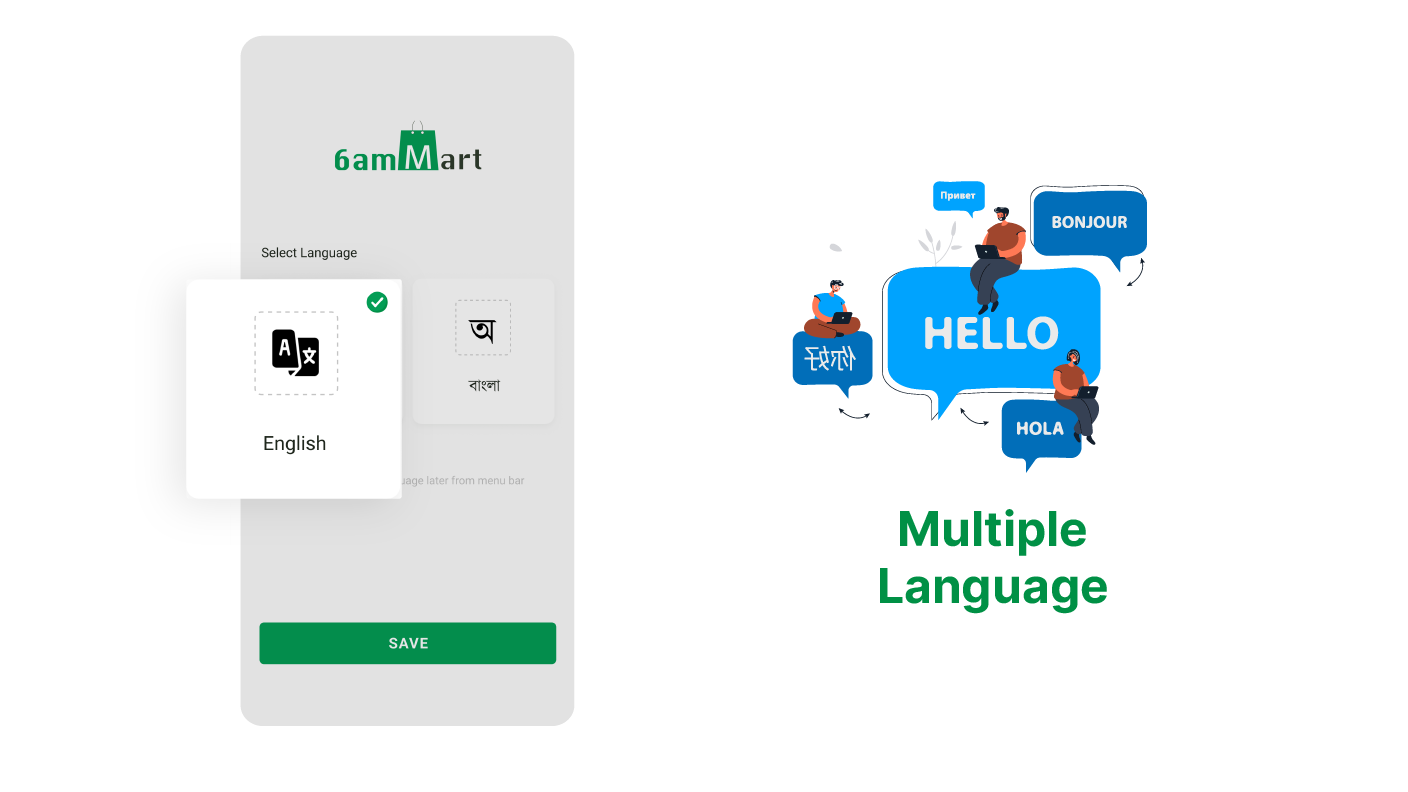
Admin can set multiple languages, which simplifies communication and interaction with all business users. They can choose their preferred language for the native experience.

Reports & Analytics

The admin can access various reports and analytics that provide module-based insights, such as Transection Report, Item Report, Store Wise Report, Expense Report, Limited Stock Item, Order Report, and etc.

Live Chat

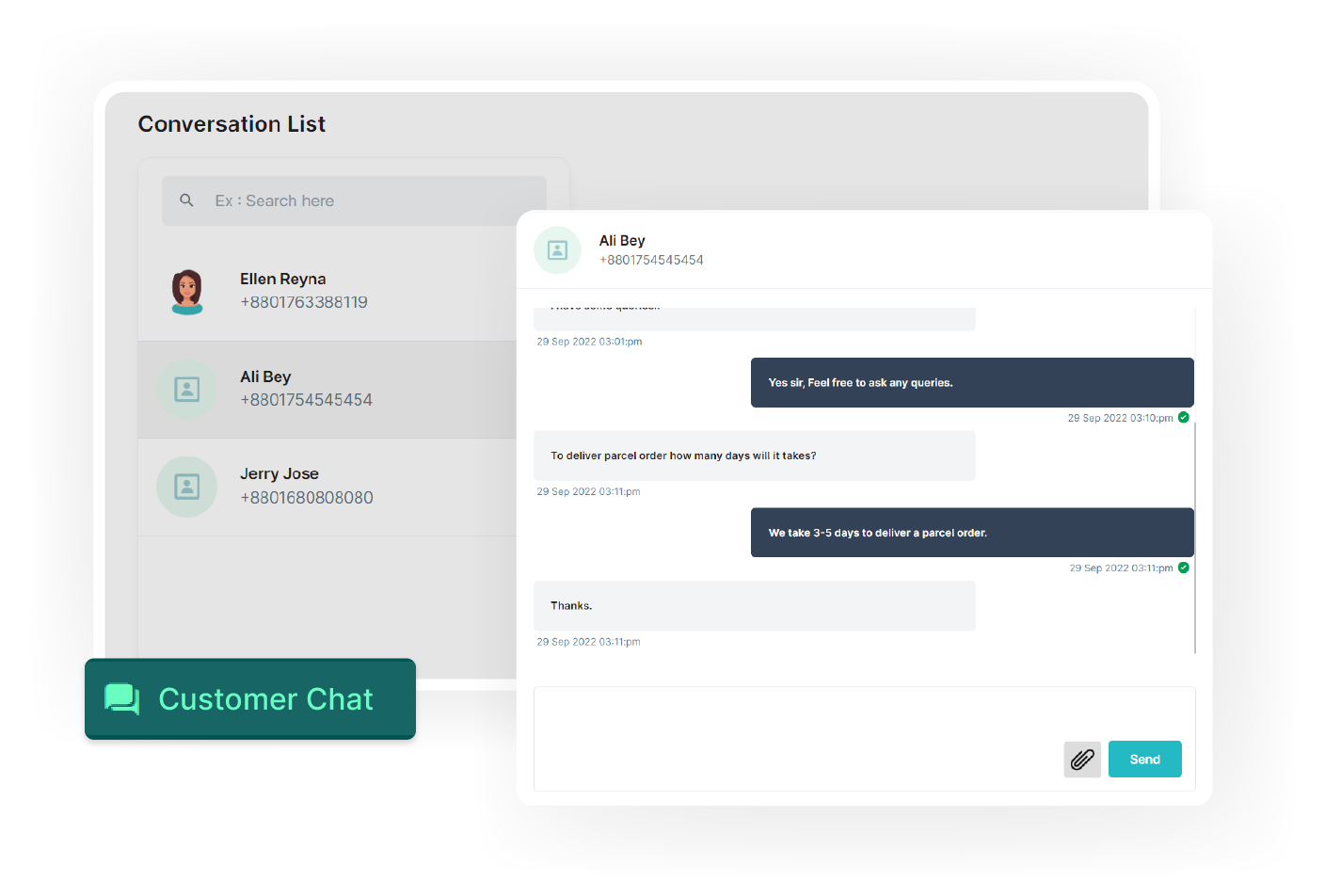
Using this feature, admin can offer real-time support to all users in the system. It enables quick support, handles queries and ensures faster solutions to everyone, thus improving user satisfaction.

Campaign Management

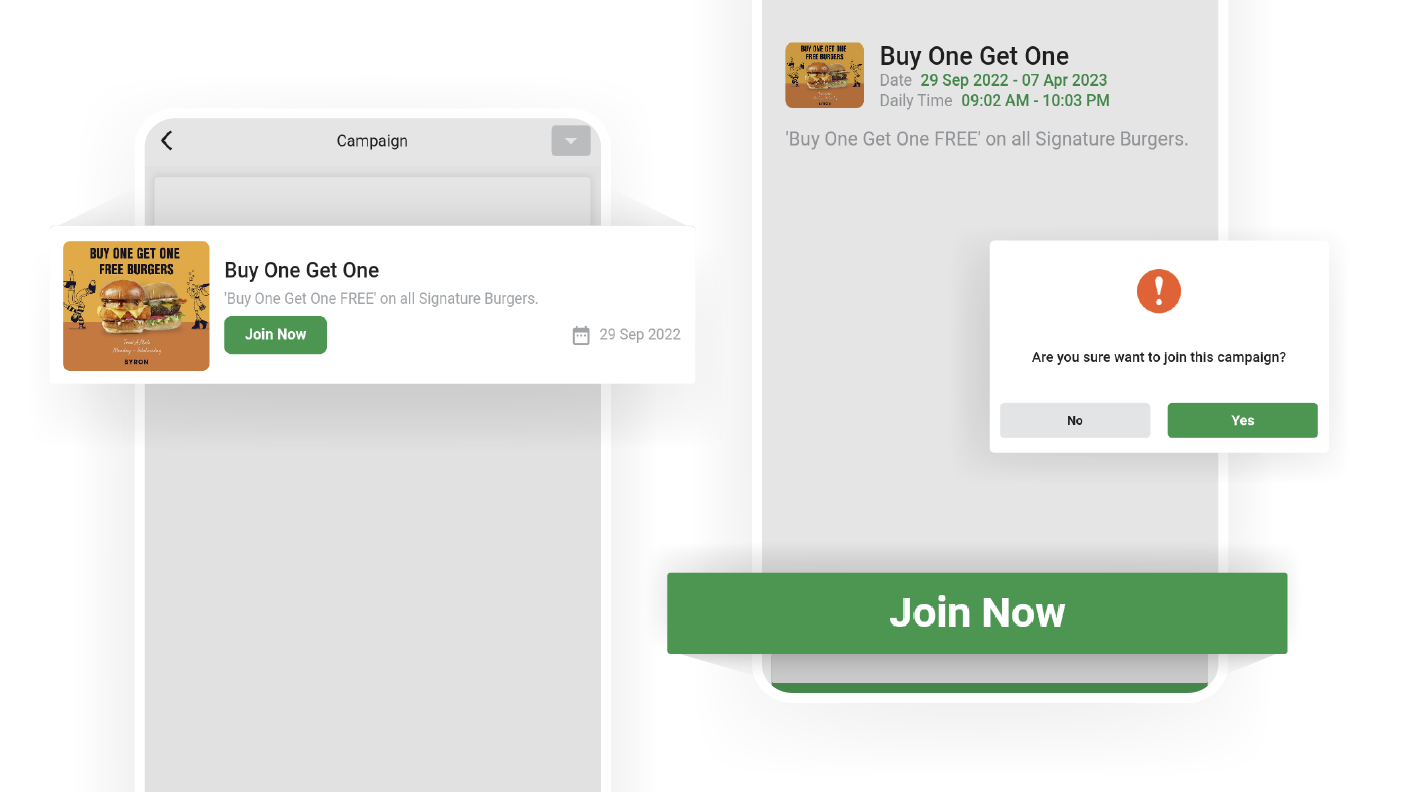
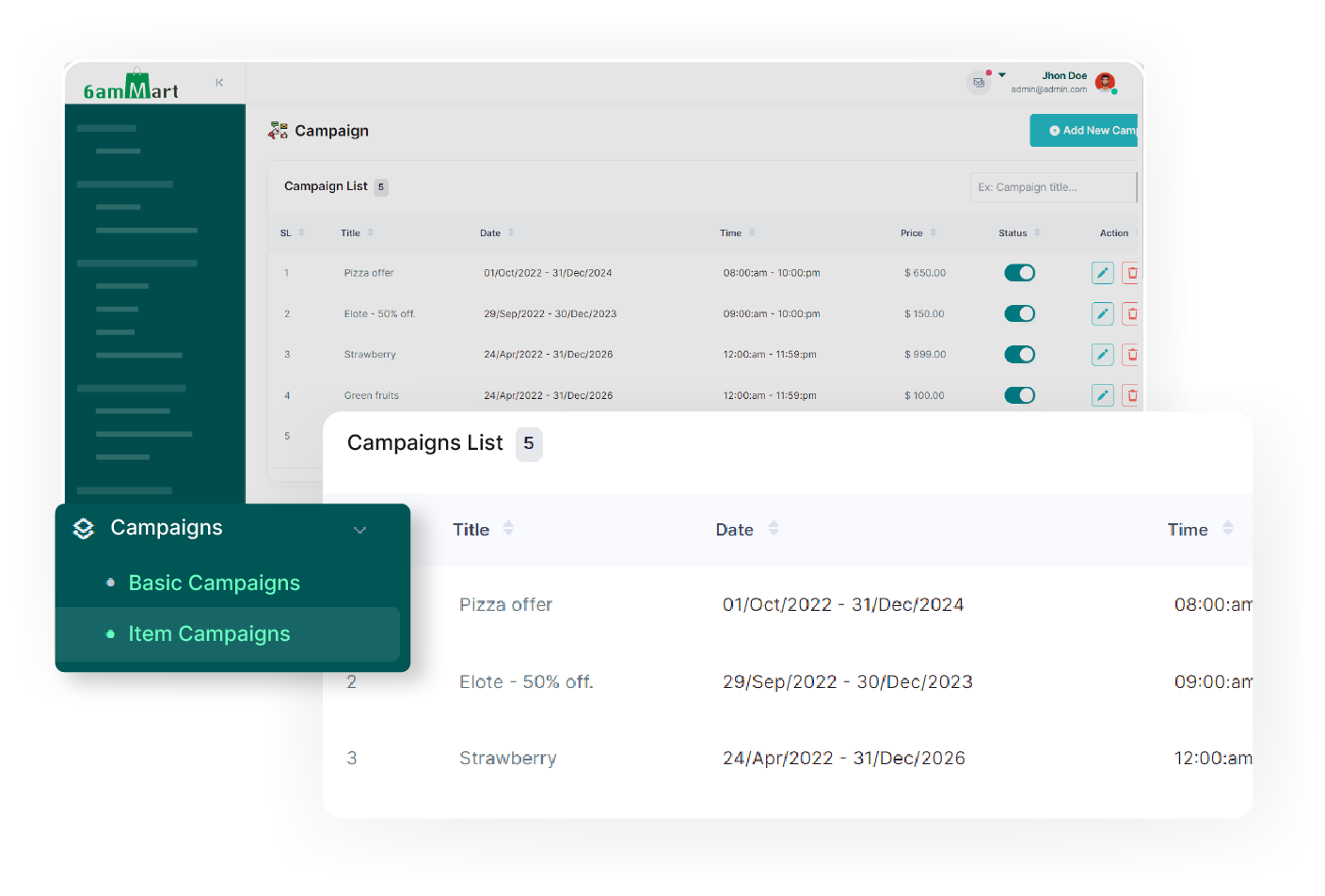
The admin can create module-specific campaigns, including vendor and item-based campaigns. It provides flexibility in reaching the intended audience, enhancing marketing effectiveness.
Promotional Banners

The admin can create and manage banners for products and vendors with ease and can enable or disable them as needed.

Impactful Coupons

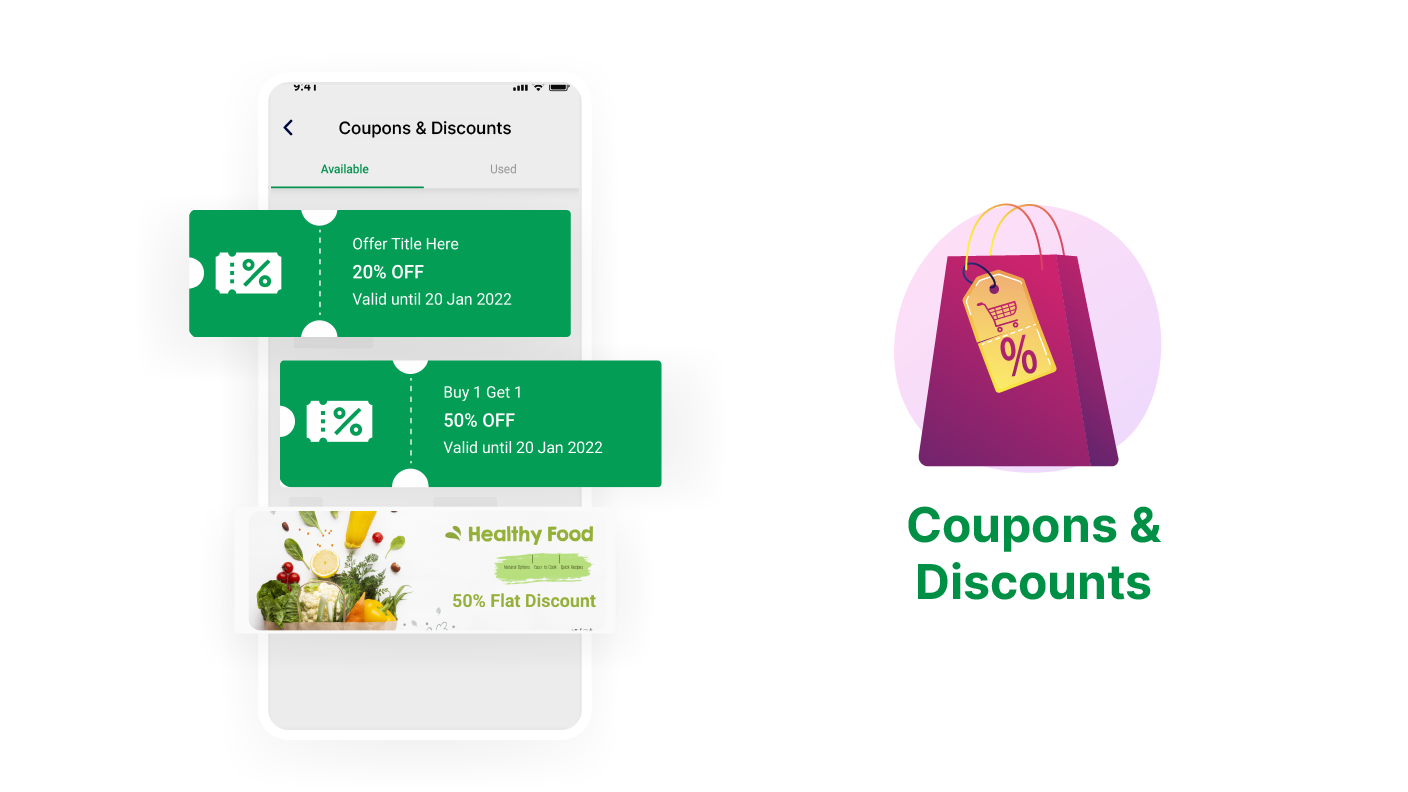
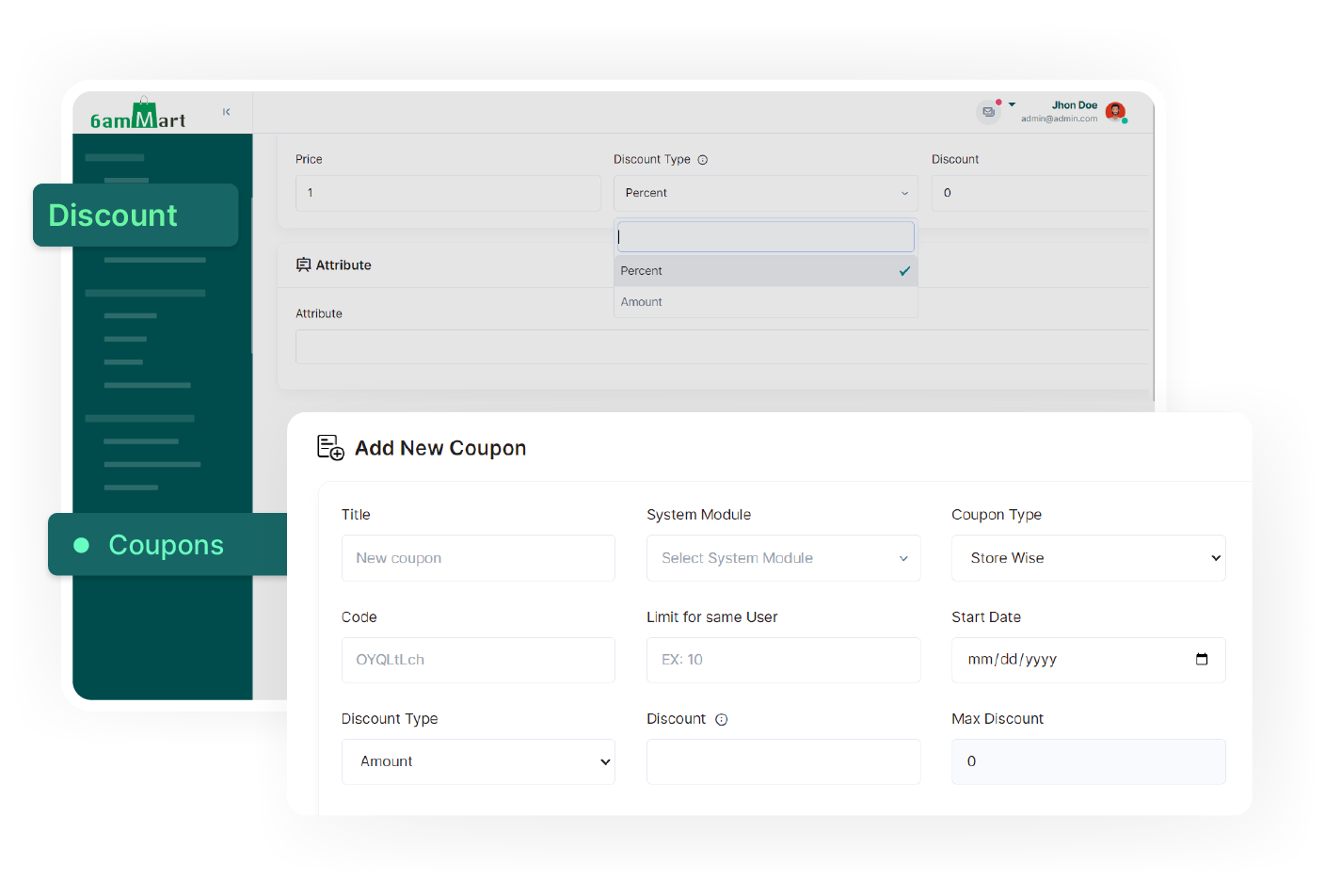
In 6amMart admin panel, various coupons can be offered, such as store-specific, zone-specific, and first-order coupons. Enables targeted promotions, discounts, and effective marketing.
Push Notification

The admin can send module-specific push notifications to users within a zone or across all zones. This feature enables easy delivery of messages, deals, and promotions to targeted users of a module.

Customer Management

The admin can configure customer wallets, loyalty points, referral earnings, and refund processes, allowing seamless customer management and enhancing overall customer satisfaction.

Employee Management

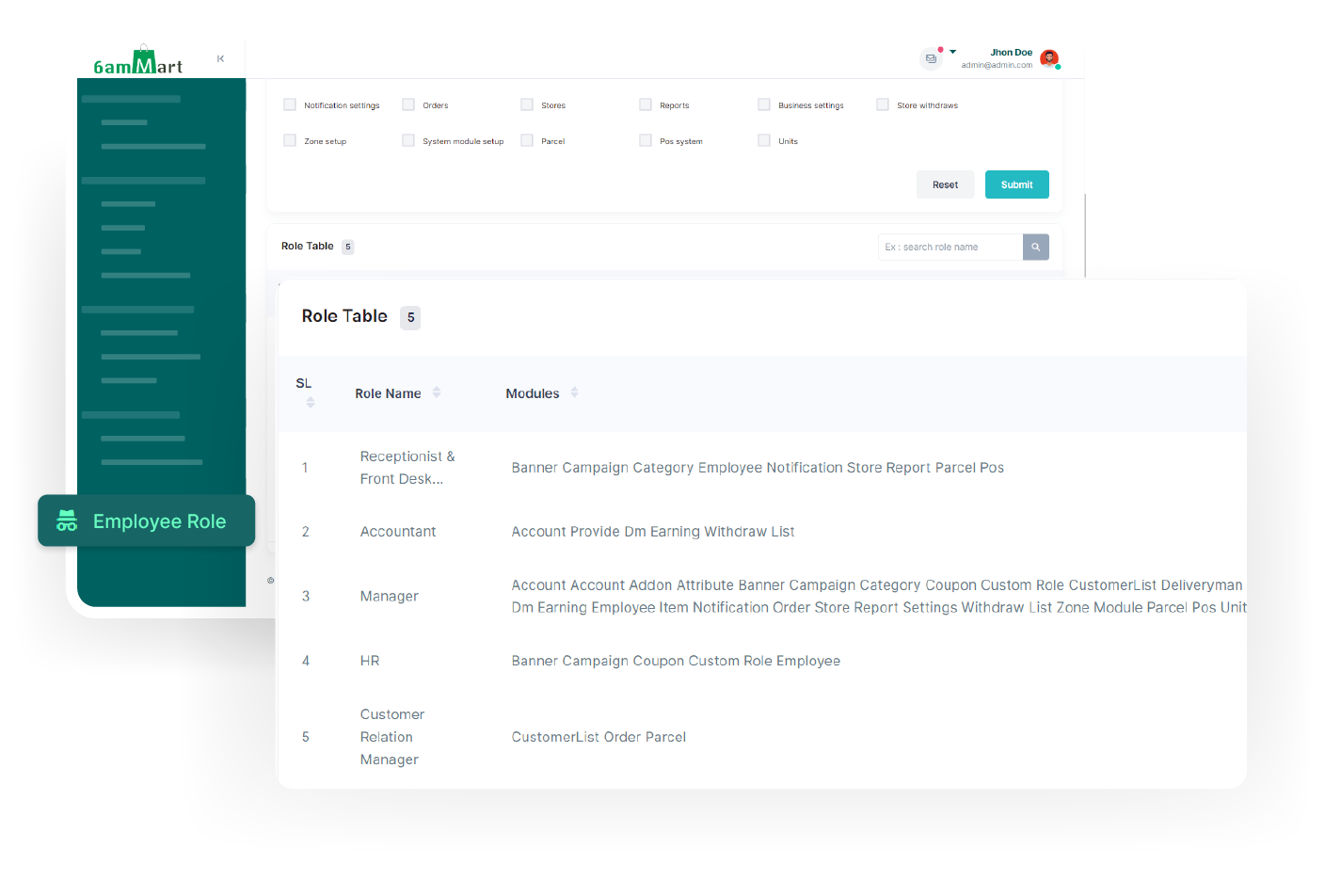
Using the employee management feature, the admin can set employee roles, add new employees, and perform other tasks, facilitating efficient organization and administration of the employees.

Deliveryman Management

In the deliveryman management feature, the admin can add new deliverymen, review their performance, and access additional functionalities for efficient management of the deliverymen.

Ratings & Reviews

For each module, admin can see reviews and ratings provided by customers for various products, vendors, and deliverymen. It helps him quickly monitor their performance and customer satisfaction levels.

Customer Verification

If enabled by the admin, customers must verify their phone number after signing up. It ensures enhanced security, validates user accounts, and minimizes the risk of unauthorized access.

Self Registration

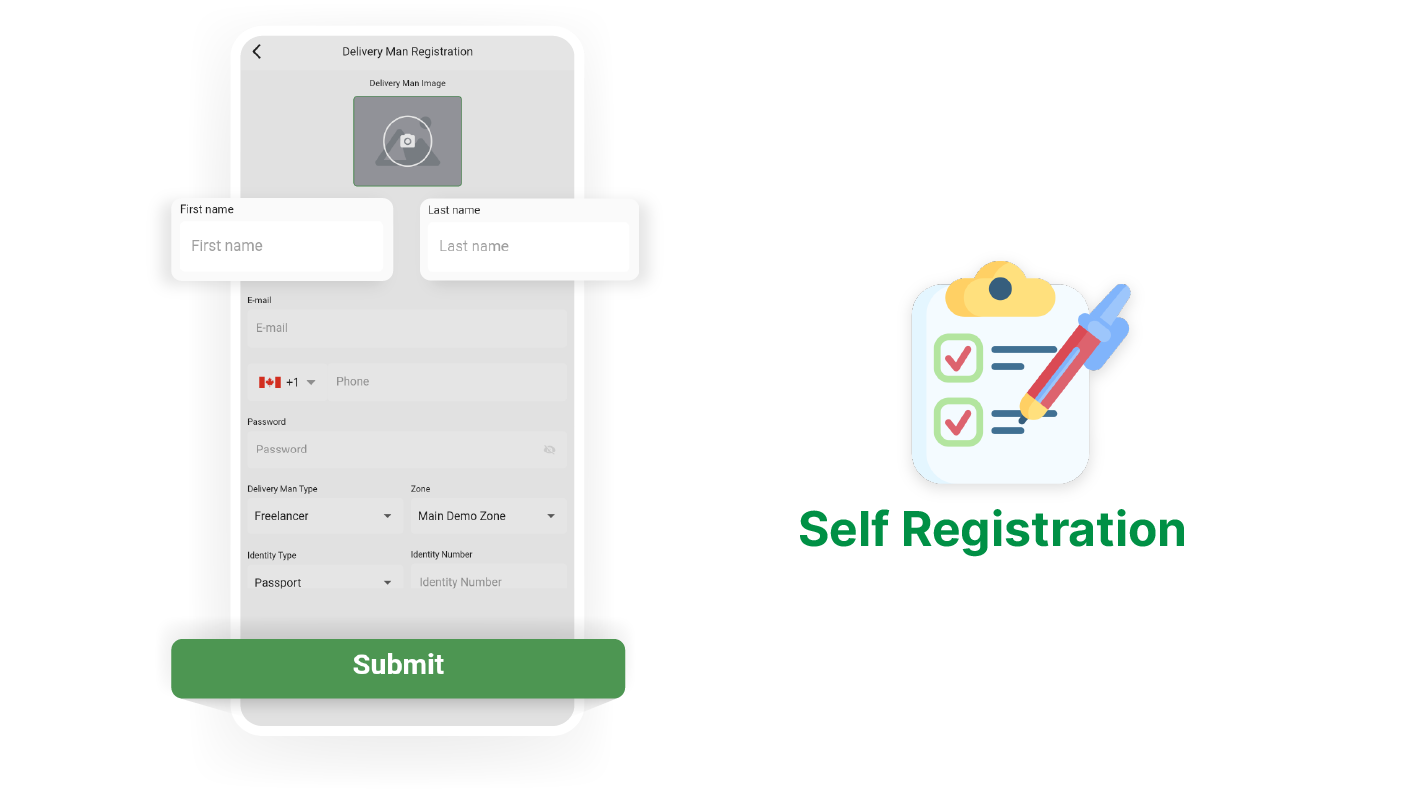
When self-registration is enabled by the admin, new users can register themselves as vendors or deliverymen.

Vehicle Category

The admin can define the deliveryman's vehicle type, coverage area, and extra charges, providing complete control and customization for efficient and efficient delivery operations.

Dispatch Management

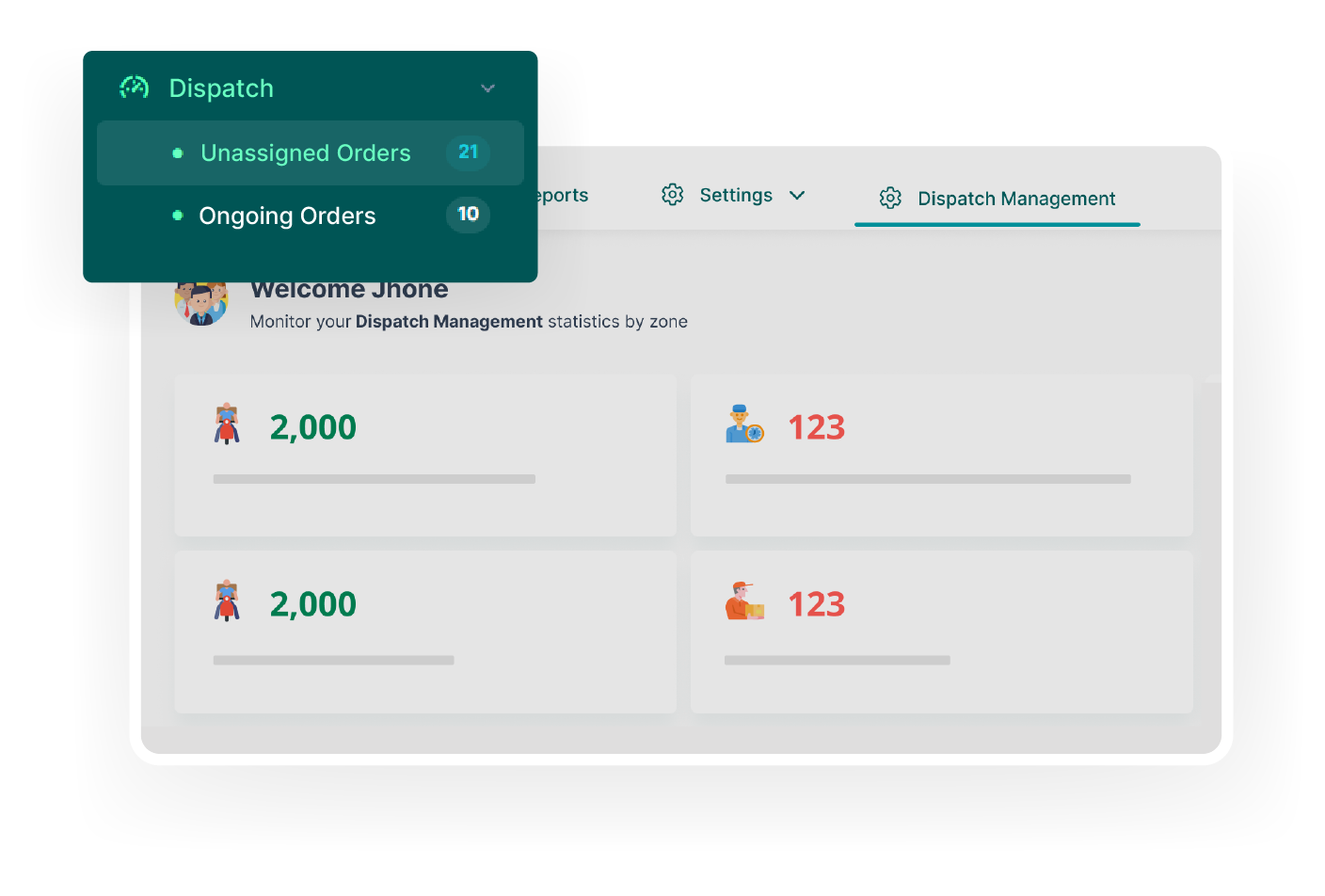
The admin can access reports and track live locations of all deliverymen, ensuring efficient delivery all the time.
Time Schedule

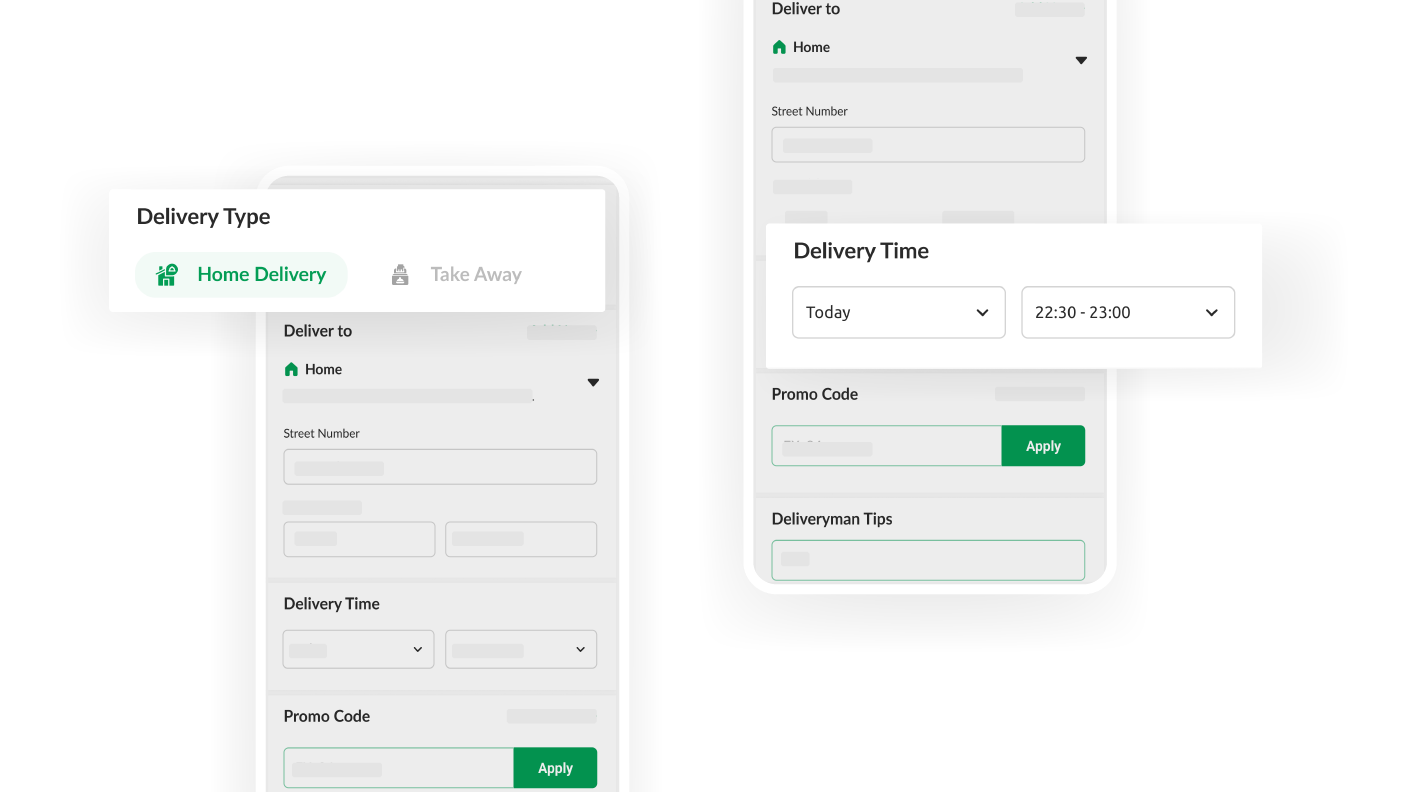
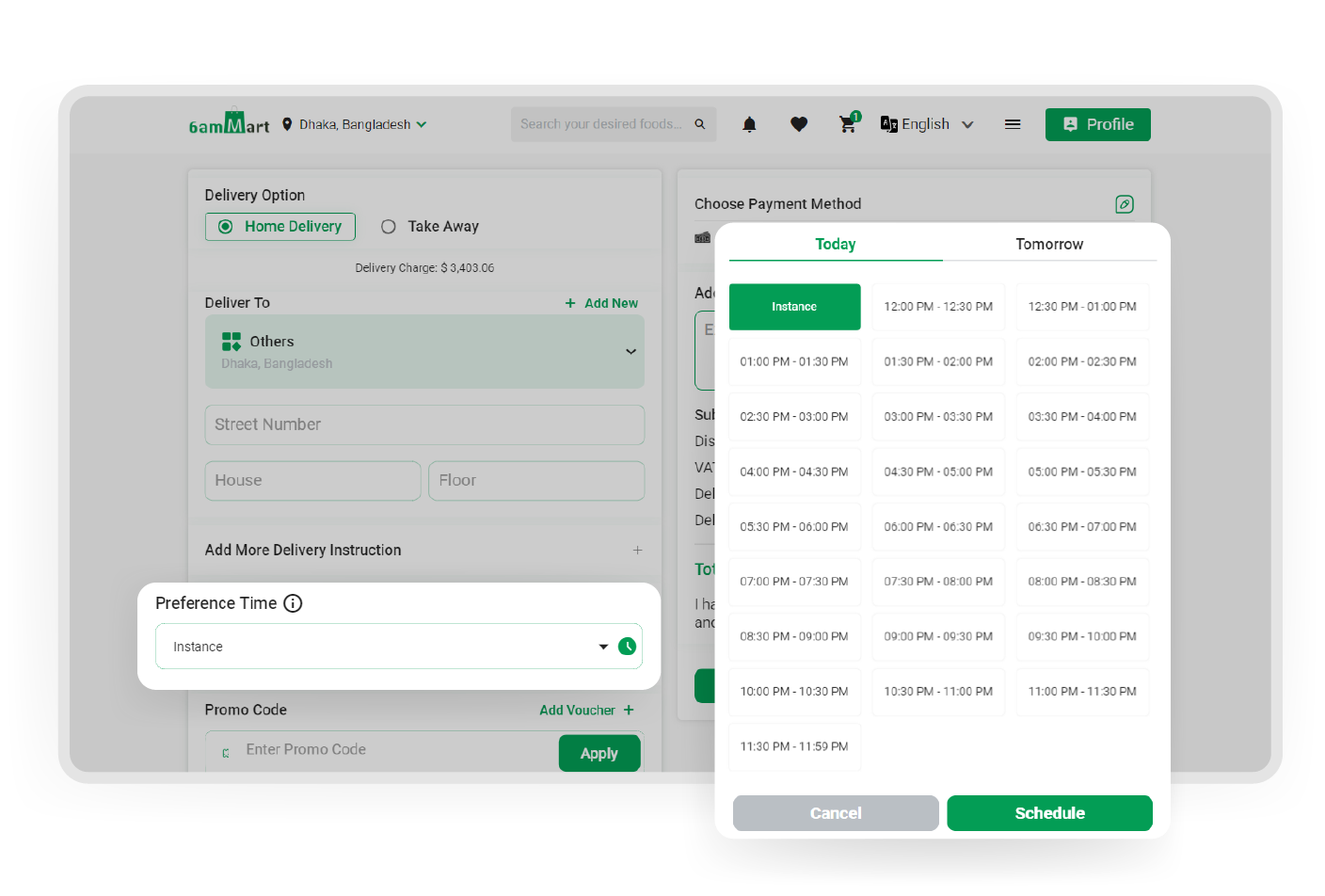
Admin can allow customers to schedule their delivery time according to their convenience, It enhances customer satisfaction and provides a flexible and personalized delivery experience.

Social Login

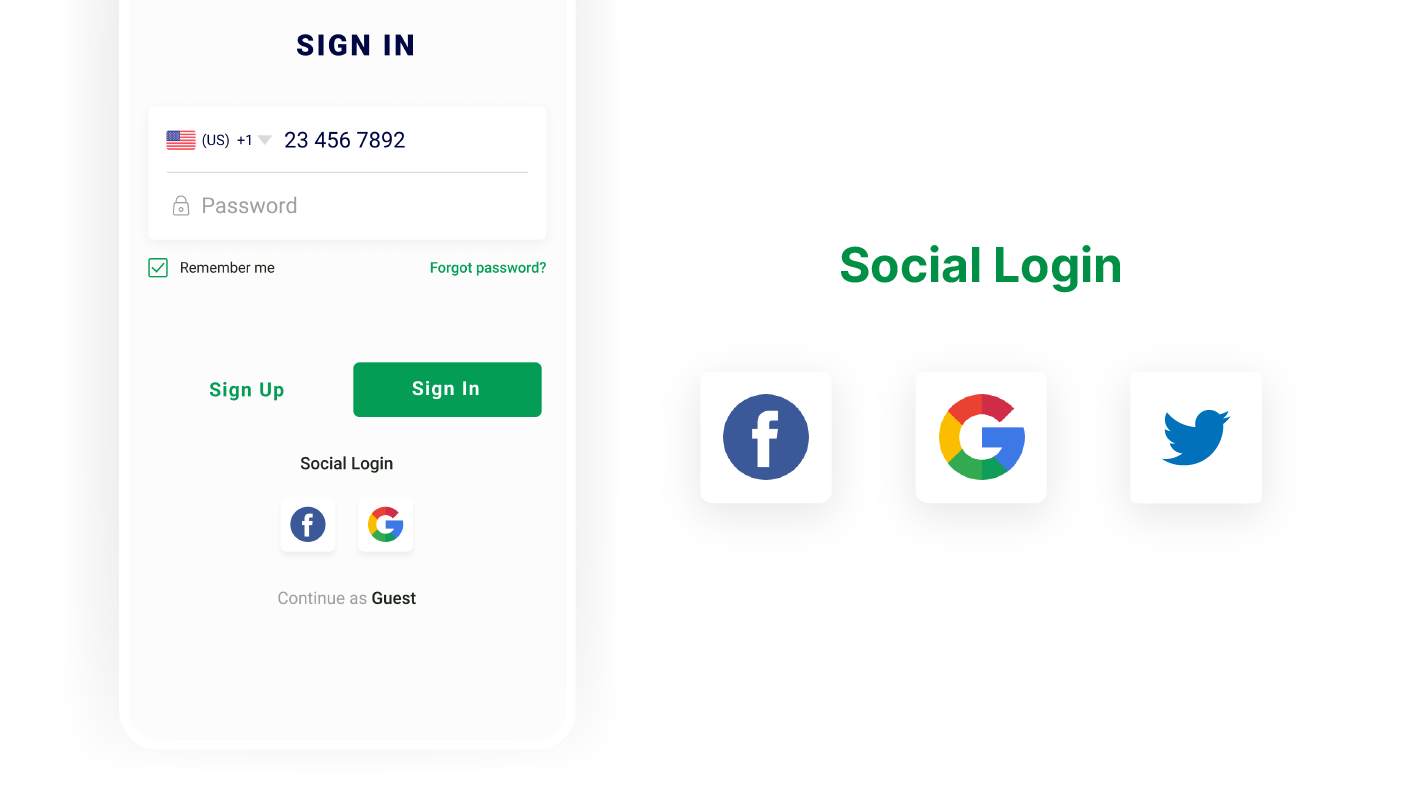
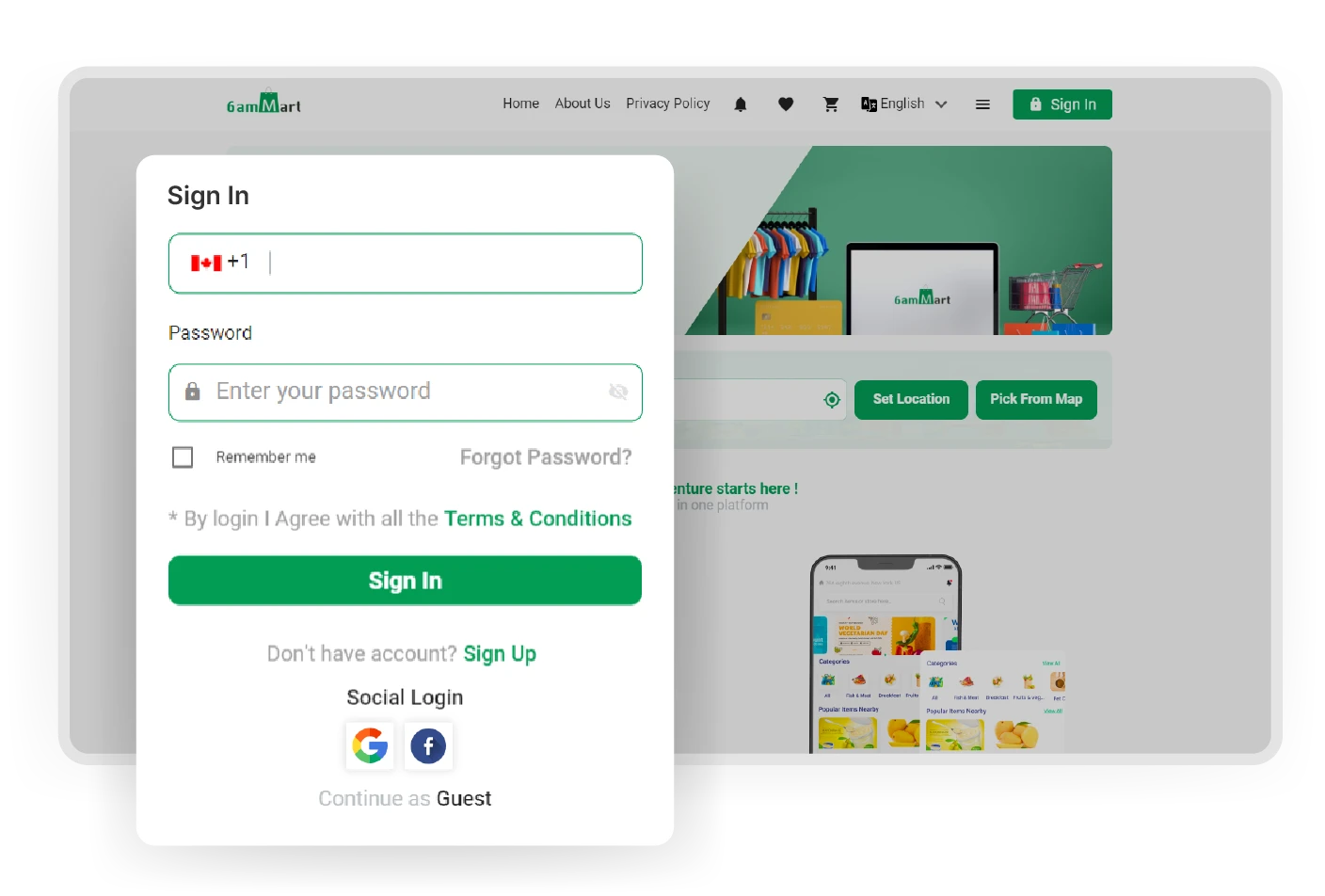
Users can sign in to the customer app effortlessly by using their social media accounts or Gmail account. It eliminates the need for separate login credentials and makes the process quicker.

Switch Module

Customers can select their preferred modules by simply using the module button, allowing them to access and engage with the specific features or services they desire within the app.

Set Location

Customers have the option to set their location within the app. It enables them to easily discover nearby stores and items based on location, ensuring a personalized shopping experience.

Notifications

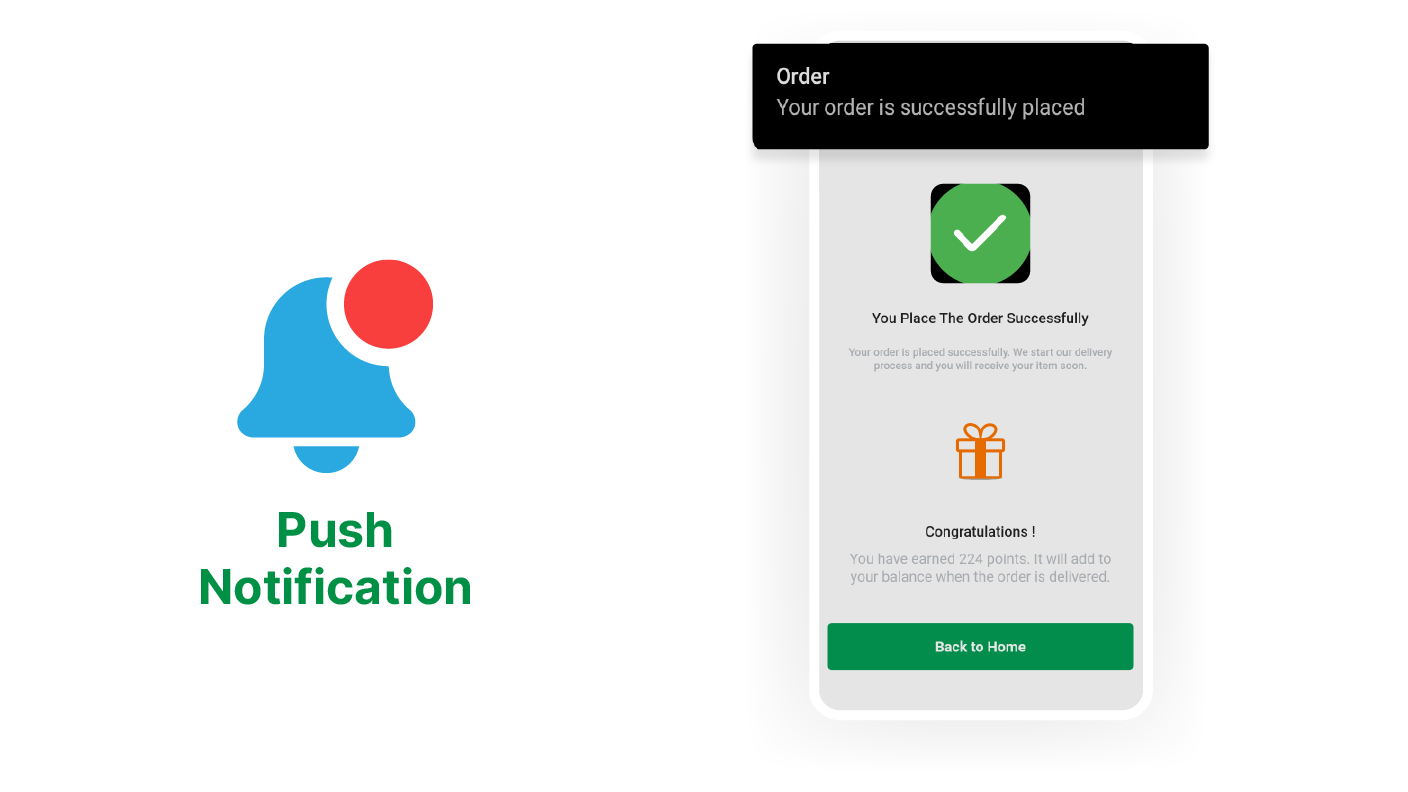
With this feature, customers receive special notifications for exclusive deals, flash sales, and other exciting offers, ensuring they never miss out on great opportunities to save and shop.

Search & Filtration

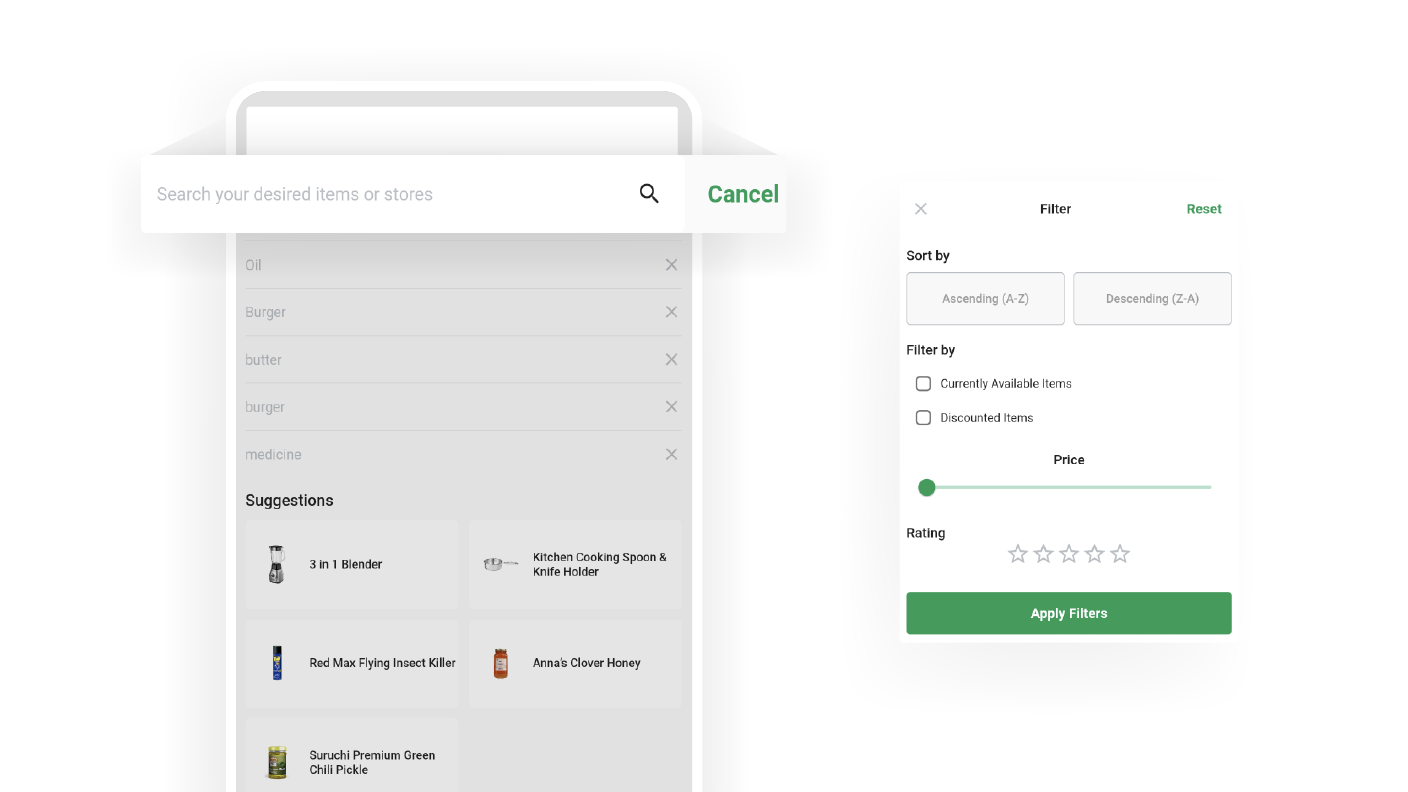
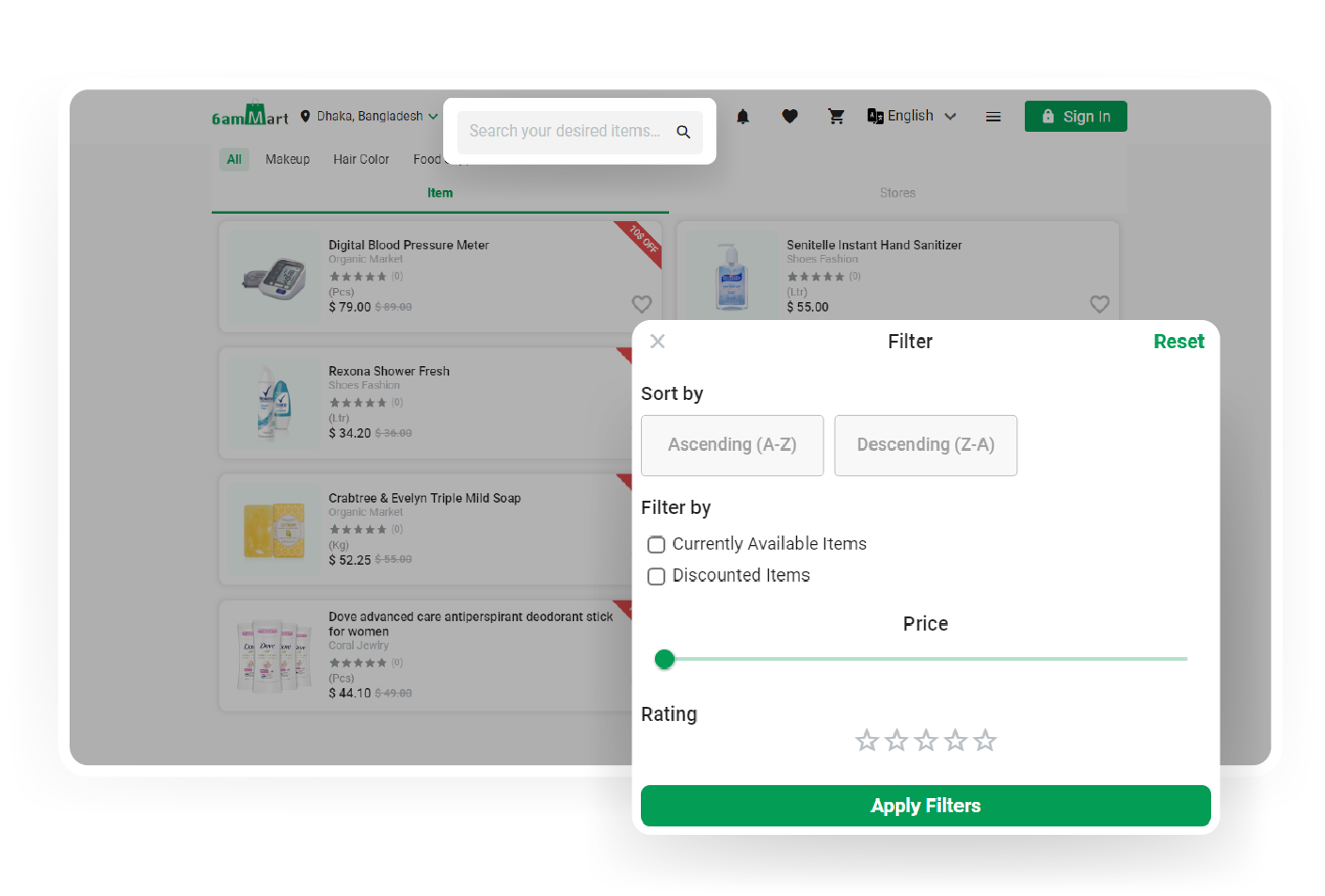
The search bar feature allows customers to find and filter products using tags. It makes the search easier and faster through different categories to find exactly what they're looking for.

Banners

Customers can stay informed about product updates, sales, and special offers through eye-catching banners displayed on the website. It ensures they are instantly aware of the latest promotions.

Home Screen

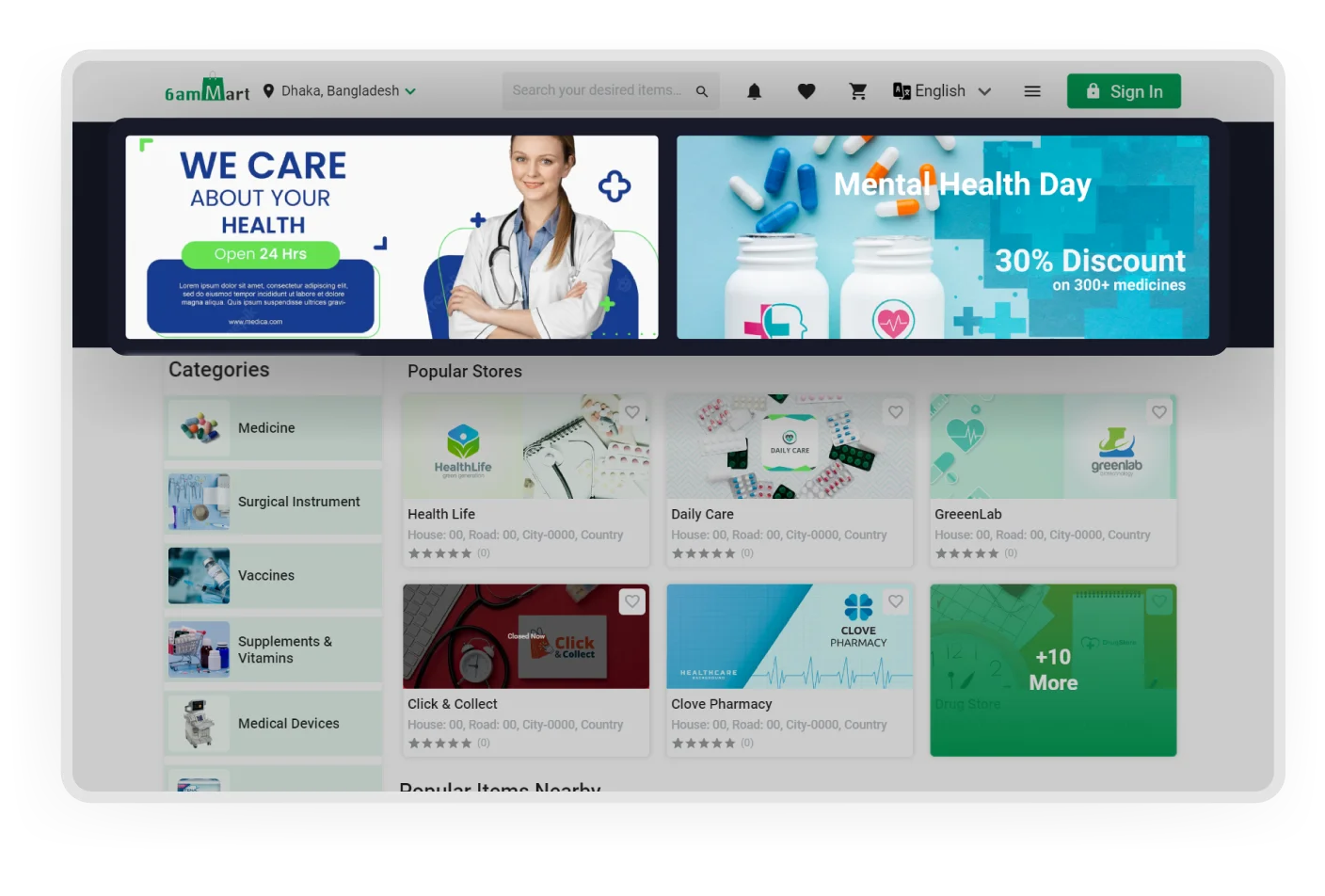
On the Home page, customers can easily navigate various categories, explore different vendors, and discover the latest deals, providing a complete overview of all the available options.

Categorized Items

By organizing products into specific categories and providing relevant attributes, customers can effortlessly navigate and purchase items that meet their preferences from the Customer app.

Top Rated Items

Customers can easily discover products that have received higher ratings and positive feedback from other customers. It helps them make informed purchasing decisions and find good items.

Popular Vendors

Customers can quickly discover the top-rated shops whose products are trending. It allows them to explore popular and highly recommended items, ensuring a satisfying shopping experience.

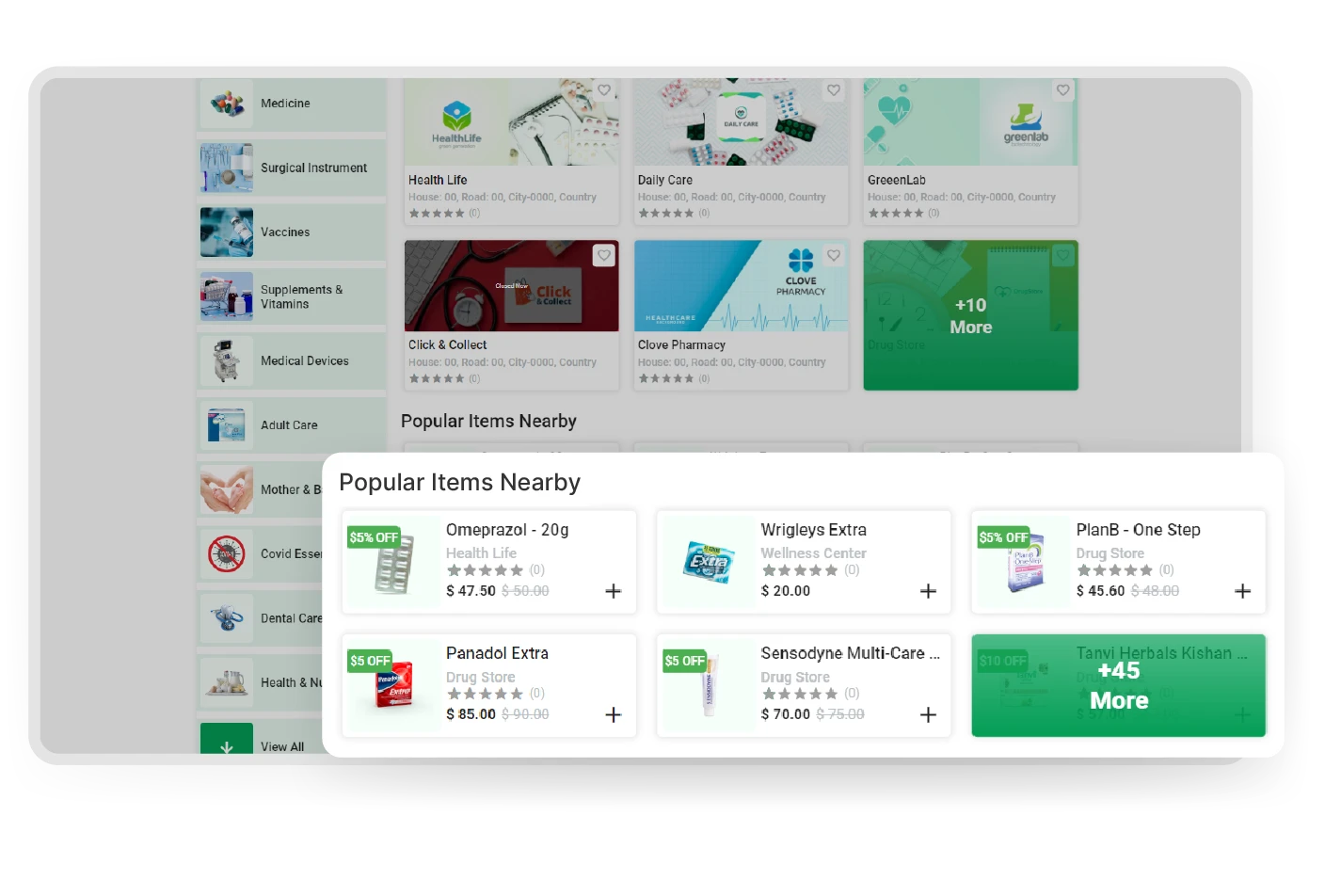
Items Nearby

By utilizing the location feature of the Customer app, customers can conveniently view all the trending products in their areas, making it easier to discover popular items and shop locally.

New Arrivals

Customers can easily find newly added and latest products on the system. It ensures they stay up-to-date with the latest offerings and have a wide range of options to choose from.

Vendors List

In the Customer app, customers can conveniently locate and access the specific shop they are searching for. It allows them to browse and purchase products directly from their desired shop easily.

Coupons

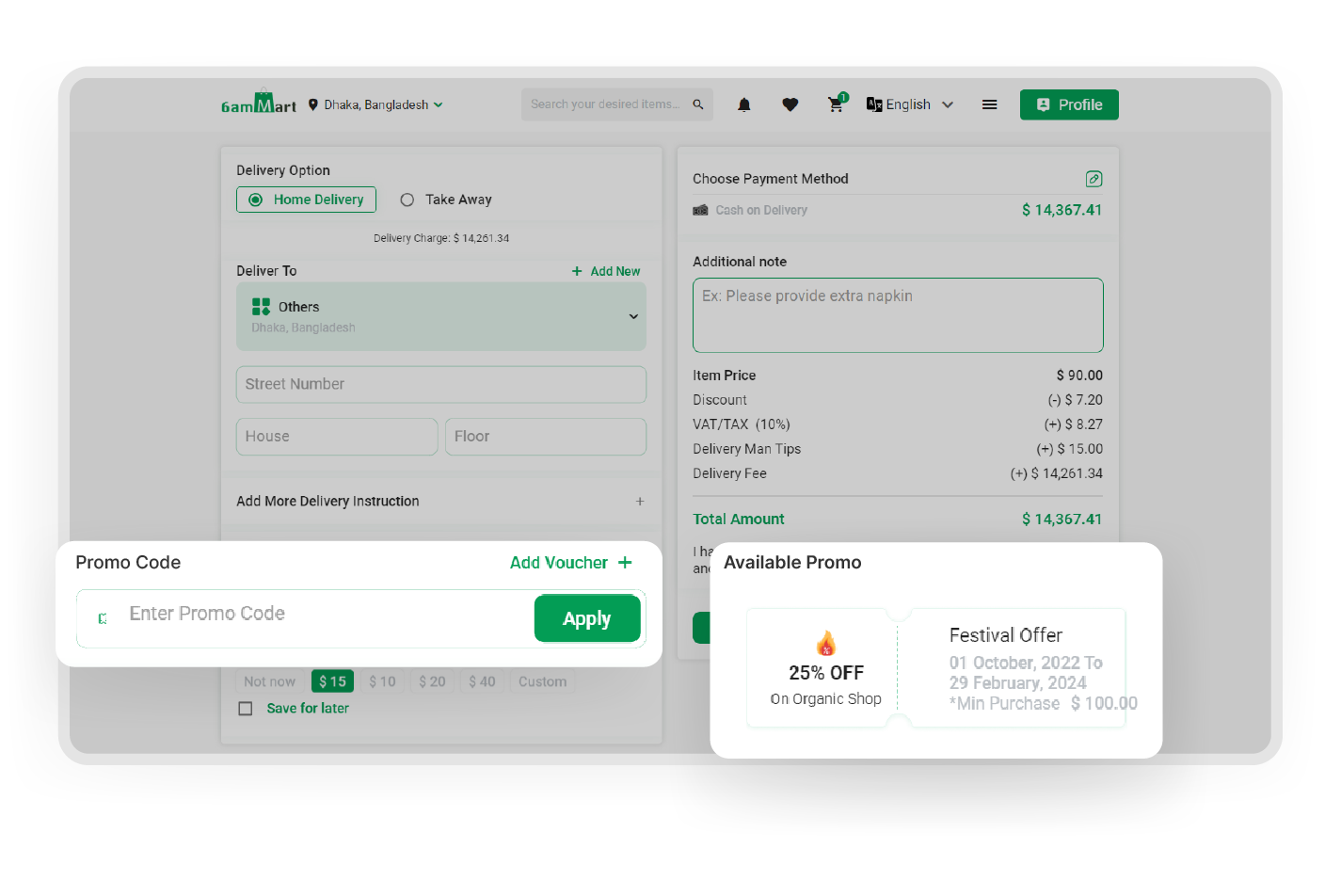
Customers have the opportunity to purchase products at discounted prices by using amazing coupons and special discounts. It ensures they get great value for their money, thus enhancing satisfaction.
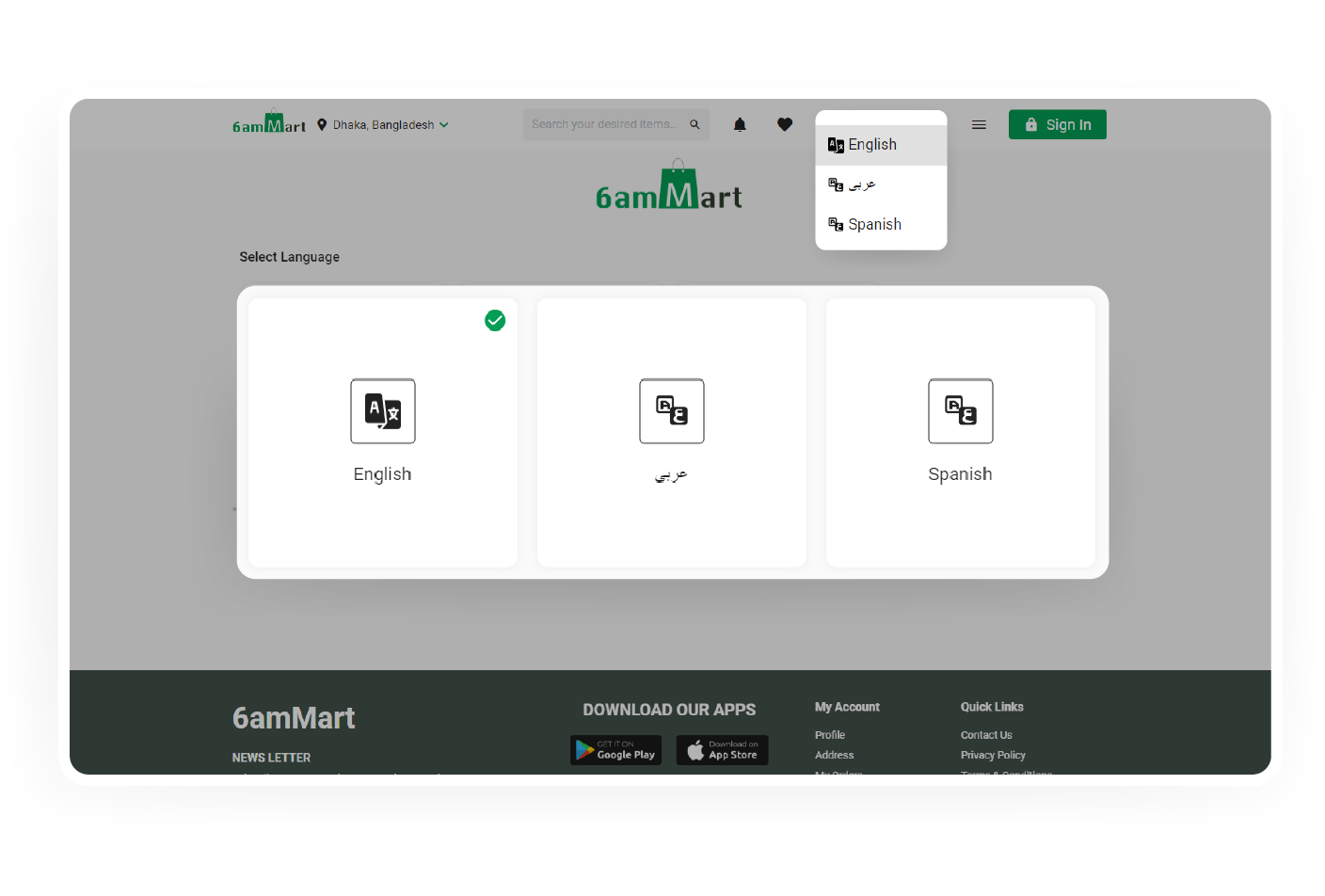
Multiple Languages

Users can easily select their preferred native language from a wide range of options, such as Urdu, Hebrew, Arabic, and more. It ensures a simple and personalized user experience across the system.

Live Chat

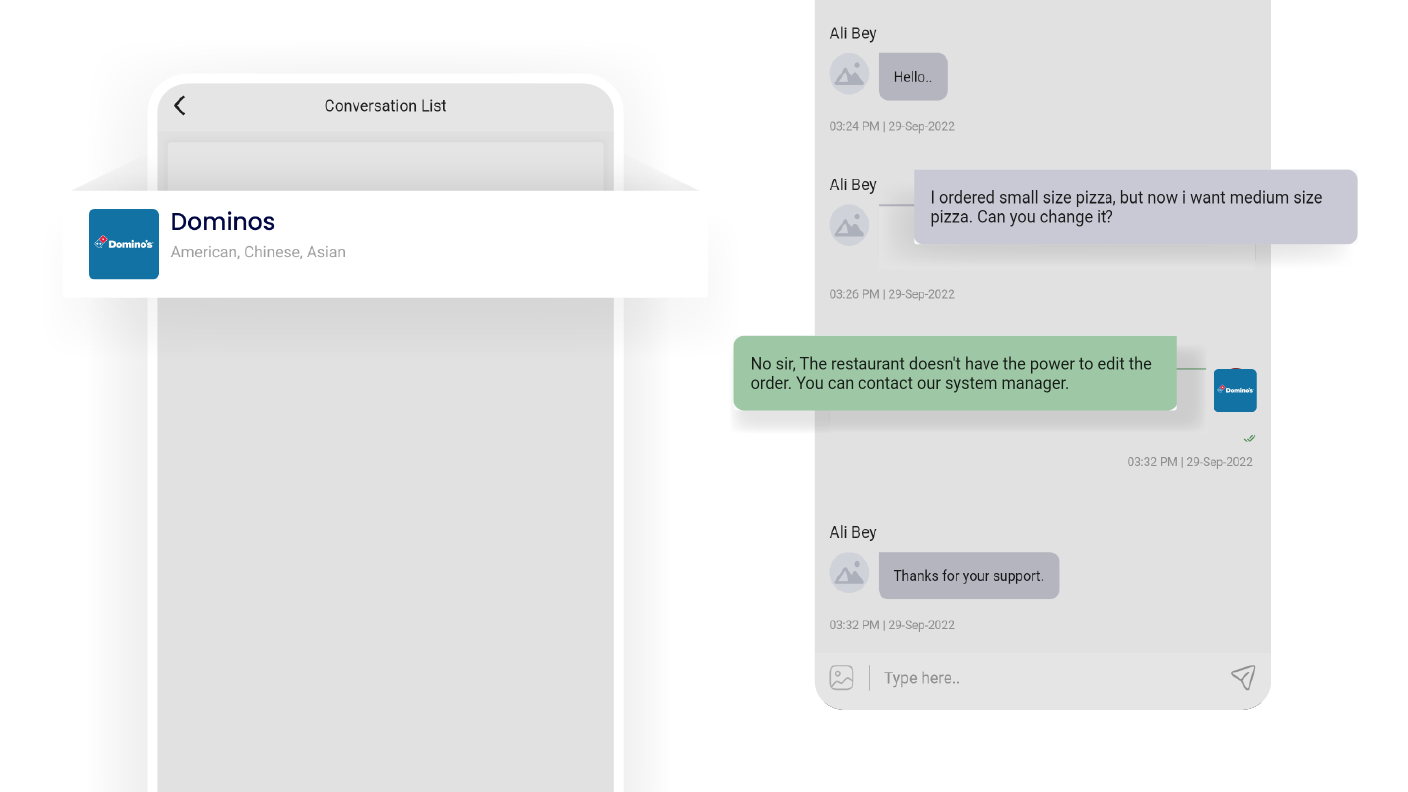
In the customer app, users can communicate in real-time conversations with vendors and deliverymen. It allows quick and convenient communication for any inquiries or assistance needed.

Wishlist

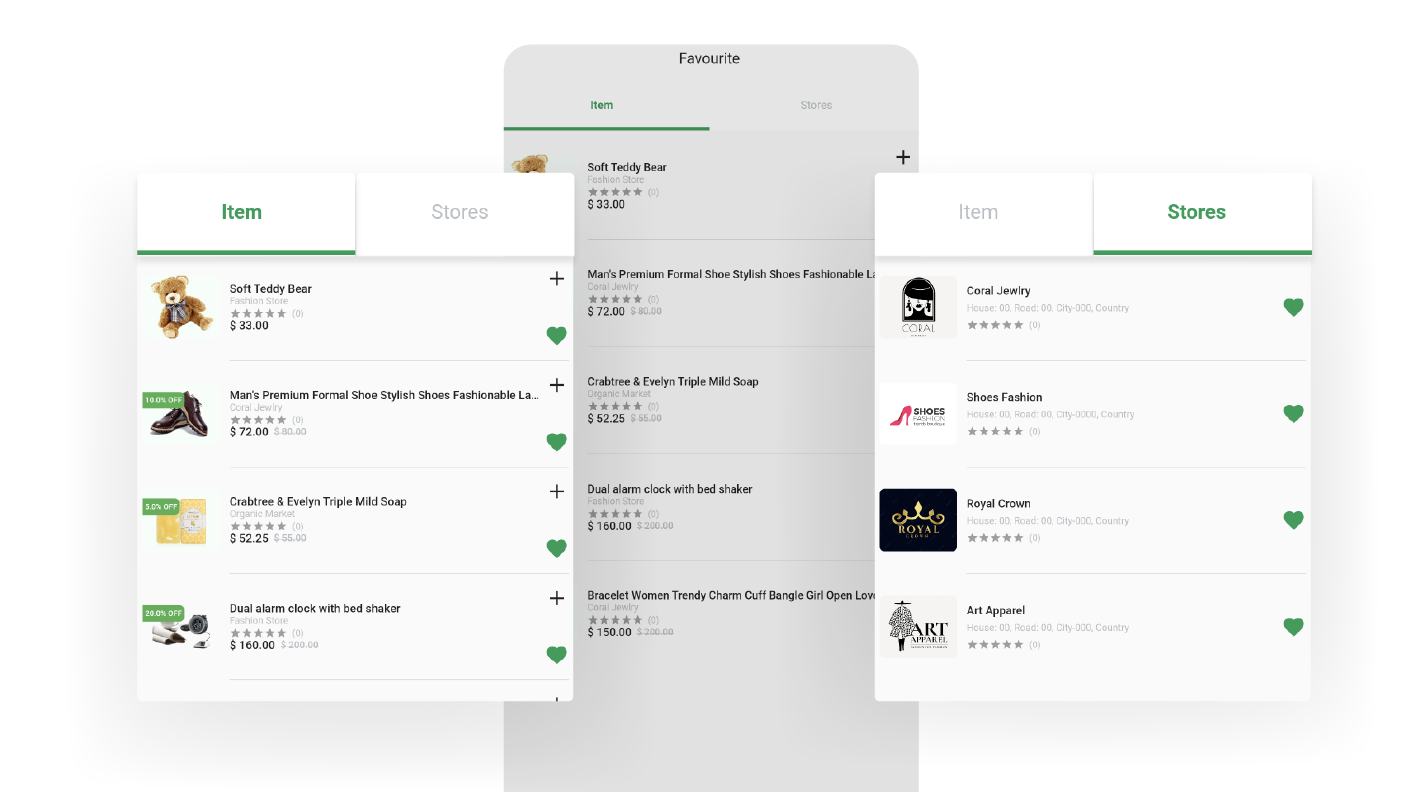
Customers can conveniently save their favorite items from various vendors to their wishlists within the customer app, making it effortless to revisit and consider purchasing them later.

Shopping Cart

Customers can conveniently add products they like to their cart while browsing and easily proceed to the checkout process in the app. It gives customers a smooth shopping experience.

Order History

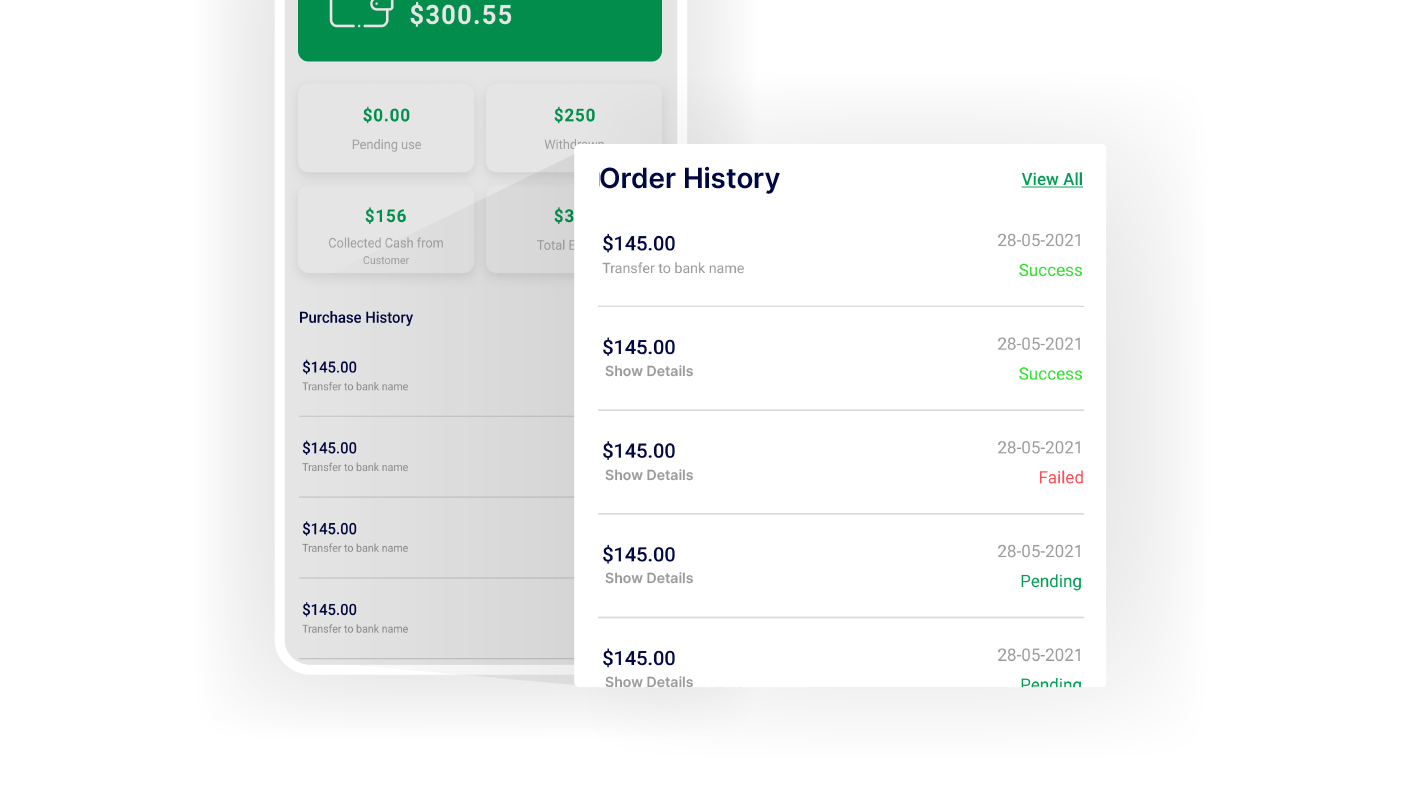
Within the customer app, customers can effortlessly access and oversee their current and past orders. This feature helps them to track their purchases and manage their order history conveniently.

Referral Bonus

Customers can refer their family and friends through the 6amMart customer app, earning exclusive referral points that can be added to their wallets as a reward for their referrals.

Wallet & Loyalty Points

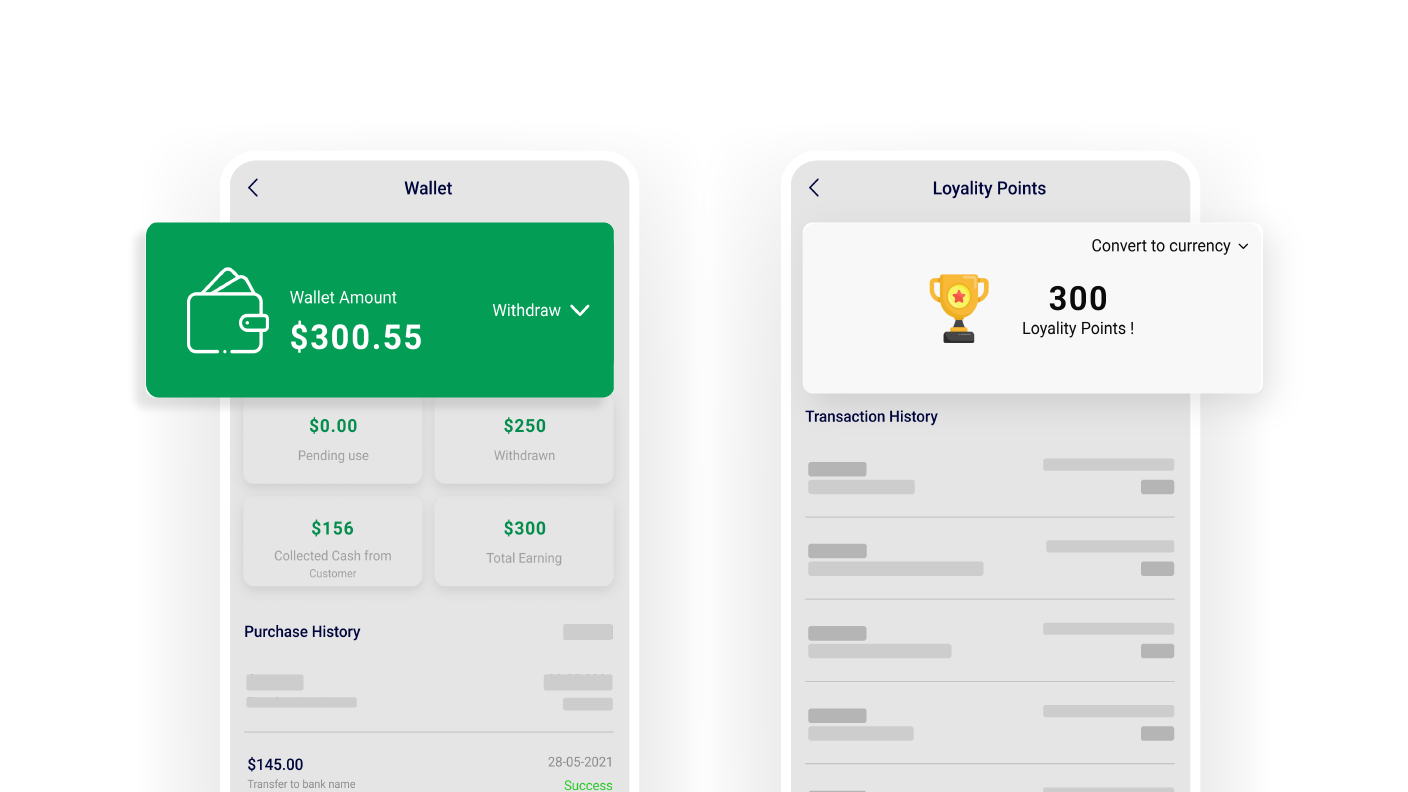
Customers earn loyalty points and receive refunds directly in their wallets by achieving specific goals. It enhances their shopping experience and provides added value for their loyalty.

Refund Request

Customers can easily request a refund for dissatisfactory products through the customer app. It provides a simple and easy way to initiate the refund process and resolve issues quickly.

Self Register as Vendor/Deliveryman

Any user interested in becoming a vendor owner or deliveryman can easily join the platform by signing up through the app. It makes the onboarding process easy and accessible for new users.

Credential Management

Customers have the flexibility to update their login credentials, including passwords, and manage their account information in the app. It ensures control and security over their personal details.

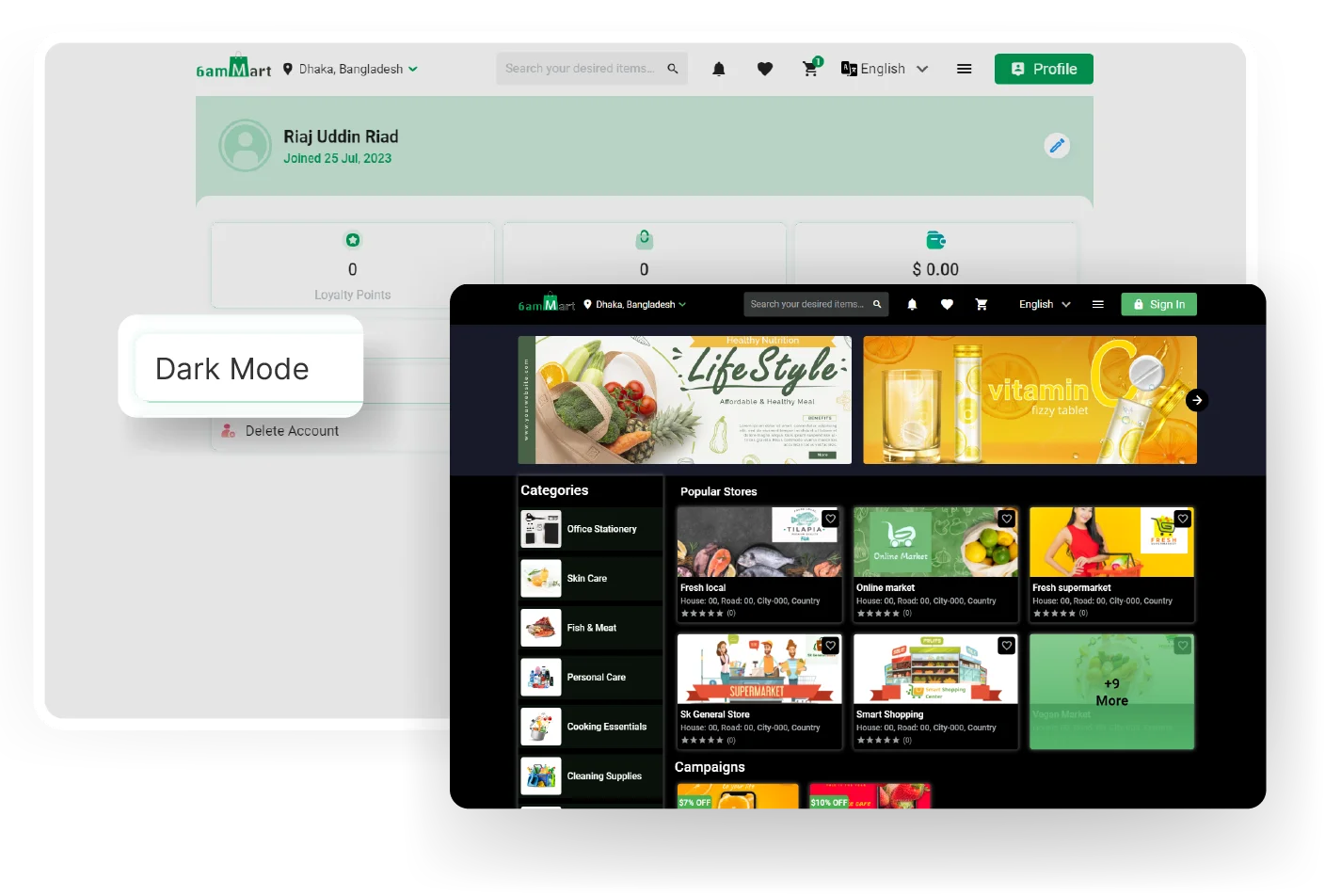
Light & Dark

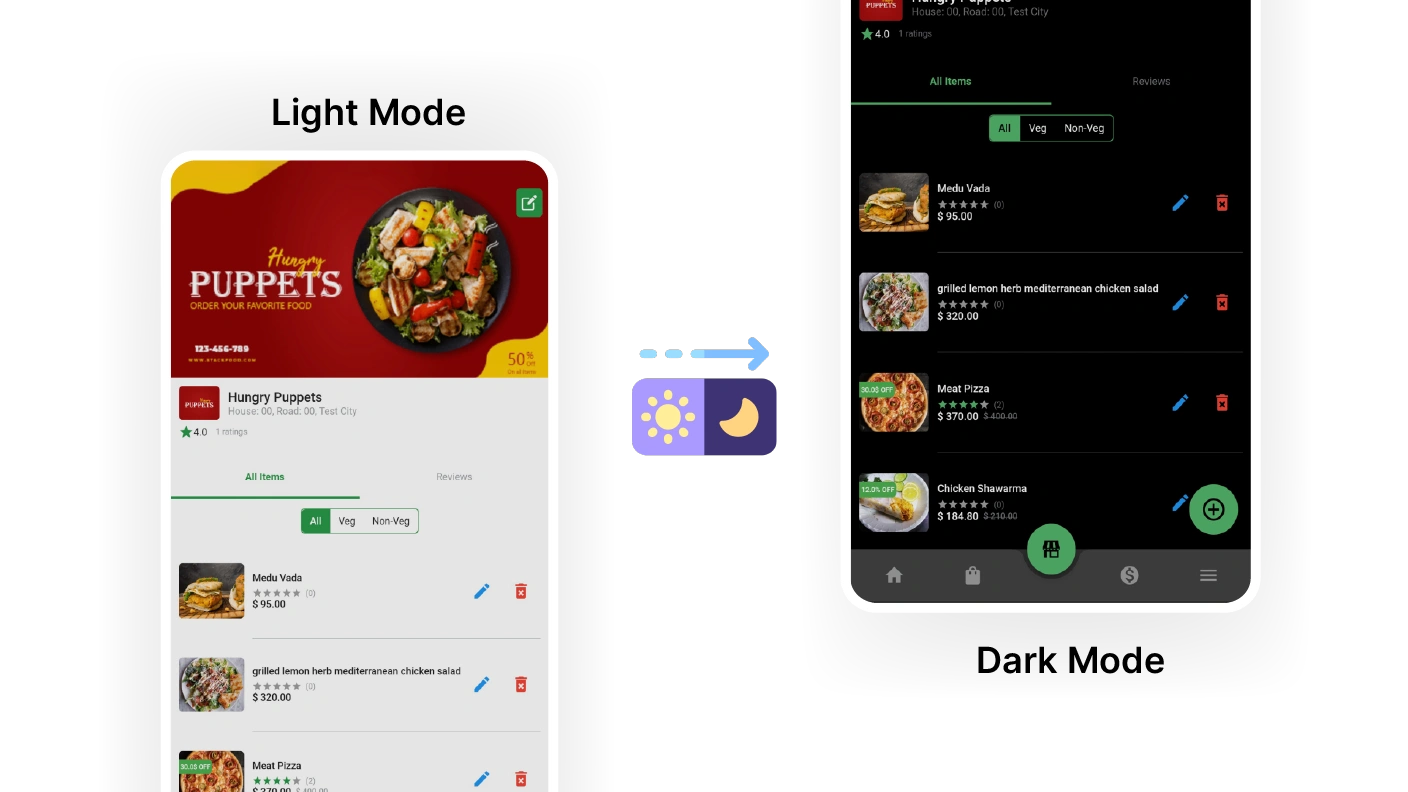
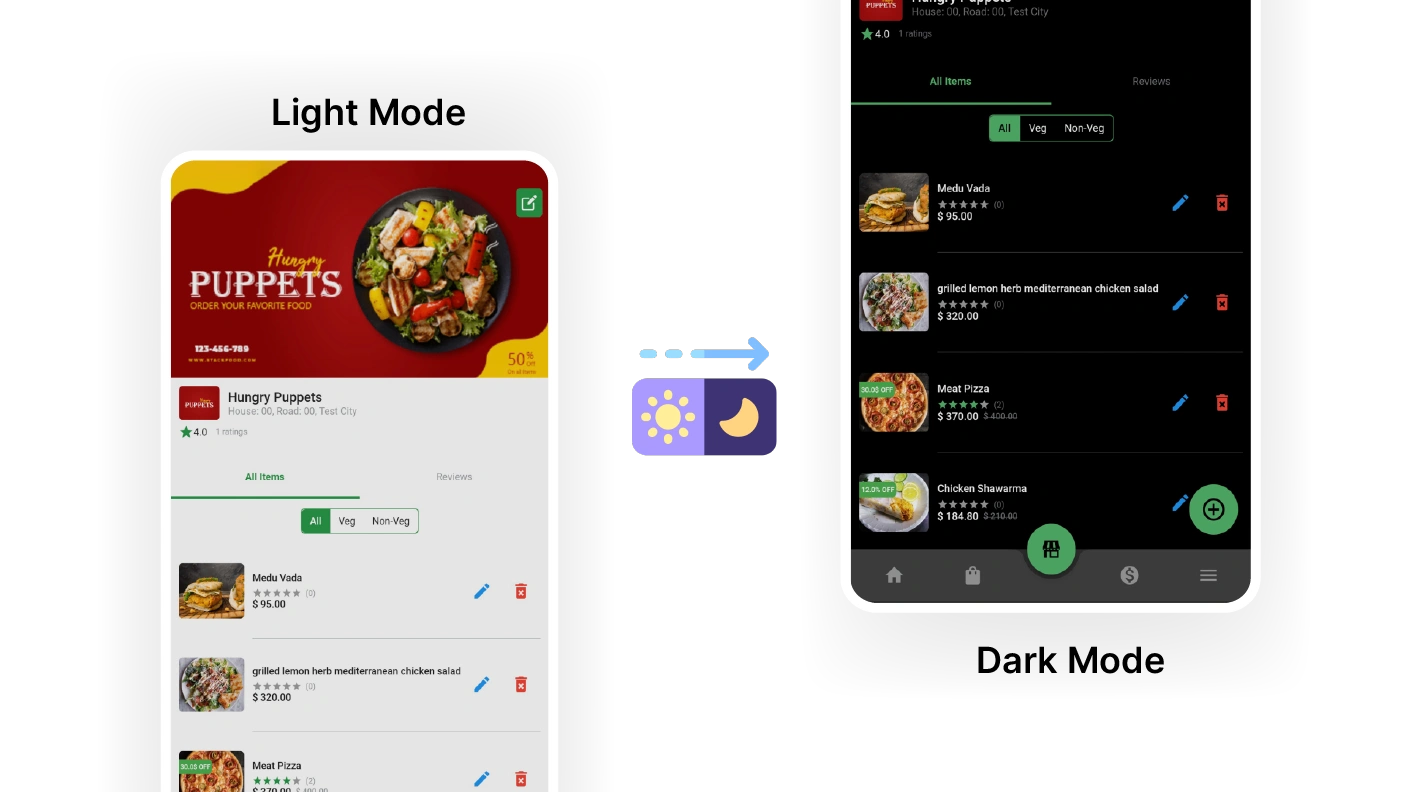
The 6amMart customer app provides the option to switch between light and dark modes, allowing users to choose their preferred visual theme for a more comfortable viewing experience.
Multiple Payment Methods

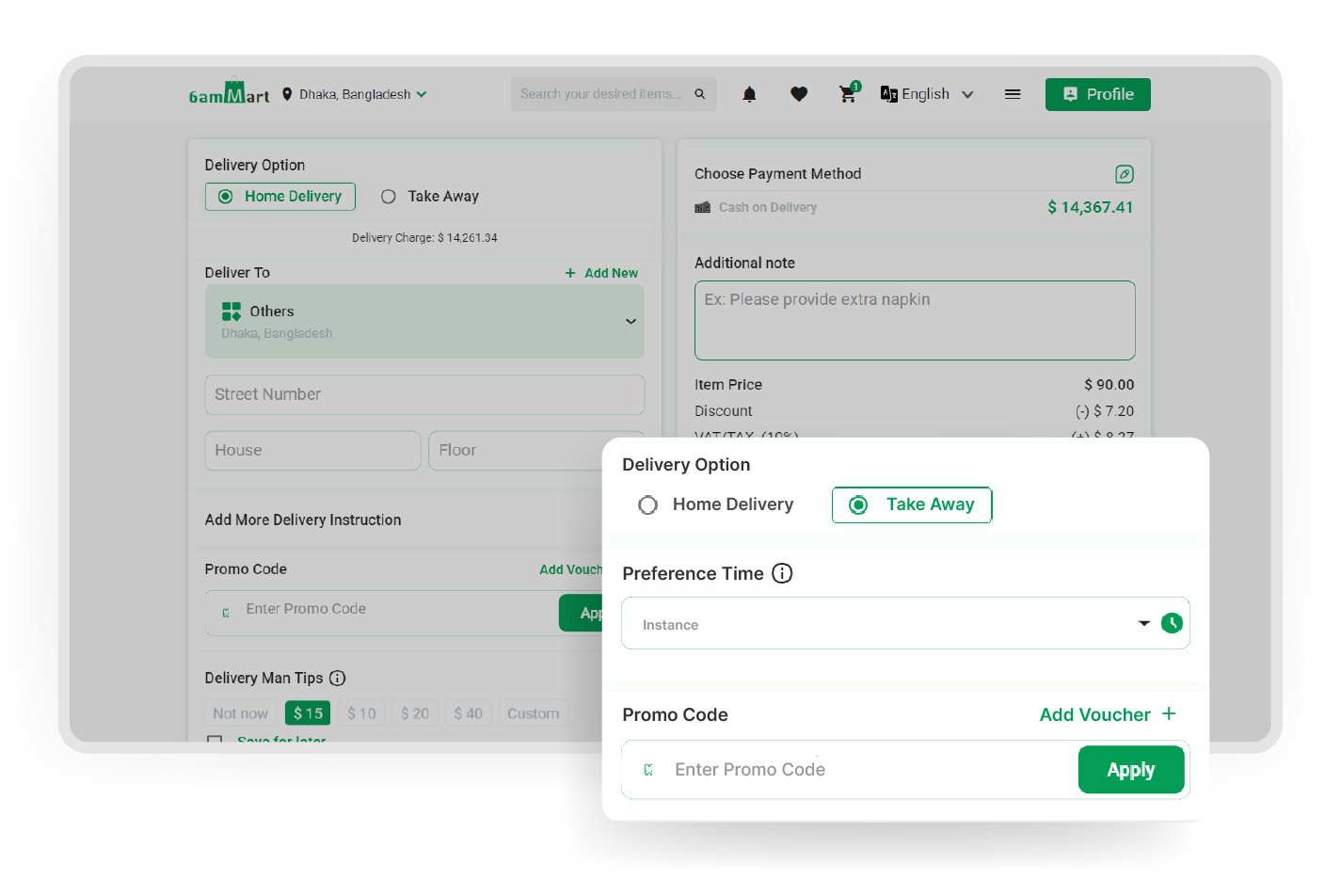
The customer app provides support for multiple payment methods, including Cash on Delivery (COD) and various digital payment options, allowing customers to choose their preferred way for transactions.
Schedule Delivery

Using the app, customers have the convenience of choosing their desired delivery dates and times, and they can even schedule their deliveries accordingly for a better user experience.

Takeaway

In the customer app, customers can easily collect their ordered products directly from the store location if they prefer. It provides them with flexibility and control over their delivery experience.

Saved Locations

Customers can easily save multiple delivery locations, such as home and work, through the app. This feature ensures flexibility and convenience in choosing the desired delivery address.

Zone-wise Delivery Fee

Customers are charged a reasonable delivery fee based on the zone or location they have selected. This ensures a fair pricing structure for a specific delivery area.

Order Tracking

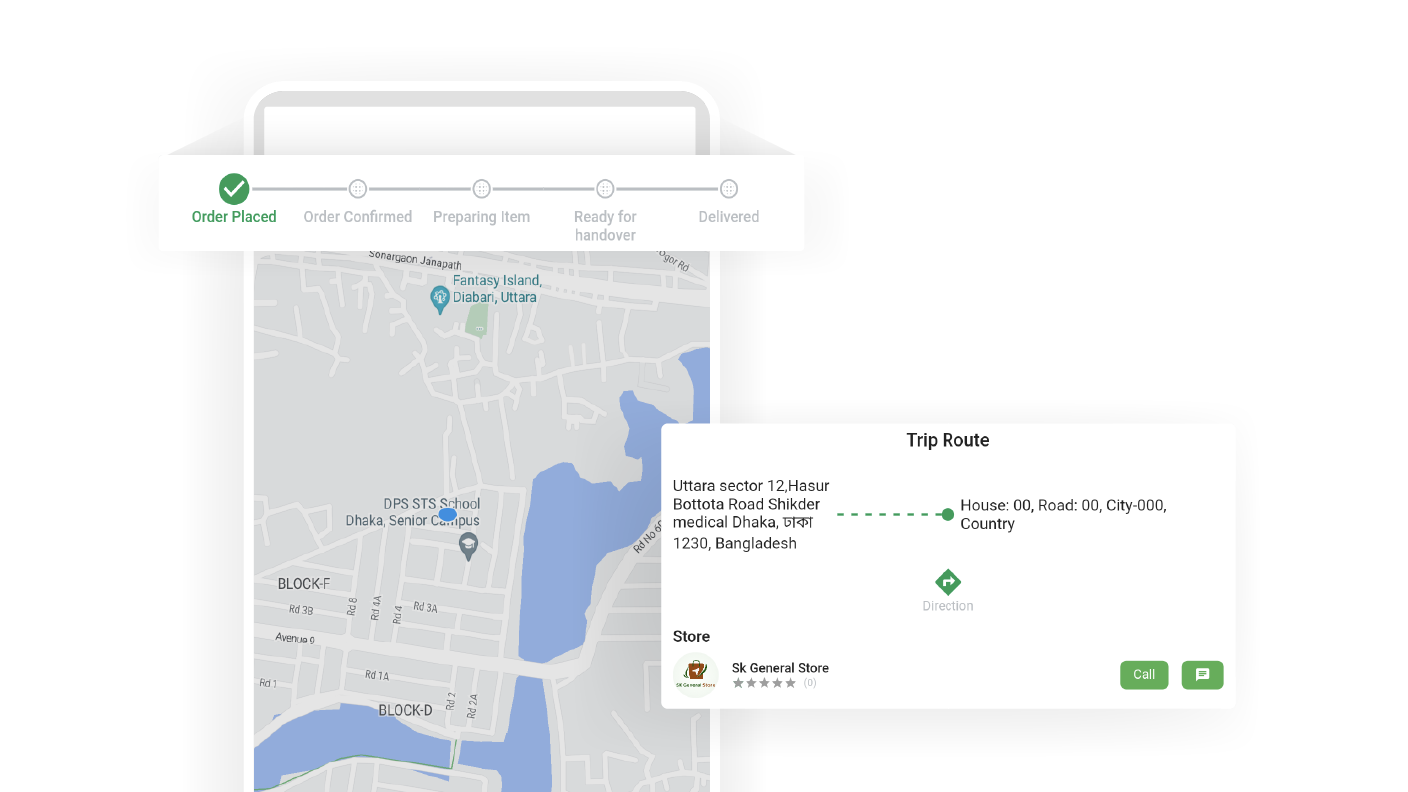
In the order section of the customer app, users can easily track the progress of their orders. This allows them to stay updated on the status of their deliveries in a convenient manner.
Account Deletion

The customer app provides customers with a simple and convenient option to delete their accounts if they wish to do so. This ensures an easy and hassle-free account deletion process.

Legal Pages

Customers can access and review the refund, cancellation, and return policies of the business through the customer app. This helps them understand and navigate the policies easily.

Dashboard

Store owners gain complete business visibility through a centralized dashboard. It provides a combined view of key metrics and insights.

POS Section

Vendors receive a built-in POS system within their panel, offering a swift billing experience. It simplifies the checkout process, enhances efficiency, and ensures a quick transactional experience.

Order Management

Within the vendor panel, vendors have the ability to search orders based on specific date ranges and take necessary actions, such as processing orders, updating order statuses, and so on.

Promotion Management

Vendors can create and manage coupons using the Promotion Management section. This enables targeted marketing campaigns, discounts, and promotions to engage customers and increase sales.

Vendor Configuration

Vendors have the ability to customize their shop settings, including options like scheduled orders and seller delivery. This allows vendors to personalize operations and cater to specific customers easily.

Temporary Close

Vendors can temporarily close their stores for a specified period using the Temporary Close feature. This feature allows vendors to inform customers when their shop will be closed.

Vendor Information

Vendors can see and update vendor-related information, such as the store name, address, and other relevant details. This ensures accuracy and lets vendors keep their vendor information up-to-date.

Wallet

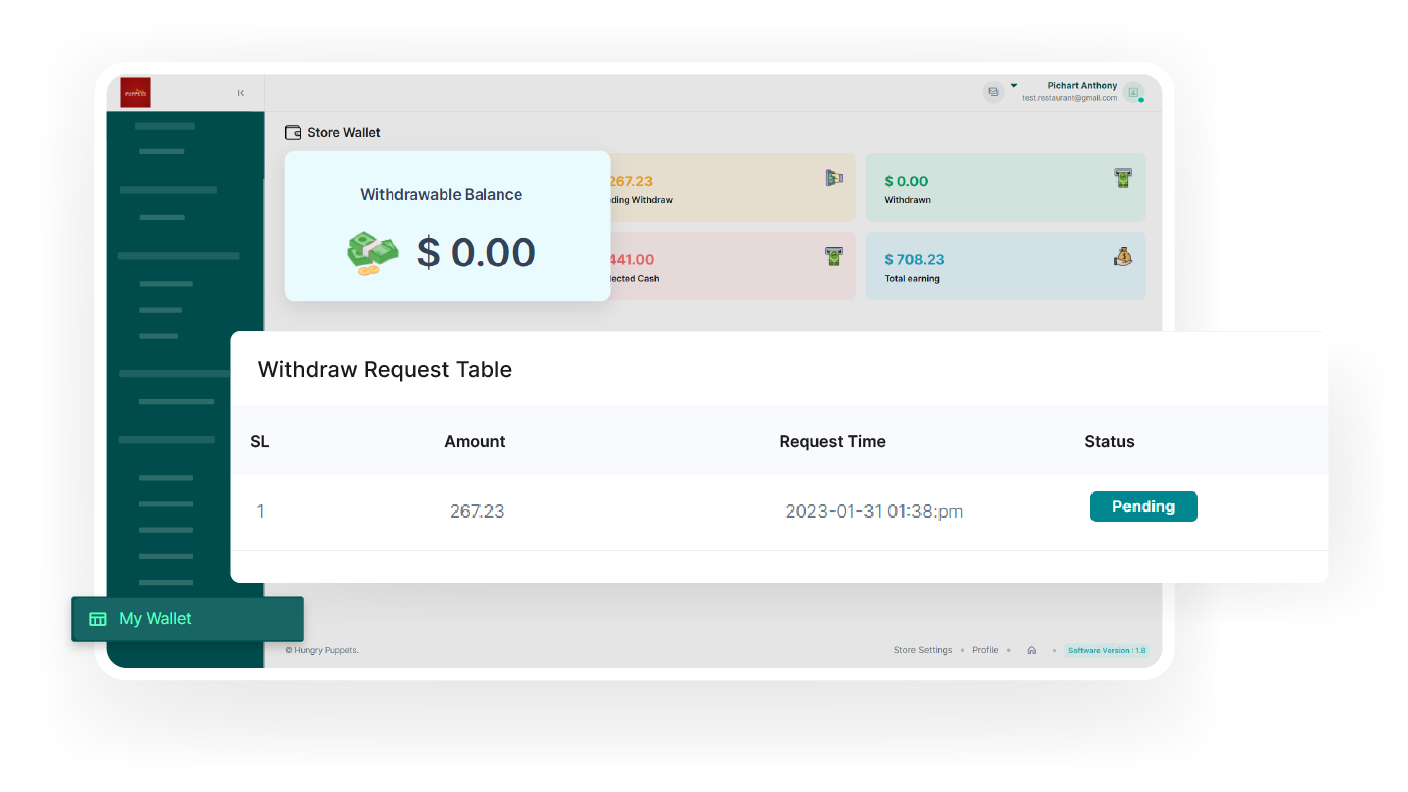
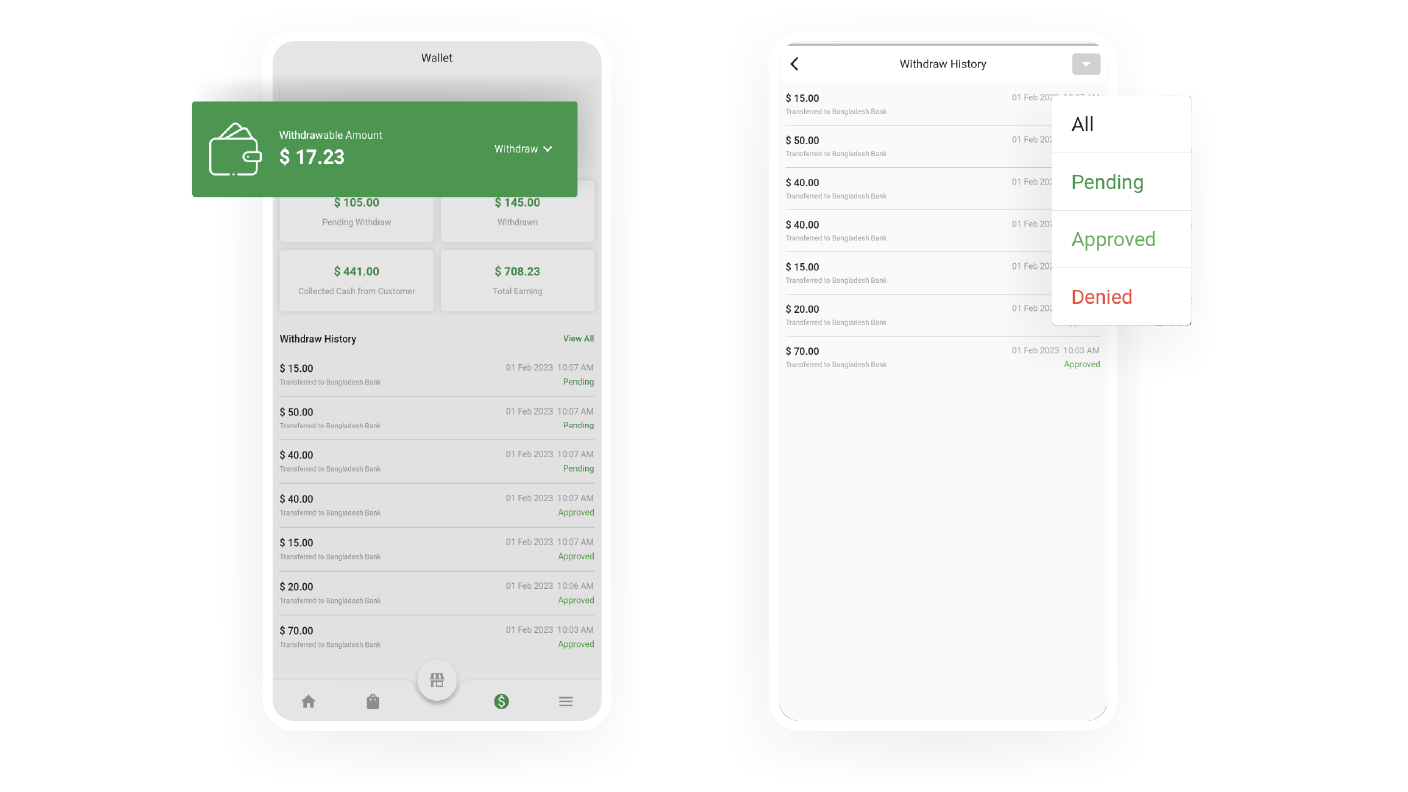
Every vendor has a personal wallet where they can easily track their total earnings, request withdrawals, and manage their financial transactions conveniently, all within one place.

Reviews

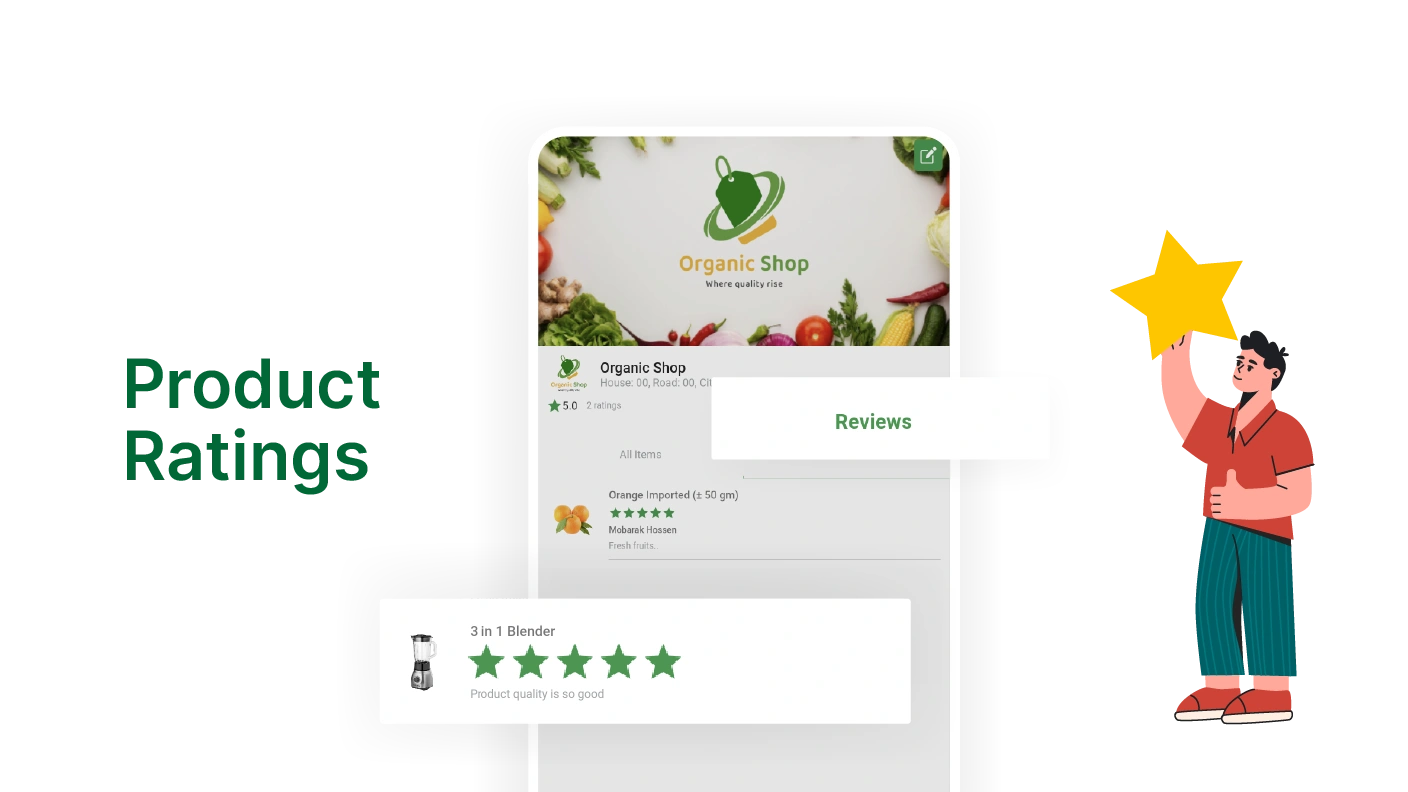
Vendors can effortlessly access and review customer feedback. This helps vendors stay informed about customer experiences and make informed decisions to improve their products and services.

Live Chat

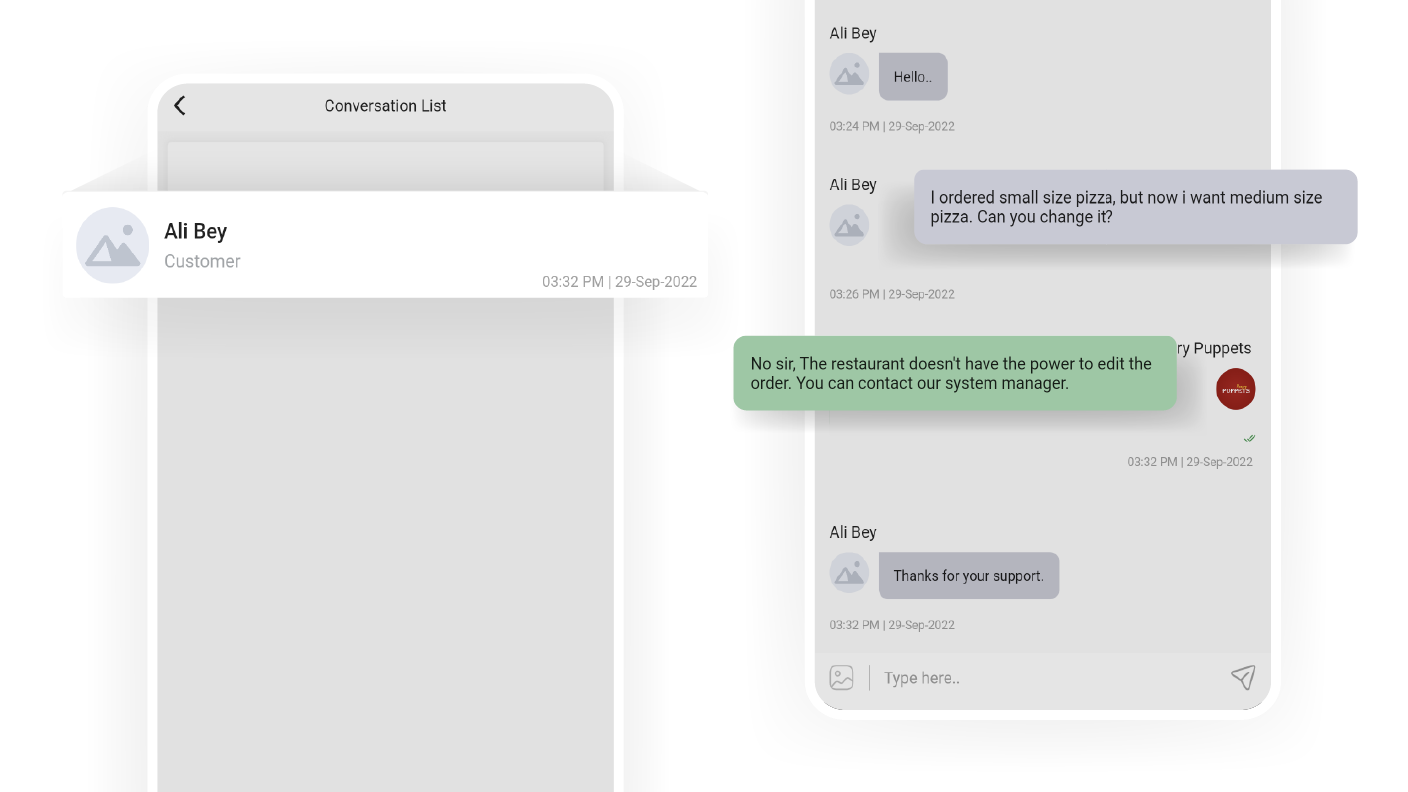
Vendors have the capability to offer instant support to customers and deliverymen through a live chat feature. This allows for real-time communication, resolving queries, and timely assistance.

Employee Settings

The employee settings feature in the vendor panel allows vendor to manage their employees efficiently. It provides tools to add, remove, and update employee information, ensuring smooth team management.

Time Schedule

Vendors have the flexibility to set their active business hours, informing customers when they can place orders. This ensures efficient order placement within the designated operating hours.

Multiple Languages

The 6amMart vendor panel supports multiple languages, allowing vendors to operate the platform in their preferred language for a more convenient and user-friendly experience.

Temporary Close

Vendors can close their stores anytime they want from the 6amMart vendor app. This feature provides flexibility and control, allowing vendors to pause operations temporarily and resume them anytime.

Dark Mode

The vendor app allows vendors to switch between light and dark modes. It enhances the user experience by allowing them to choose a visual that suits their preferences and provides optimal comfort.

Notification

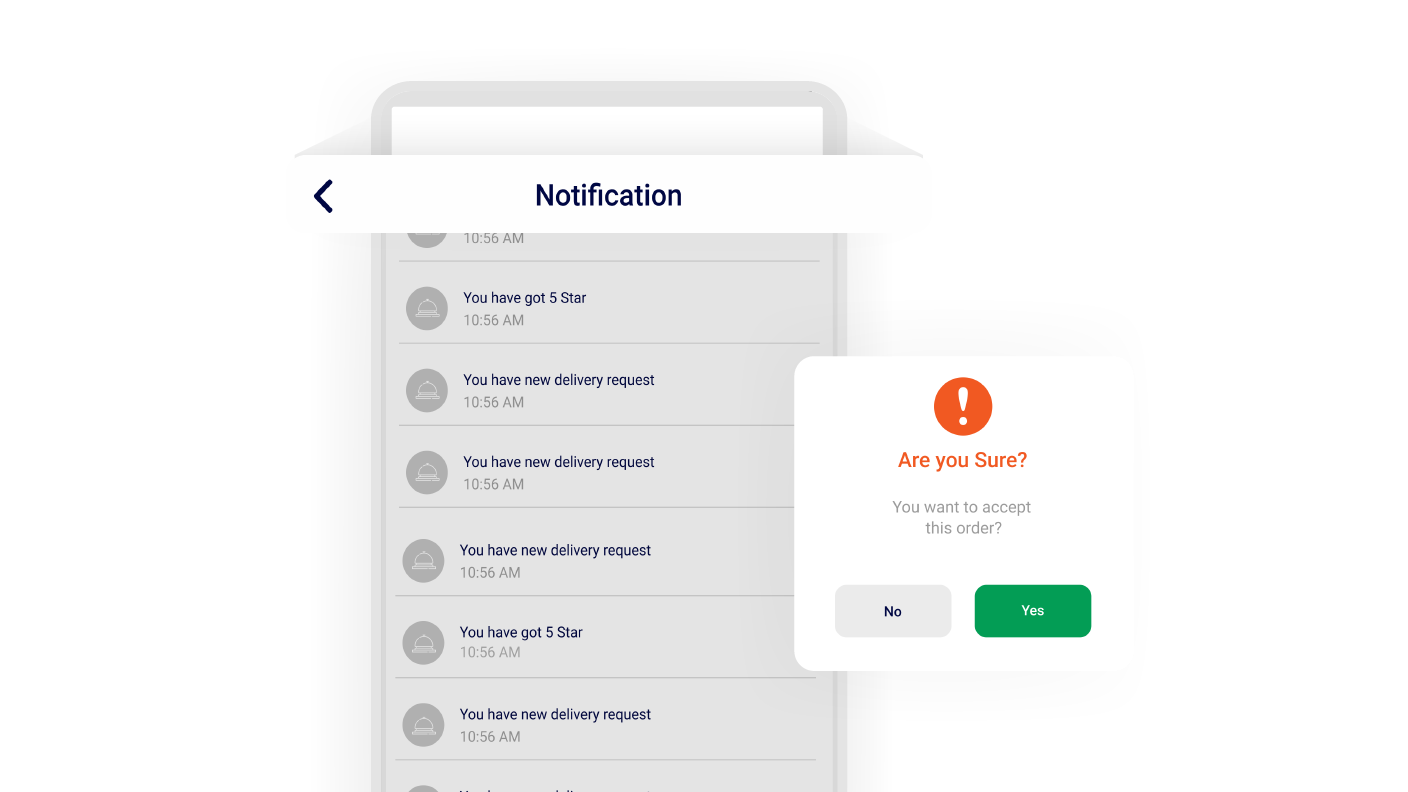
Vendors benefit from an advanced notification system that ensures timely updates on new orders and delivery notifications. It helps them respond quickly to customer orders and manage deliveries timely.

Multi-Lingual Support

Vendors can utilize the 6amMart vendor app in their native languages, as it supports multiple languages. This allows vendors to operate in a familiar language, enhancing user satisfaction even more.

Earning Statistics

The 6amMart vendor app gives vendors valuable insights into earning statements and statistics. Vendors can easily track and analyze their earnings & performance and make informed business decisions.

Order History

Vendors have complete control over order management, allowing them to handle multiple orders simultaneously efficiently. It allows vendors to simplify their operations and ensures quick order management.

Item Management

With the 6amMart vendor app, vendors can efficiently manage their items, just like using the vendor panel. This convenient mobile app lets stores update, organize, and track their inventory easily.

Wallet

In the vendor app, vendors have a dedicated Wallet section that provides earnings. It allows vendors to stay updated on their earnings and manage their financial transactions easily, all within the app.

Campaign & Coupons

Using the vendor app, vendors can easily add or delete coupons and effectively manage promotional campaigns. It helps vendor to create exciting offers, attract customers, and drive sales.
Live Chat

From the conversation section of the Vendor app, vendors can instantly provide real-time support and communicate with customers and deliverymen, ensuring efficient and effective interactions.
Bank Info

Vendors can update their bank information within the app. This includes details like the account holder's name, bank name, and other relevant information, ensuring up-to-date financial reports.

Vendor Profile

With the 6amMart vendor app, vendors can easily access their accounts by providing their personal information during the login process. It ensures secure and convenient access to their accounts.

Customer Reviews

Vendors can conveniently monitor customer feedback directly through the app. This enables vendors to stay informed about customer satisfaction and make improvements for better customer experiences.
Self Registration

With the Deliveryman app, users can easily do self-registration and begin delivering products. This simplified process allows anyone to join as deliverymen and start their delivery services quickly.

Delivery Dashboard

Deliverymen can conveniently access and review their delivery history directly from the dashboard. This feature allows them to track their past & upcoming deliveries and maintain performance.

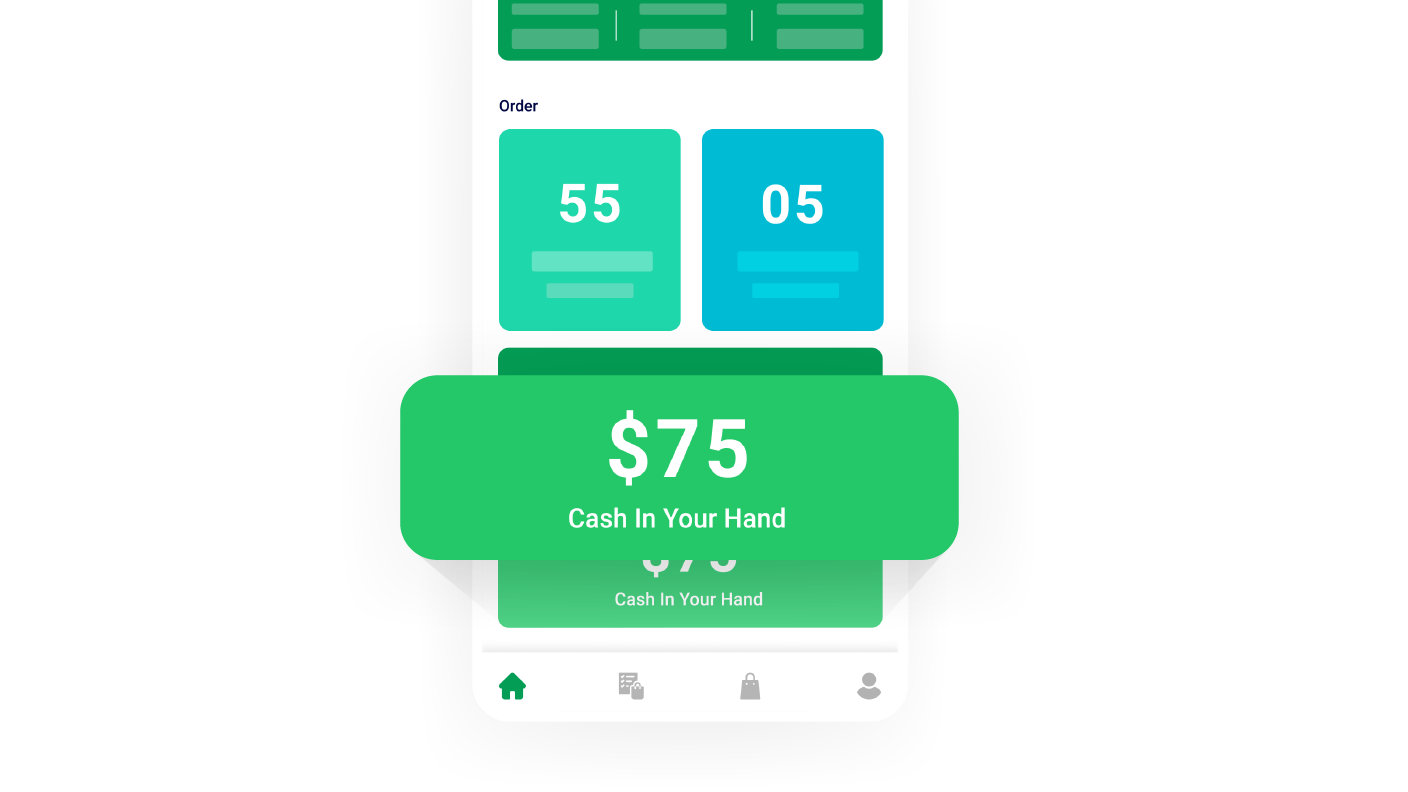
Cash in Hand

Deliverymen can easily check the total cash they have “on hand” in the app. This feature gives them a clear overview of their current cash balance and ensures efficient cash management.
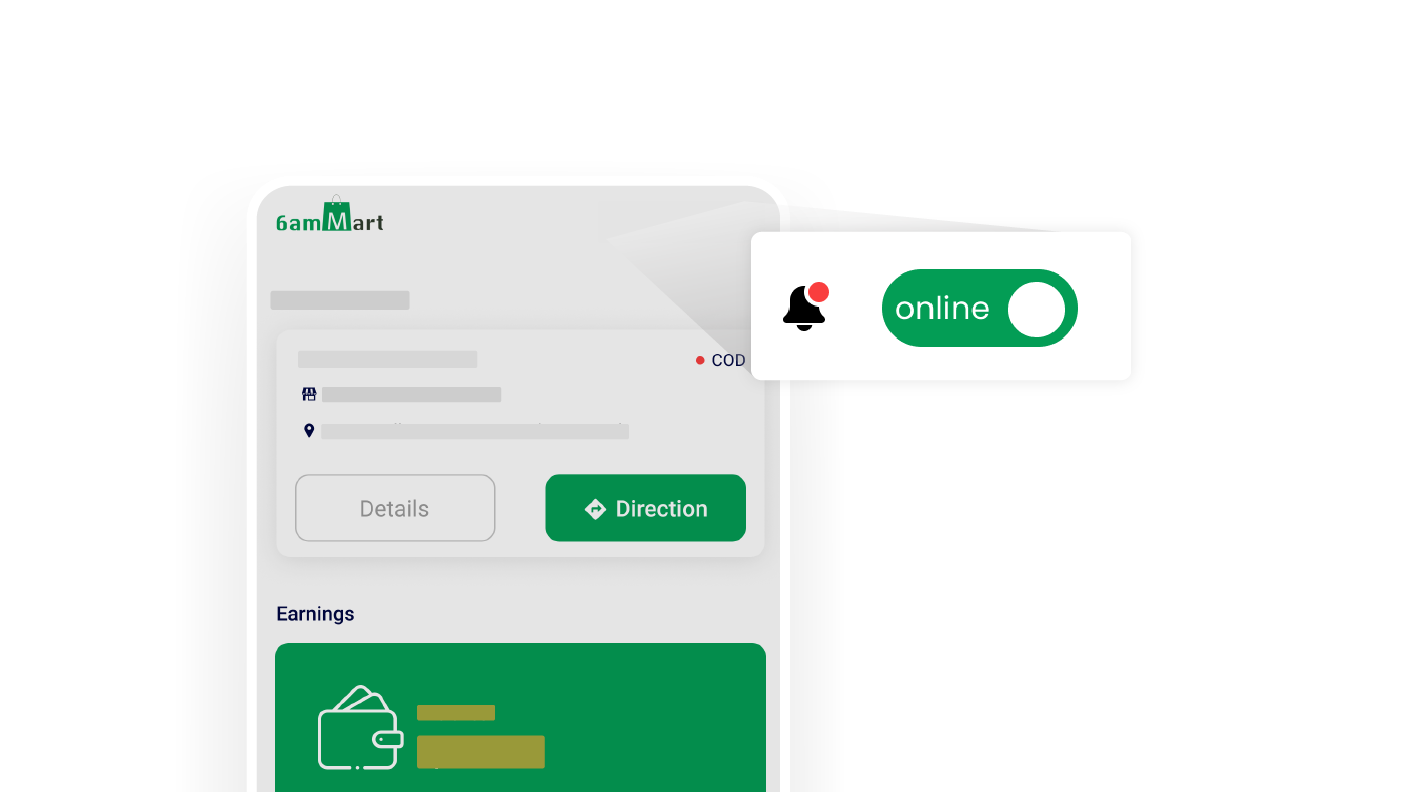
Online/Offline status

Deliverymen can update their availability status (online/offline) through the app. This feature allows them to control their availability for deliveries and efficiently manage their work schedule.

Multi-Vendor Order Delivery

Deliverymen can handle orders from multiple vendors simultaneously through the app. This feature enables them to efficiently manage their deliveries, optimize their routes, and increase their earning.

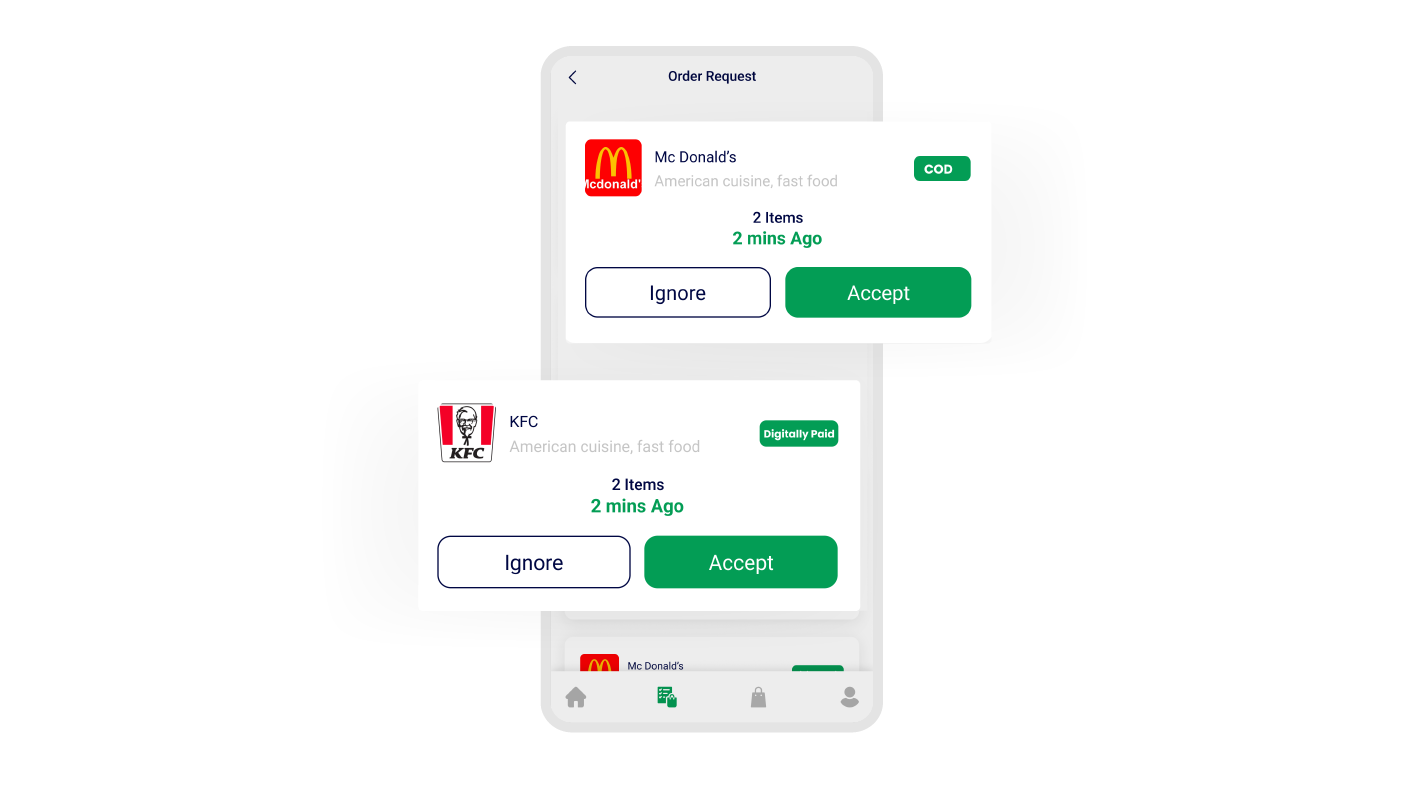
Order Request Notification

When a customer places an order, nearby deliverymen receive instant notifications. This feature enables quick coordination between customers and deliverymen for quick order fulfillment.

Order Confirmations Option

Deliverymen can accept or decline orders directly from the deliveryman app. This feature empowers them to make decisions based on availability and capacity, ensuring efficient order management.

Change Order Status

Deliverymen can update the order status easily from the deliveryman app, marking it as received, out for delivery, or delivered. This feature enables accurate tracking of the order progress.

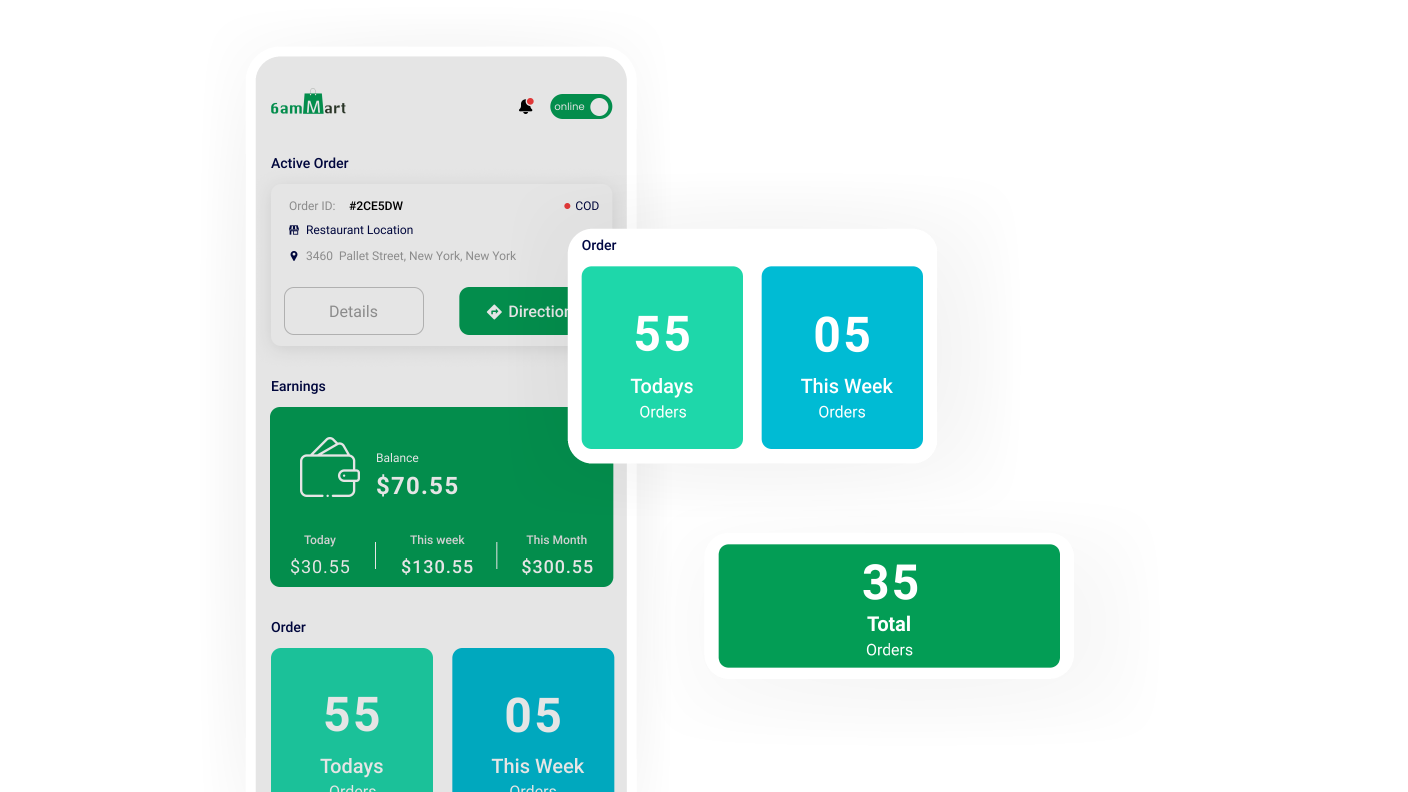
Order History

Deliverymen can easily access their order history from the app, allowing them to track and view the total successful order deliveries. It provides them the detailed stats of their delivered orders.

Push Notifications

The deliveryman app sends delivery-related push notifications to keep deliverymen updated about their order status, customer requests, and many more, ensuring a smooth delivery process.

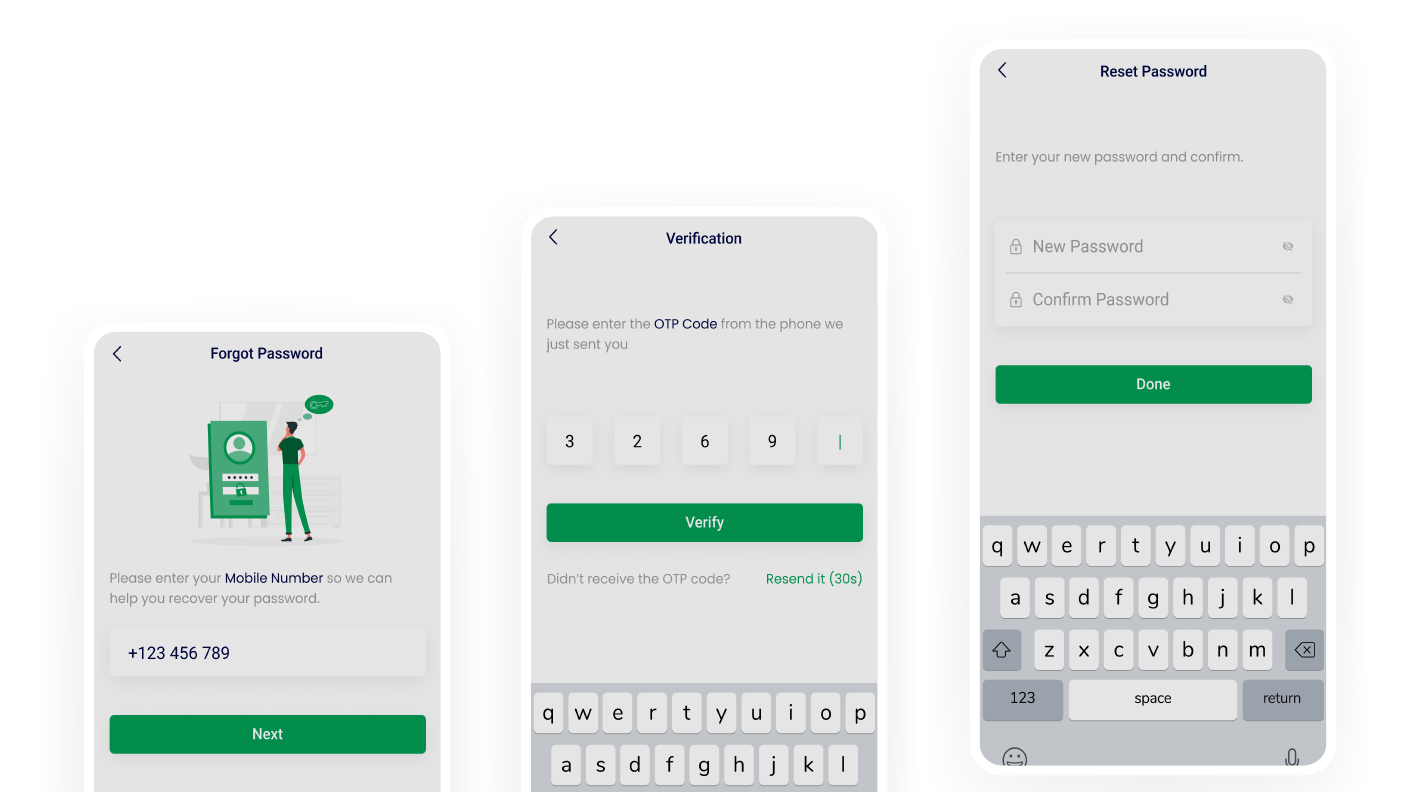
Change Password

Deliverymen can change their account password directly from the deliveryman app. It allows them to have the security measures of their account and personal information on their hand.

Password Recovery

In case the deliveryman forgets their password, he can easily request a password recovery directly from the sign-in page. It ensures quick access to their account without any hassle.

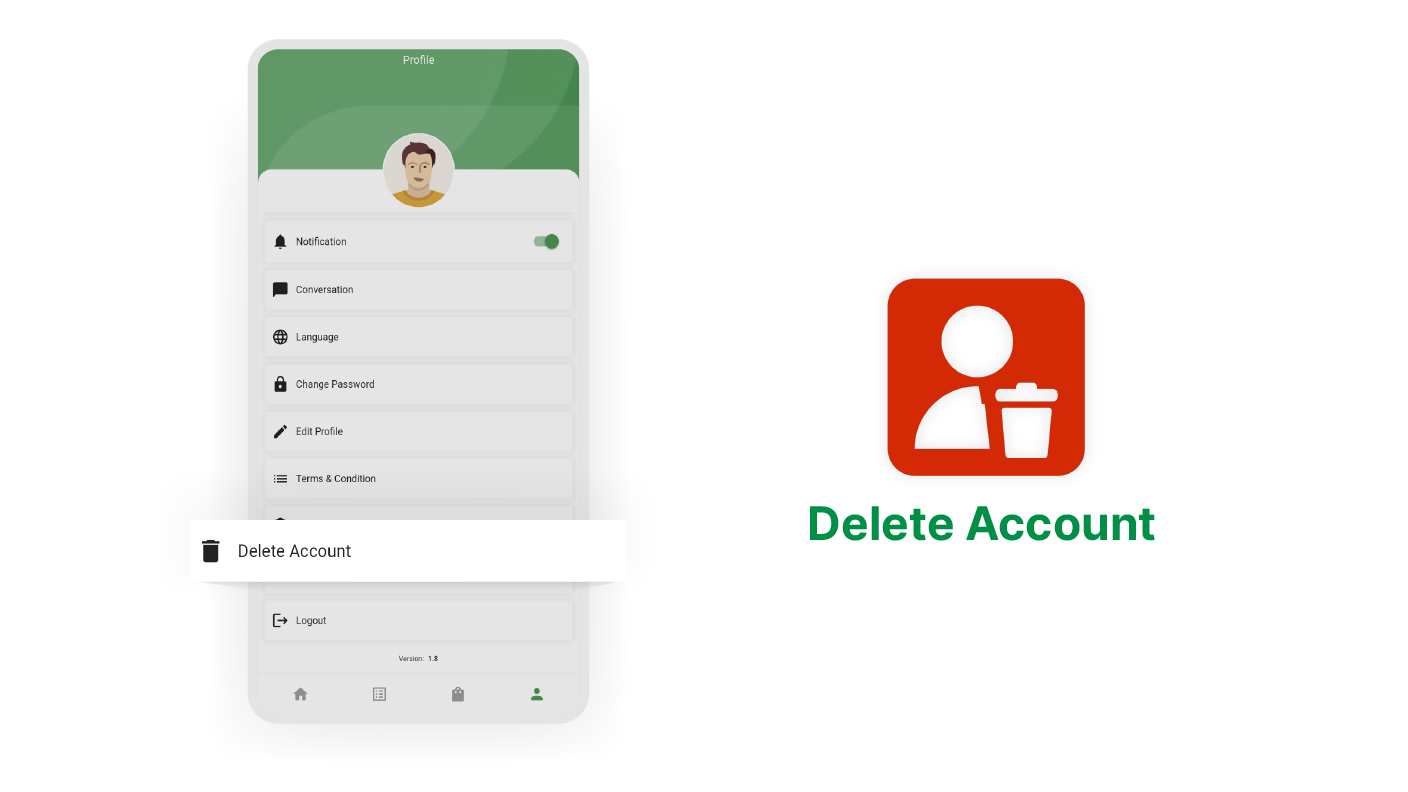
Account Delete Option

The Deliveryman app provides a convenient account deletion option for users who wish to delete their accounts. This feature simplifies the process and ensures easy account management.
Light/Dark Mode

Deliverymen can switch between light and dark modes in the app. This feature allows them to adjust the app's appearance according to their preference and ensure a comfortable visual.

Multi-Language

Deliverymen can select their preferred language from the available options in the app. It gives them a more user-friendly and native experience that suits their language preferences.

Attractive UI

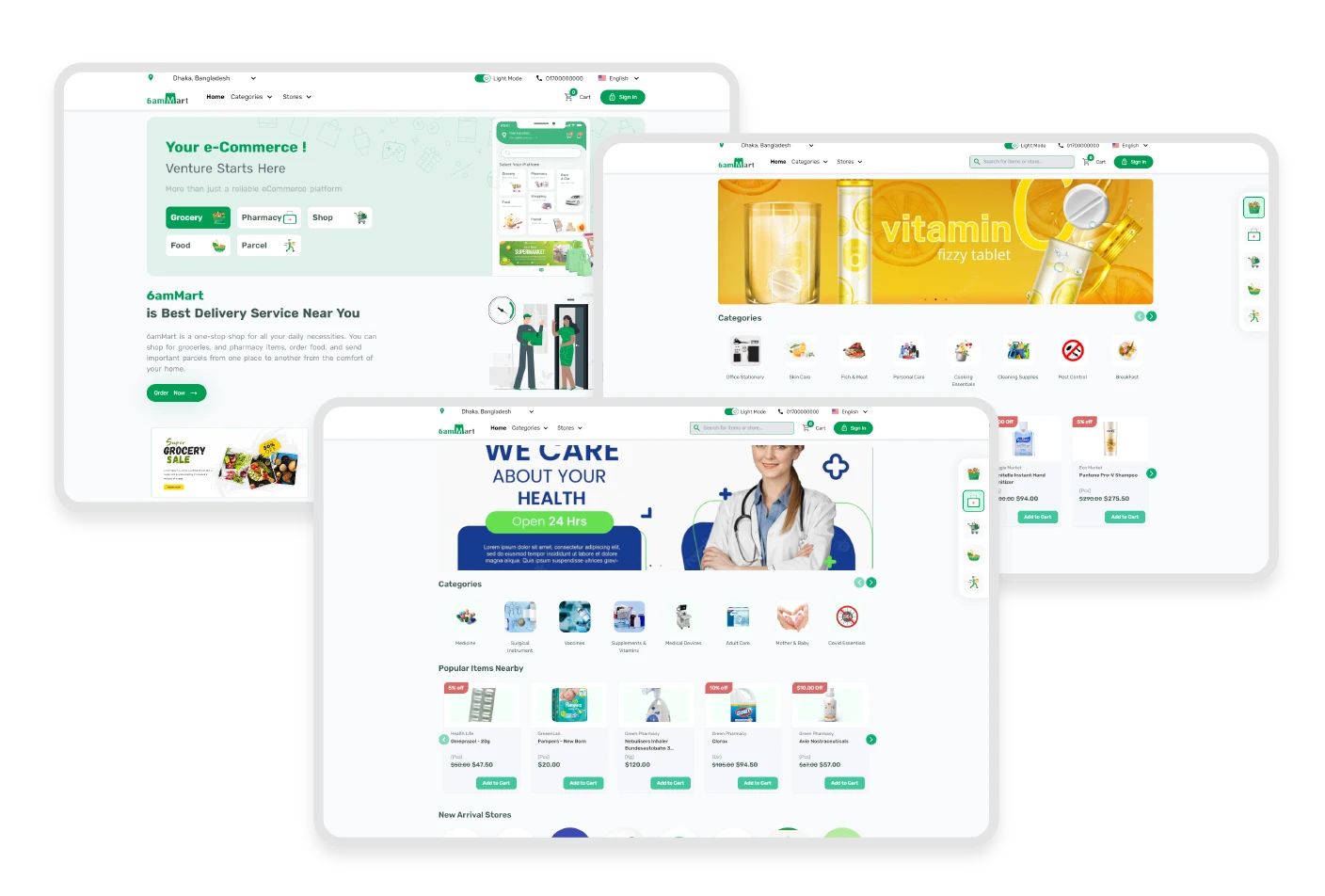
The 6amMart React user website has the most attractive user interface for conversion, where admin can showcase their business with convenient information, trustable features, and client testimonials.  
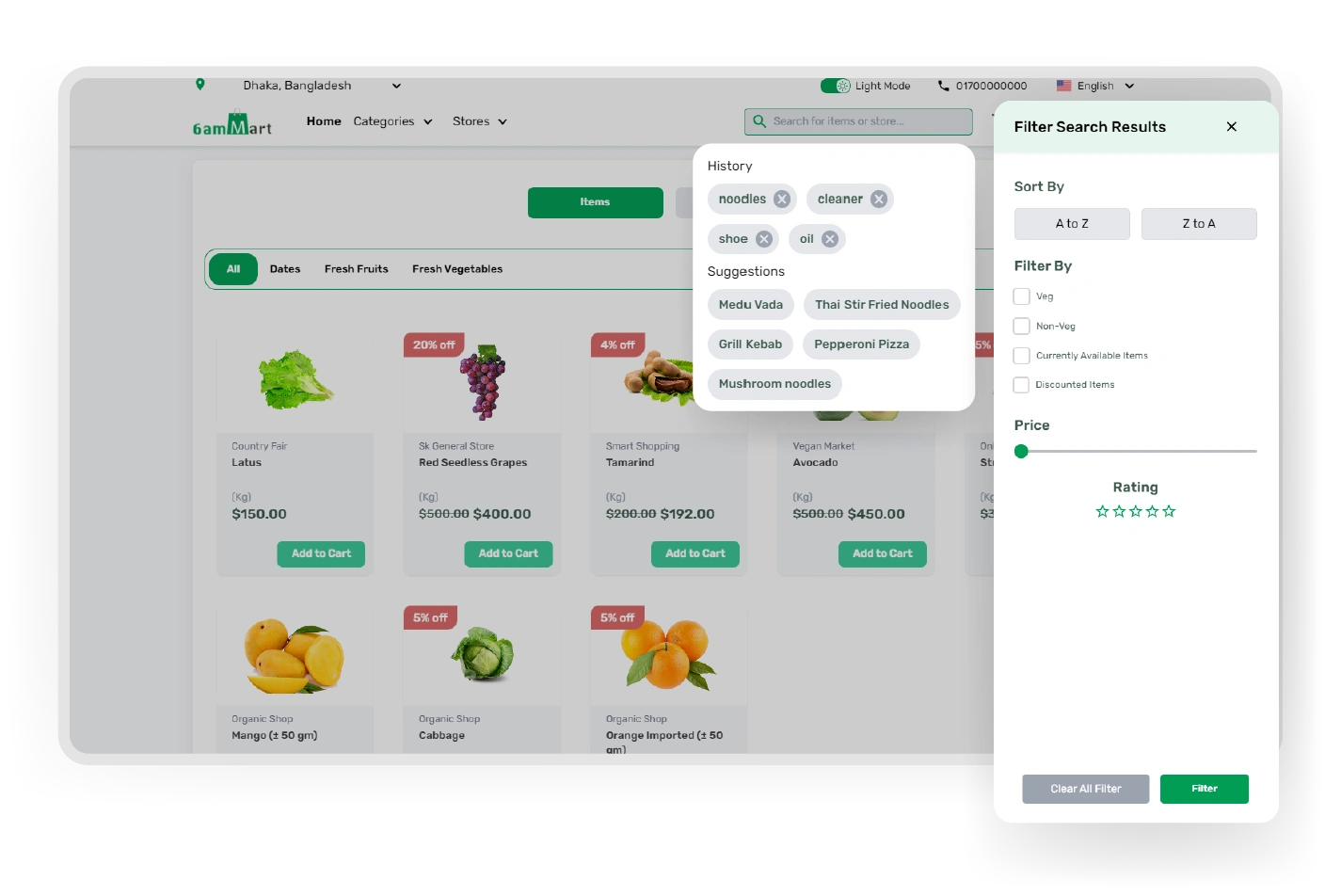
Dynamic Search

The 6amMart React website has a dynamic search bar to filter products. The search bar is so powerful that it shows previous search histories and related search suggestions for users to find their desired products easily. 
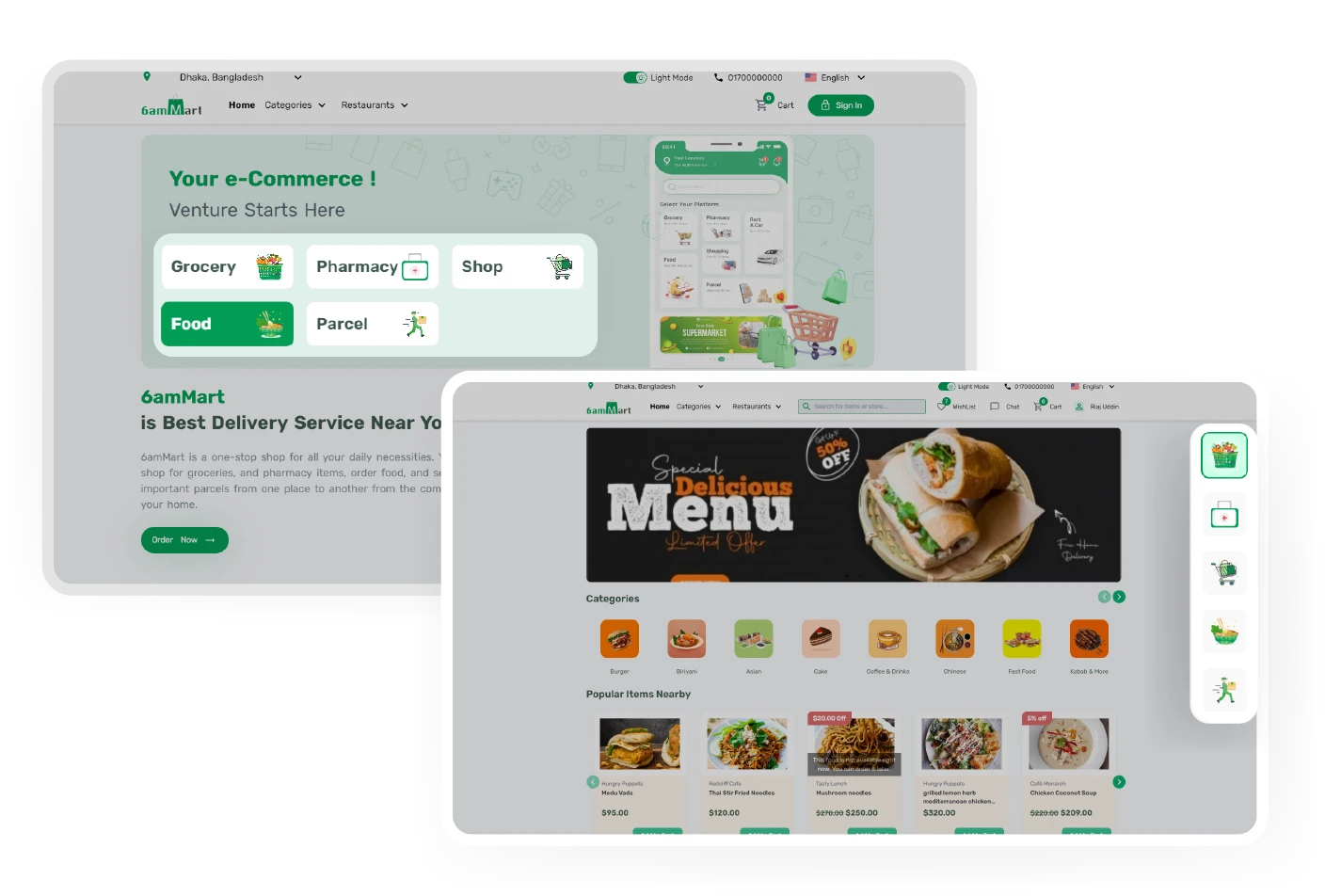
Easy Module Switching

With the module bar in the right corner of the 6amMart React website, customers can easily switch from one module to another and find their favorite items. The admin can add more modules from the admin panel if needed. 
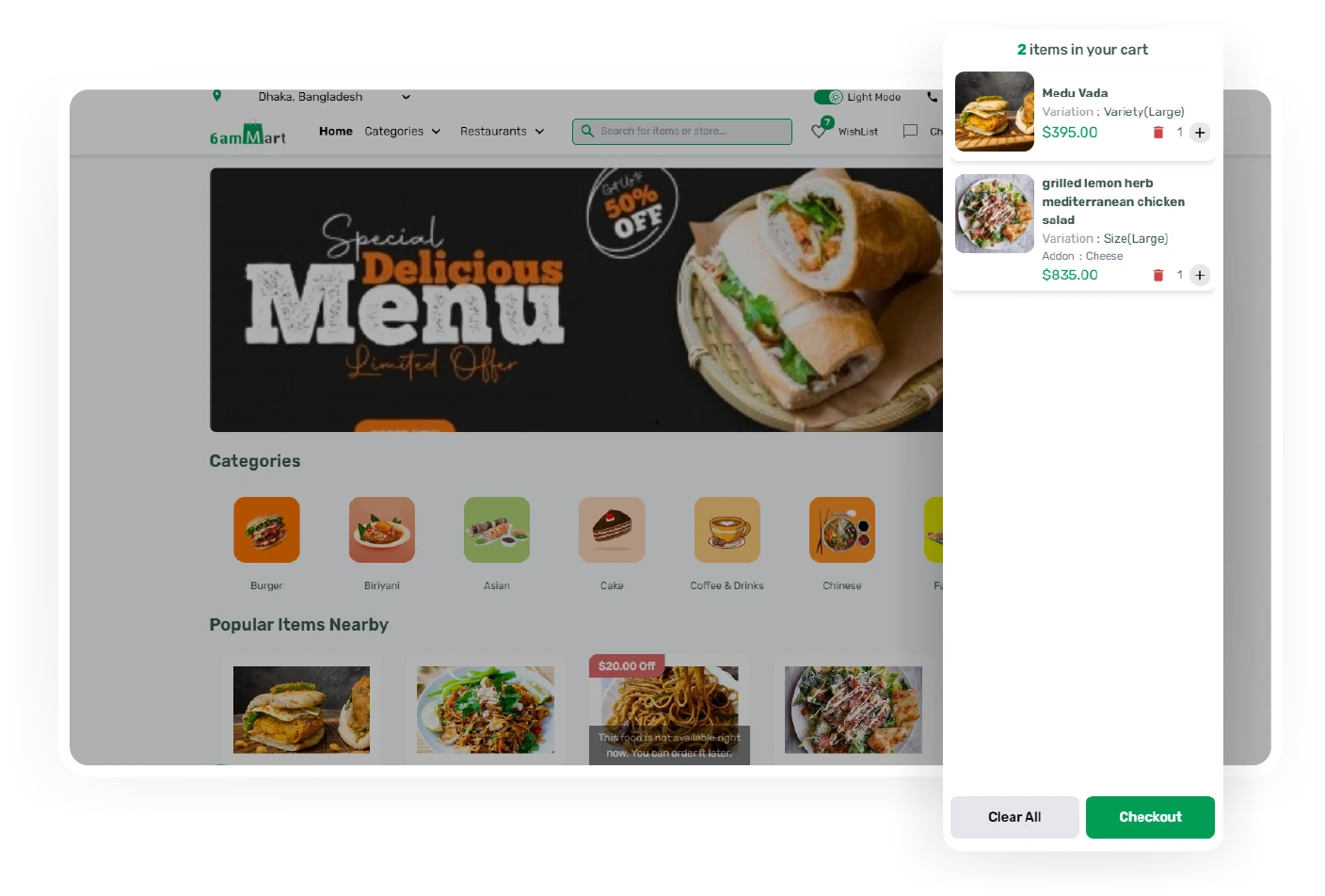
Fastest Experience

It offers a faster checkout process for a smoother user journey & easy payment process. Users can continue browsing for necessary items from the 6amMart React website within seconds and sign in before checkout. 
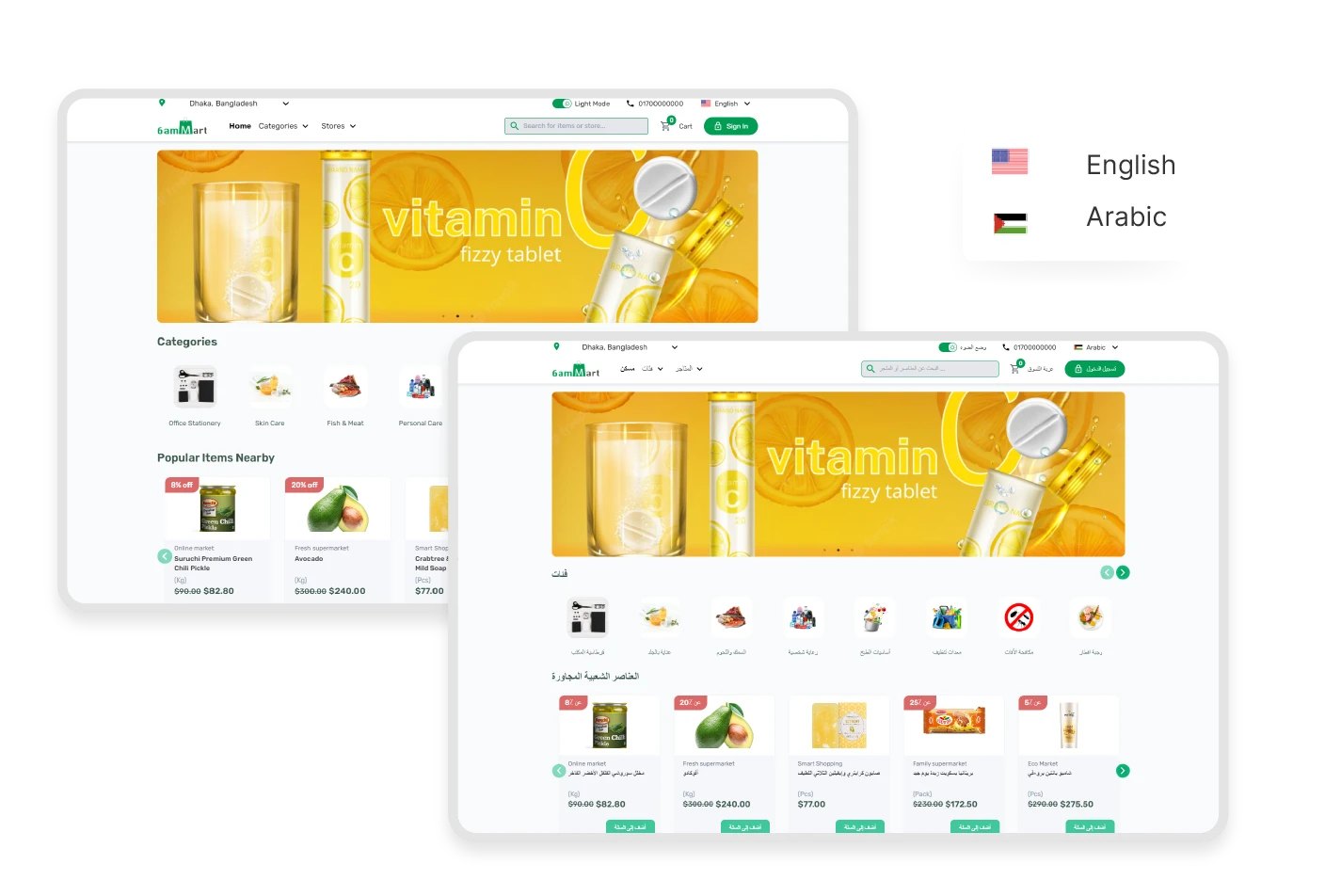
Fully Translatable

Users can translate the complete website with one click by choosing their native language from the 6amMart React website. It is multi-language supported with RTL.
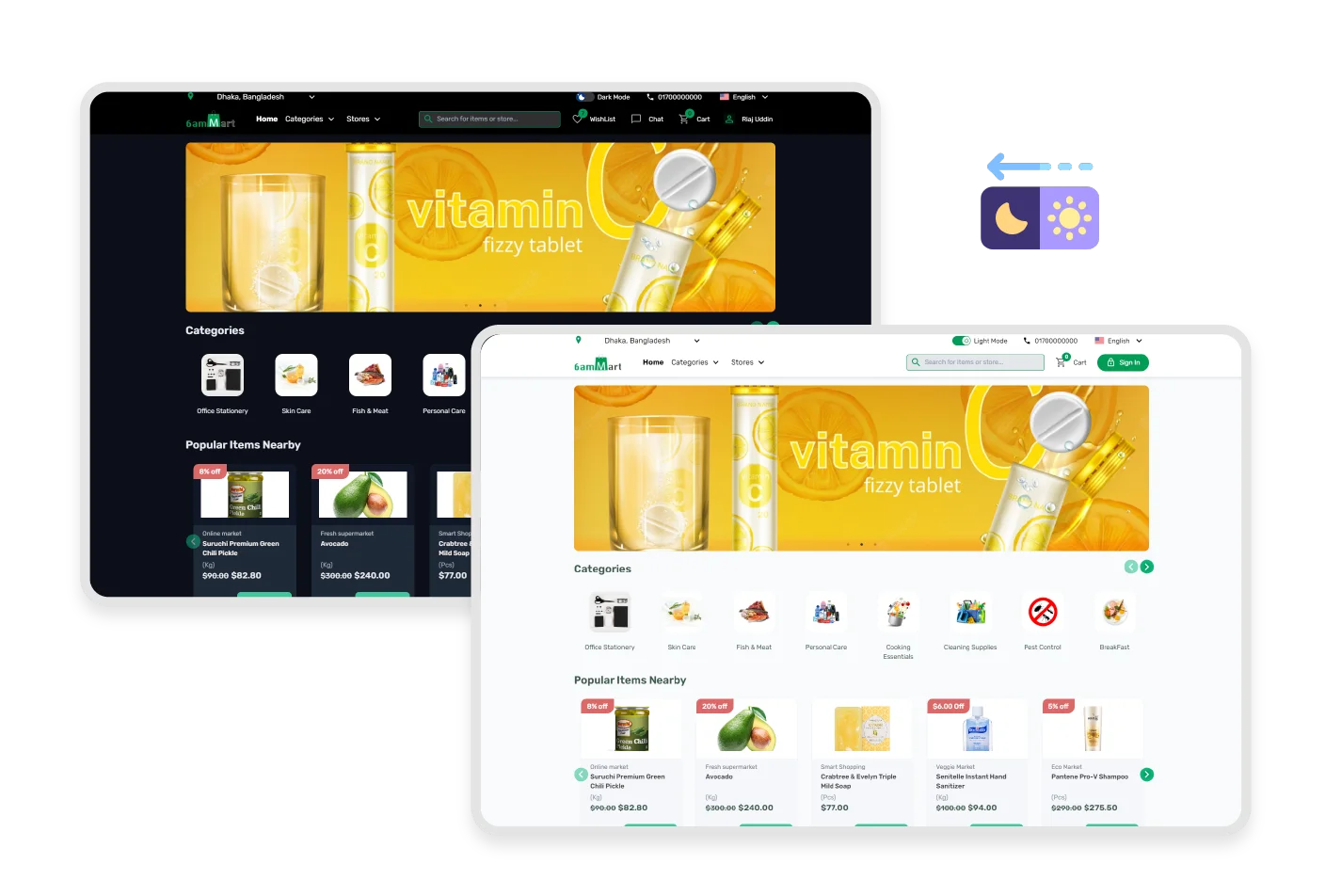
Light & Dark Mode

The website has light & dark modes available for better user experience & engagement. Any user visiting the website can instantly change the appearance of a site on any device, such as a desktop, laptop, tab or mobile. 
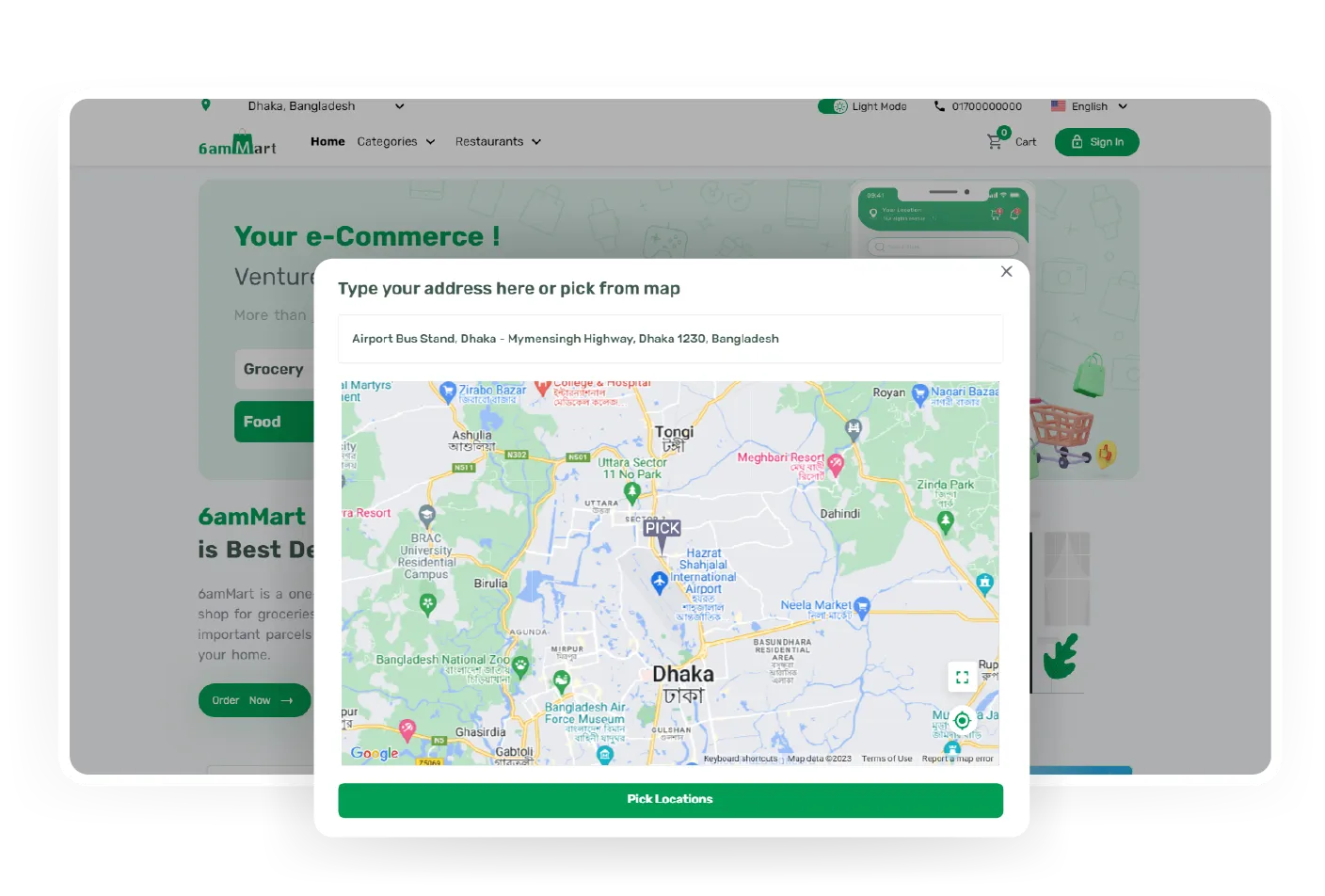
Live Location

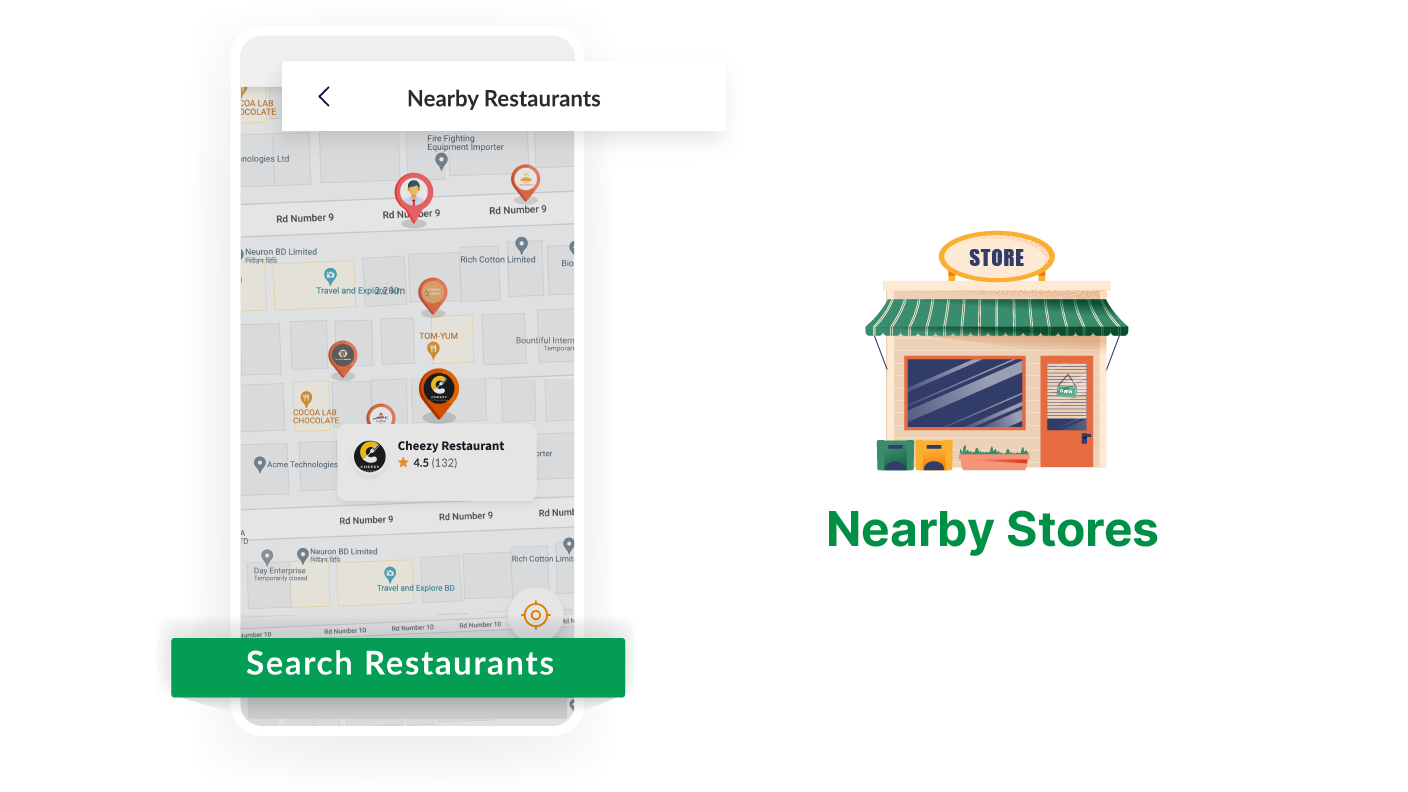
Users can choose live locations from the 6amMart react website to see stores nearby. The 6amMart React website can pick up the user’s live location from any device. Users can also point out their location from Google Maps.
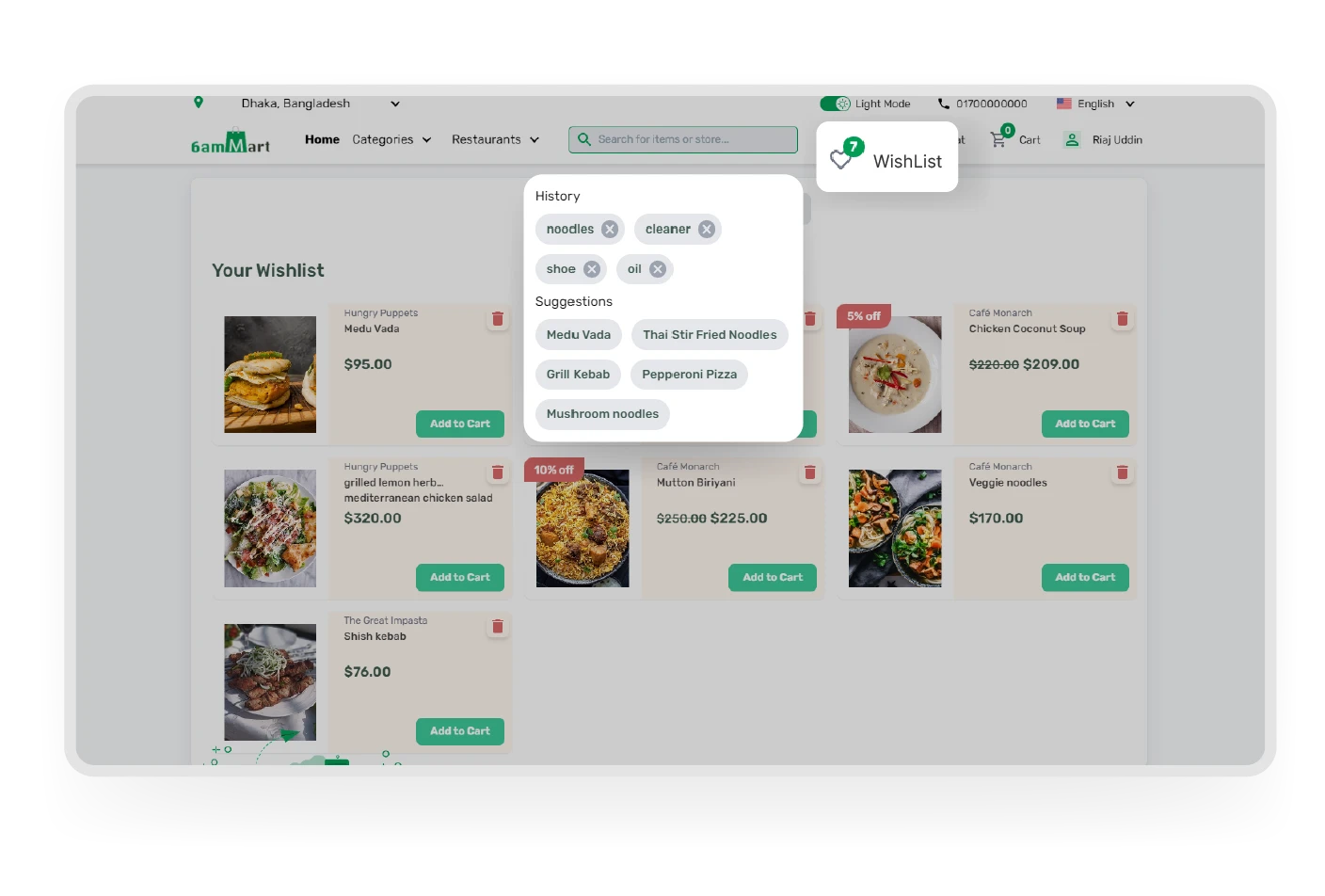
Personalized Experience

The 6amMart React website ensures a personalized shopping experience for customers. The customers can find their favorite products from the dynamic search bar and can keep their favorite products on the wishlist for future purchases. 
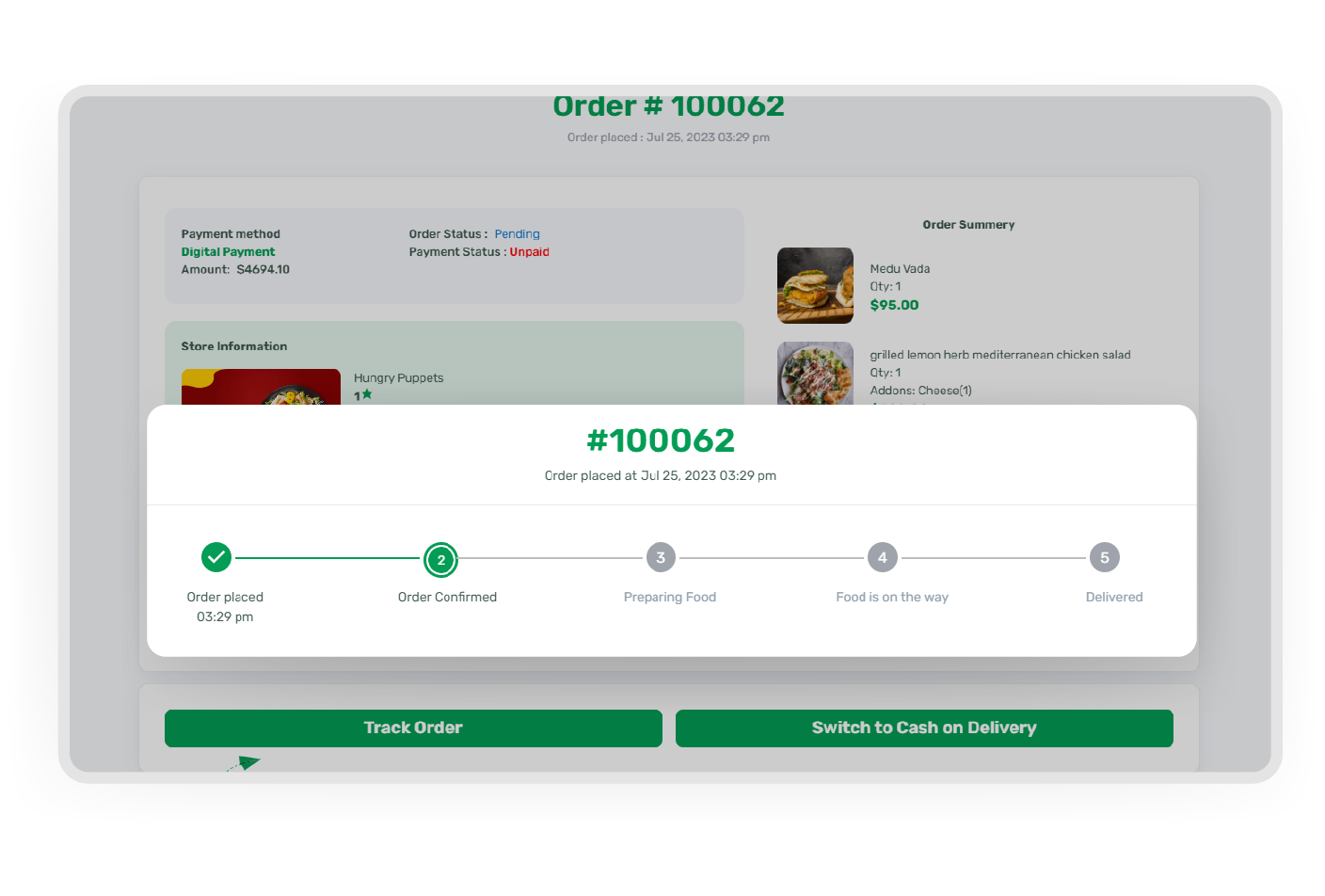
Real-time Order Tracking

Customers can track their orders in real-time and see the order progress via the 6amMart React website. So they can assume an estimated delivery time and be prepared to receive the order. 
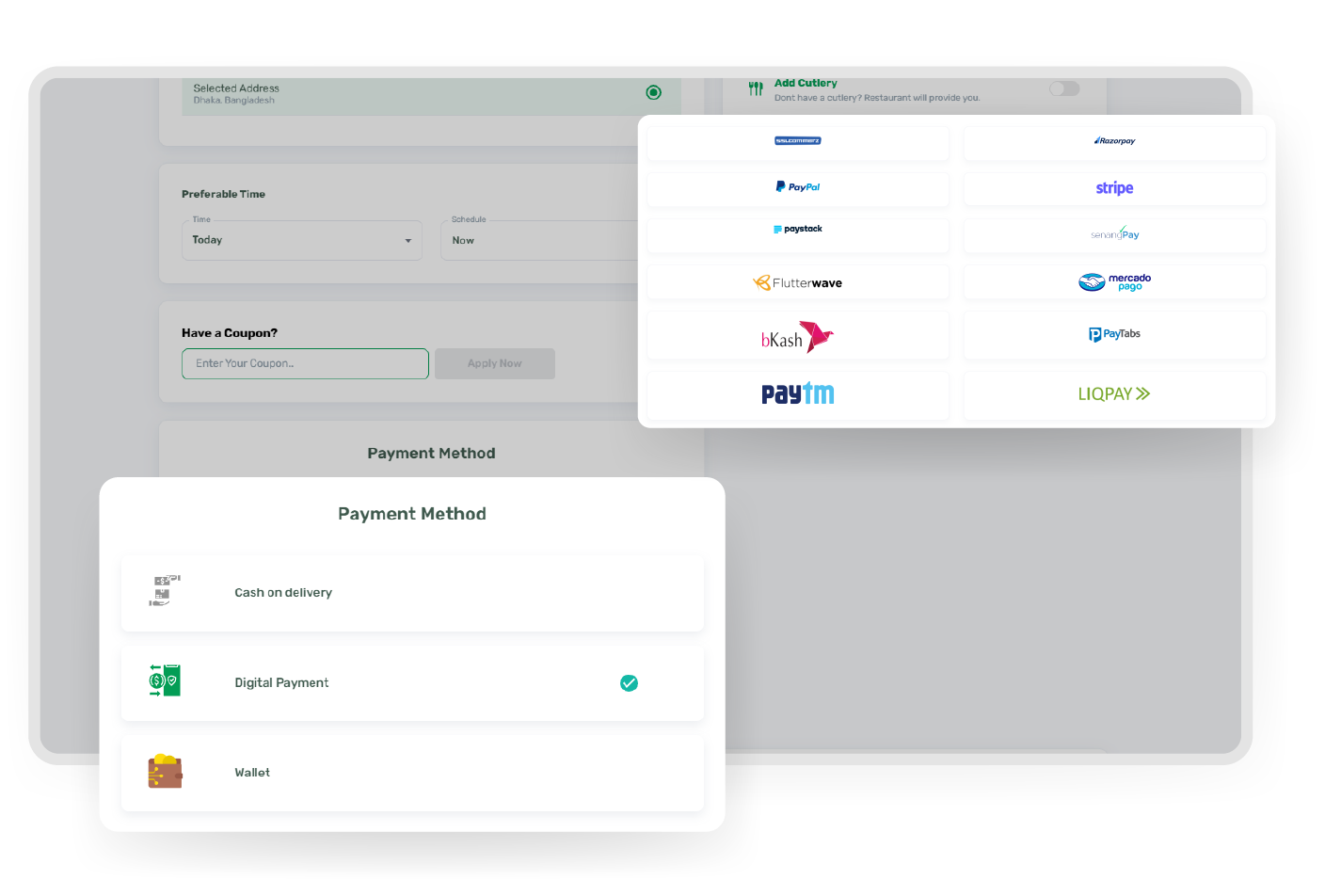
Secure Payment

Customers can proceed to checkout with a secured payment system that is end-to-end encrypted. This means customers' personal data and information is highly secured in the 6amMart React website. 
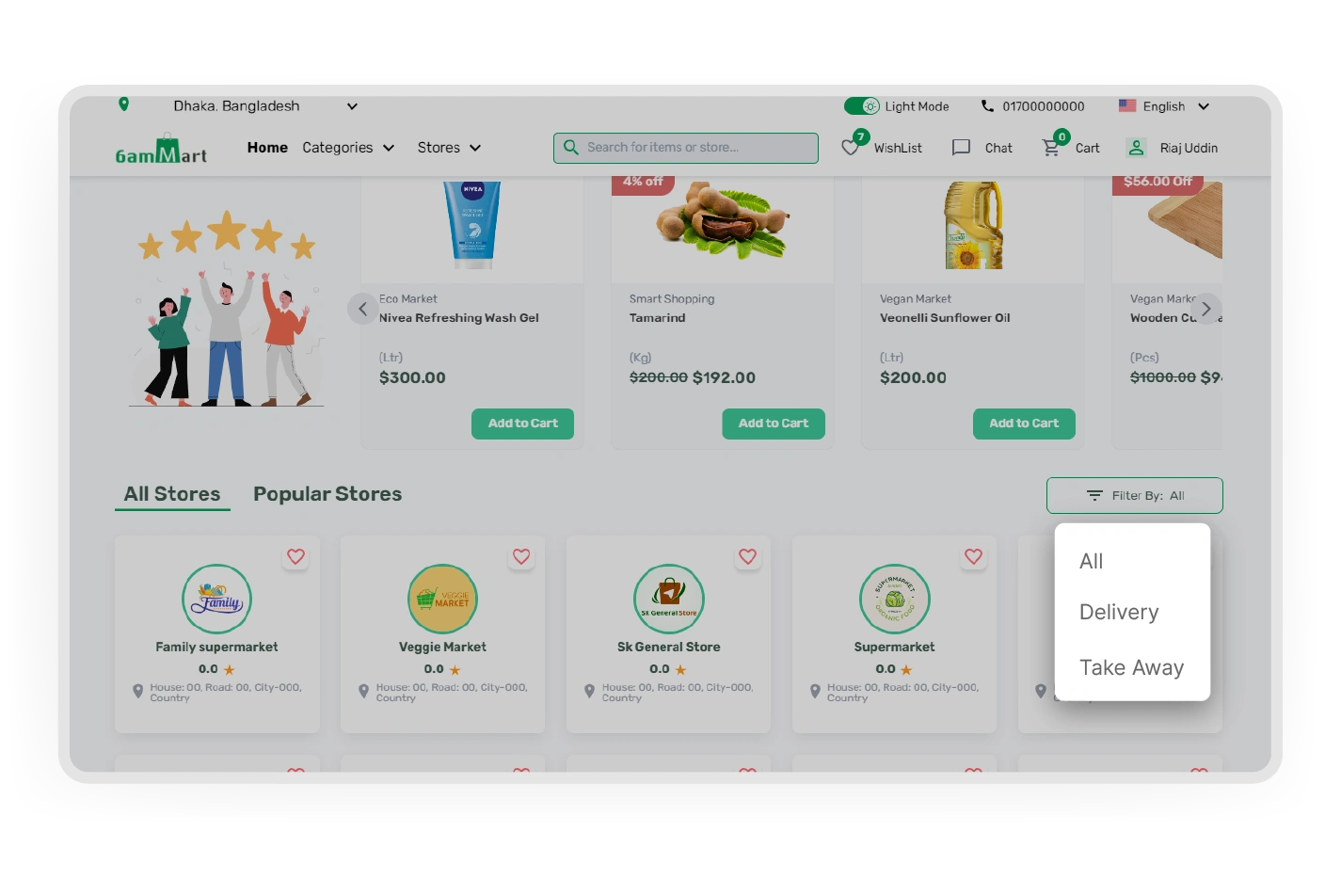
Smart Store Filtration

Customers can filter stores from any module according to their delivery preferences, such as home delivery or takeaway. This lets customers know which store offers their preferred delivery options & can order from that store easily. 

Dashboard

The admin dashboard offers rental insights, performance tracking, and trip analytics, while the provider panel displays bookings, earnings, and rental activity, helping businesses stay organized.

Trip Management

The admin can view and manage all rental trips across the platform, handling approvals and issue resolution. Providers monitor live requests, including customer info and trip updates for vehicle assignments.

Vehicle Management

Both the admin and providers can add, edit, and manage vehicles, including pricing, model, brand, fuel type, rental types, etc. Admin also has the power to enable or disable vehicle visibility.

Promotion Management

The admin can create zone-wise, provider-specific, first-trip, or platform-wide promotions, including coupons, banners & cashback offers, while providers set up discounts using custom coupons and banners.

Provider Management

This feature lets the admin approve new providers, monitor performance metrics, and manage provider accounts to ensure consistent service quality across the entire rental platform.

Report & Analytics

The Admin accesses performance data, trip reports, provider earnings, and transactions to monitor platform revenue. Providers manage expenses, trip income & disbursement reports to track profitability.

Notifications Setup

The admin can setup who can see what type of notification to keep all the stakeholders informed. From the provider panel, providers can choose what types of notifications they want from 6amMart.

Subscription Packages

With the admin creating and managing different subscription plans, providers can select from packages designed with different features and commission structures to meet their specific business needs.

Employee Management

Providers have the ability to add employees, assign roles, and manage staff access. This ensures that team members have the appropriate permissions to effectively handle rental operations.

Book Trip

Customers can book vehicles by entering destination details, selecting dates and times, and choosing between hourly or distance-based pricing through a simple booking flow designed for quick reservations.

Vehicle Details View

Customers can examine complete vehicle information including photos, specifications, pricing, available dates, and owner details to make confident and informed booking decisions.

Vehicle Reviews

Customers read previous renter feedback and leave their own ratings after trips, helping maintain quality standards and assisting other users in selecting reliable vehicles.

Edit Trip Details

Admins and providers can modify trip details like date and locations before confirmation. After confirmation, trips are locked to ensure proper scheduling and coordination.

Vendor Self Registration

New providers join the platform by creating accounts, submitting business details, and uploading required documentation through a streamlined onboarding process.

Service Area Customization

Providers can define pickup zones, set rental availability, and adjust pickup timing to make sure bookings align with their preferred business areas.

Global Settings

Website customization starts with global settings, where vendors manage typography, colors, navigation bar, and footer options to maintain a consistent design across the website.

Domain Settings

Vendors manage their online presence with domain settings that support free subdomains, custom domain connections, URL updates, store visibility control, pre-publishing previews, and advanced domain options.

Home Page

Vendors can customize their homepage by managing the Intro, Banner, Category, Special Offers, Explore Products, Testimonials, Offer Banner, Recently Viewed, and Why Choose Us sections.

About Us Page

The About Us page helps vendors showcase their brand story with customizable titles, subtitles, content sections, and informational cards. Multi-language support allows them to present information to a wider audience.

Privacy Policy Page

With the Privacy Policy page, vendors communicate their privacy practices through customizable templates, titles, subtitles, banners, and descriptions. This provides customers with clear information about data handling.

Refund Policy Page

The vendor can personalize the Refund Policy page by updating the title, subtitle, banner, and description to define refund terms. Customers can easily understand available refund options and related conditions.

Cancellation Policy Page

Cancellation policy management allows vendors to set clear order-cancellation guidelines and customize pages flexibly. Customers can access important details about cancellation terms before making purchases.

Terms & Conditions Page

The Terms & Conditions page provides the vendor with options to select a template and customize the title, subtitle, banner, and description. It establishes a clear communication channel for sharing website policies with customers.

Help & Support Page

The Help & Support page allows customization of the template, title, subtitle, banner, contact details, and inquiry form information. Customers can access a dedicated space to ask questions and get support.

Zone-wise Business Setup

With 6amMart, you can choose in which area your business will be effective by simply adding some points on the map. It is unbelievably simple yet a very powerful tool in your hand.

Easy Steps to Kickstart eCommerce with 6amMart
Admin Panel - Centralized Business Management

Centralized Business Management

You can have multiple business modules on your 6amMart system, but managing them is simpler than you imagine. One centralized control for managing everything in your entire system.

Still Have Questions?

Book a meeting with our eCommerce solution specialists and discuss your queries.

Book A Meeting With 6amMart